Hide areas
Faces, style and strength
Your file contents never leave your browser. The file you download contains only the blurred pixels in the marked areas.
How It Works
- 1
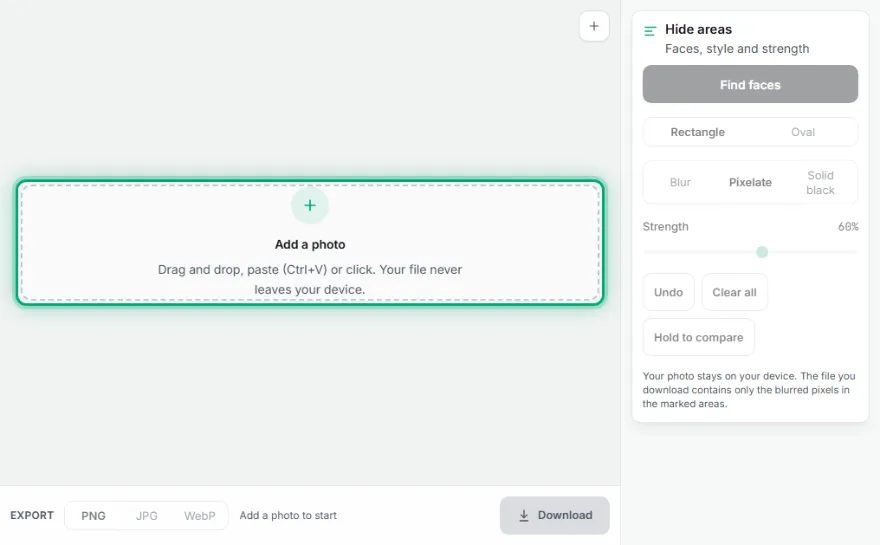
Add your photo
Drag a picture in, paste it or pick one from your device. Large photos are scaled down to about 16 megapixels.
- 2
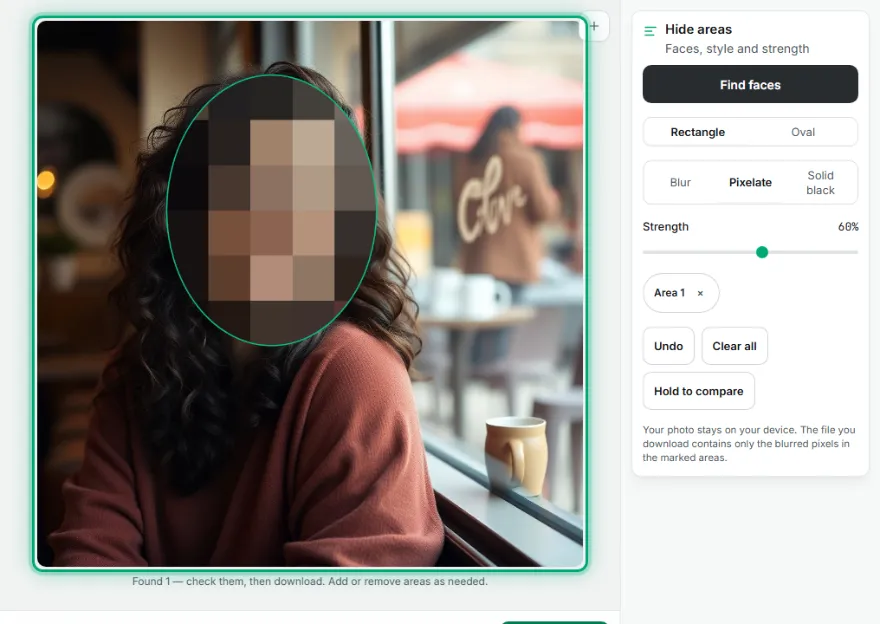
Mark what to hide
Press Find faces to mark every face it can see, or drag on the photo to draw a rectangle or an oval around a face, a name tag or a number plate.
- 3
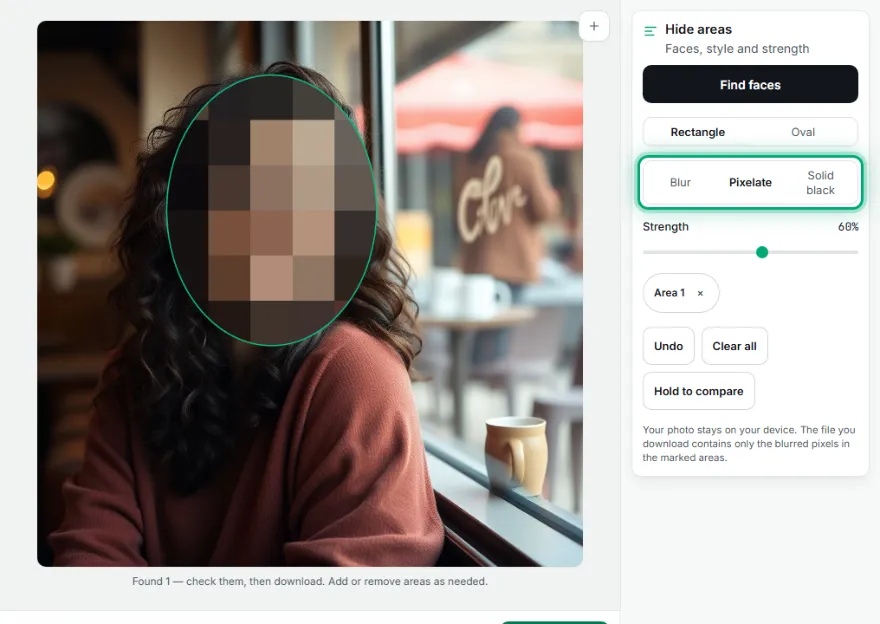
Choose how to hide it
Pick Blur, Pixelate or Solid black and set the strength. The preview updates straight away, and you can hold the compare button to see the original.
- 4
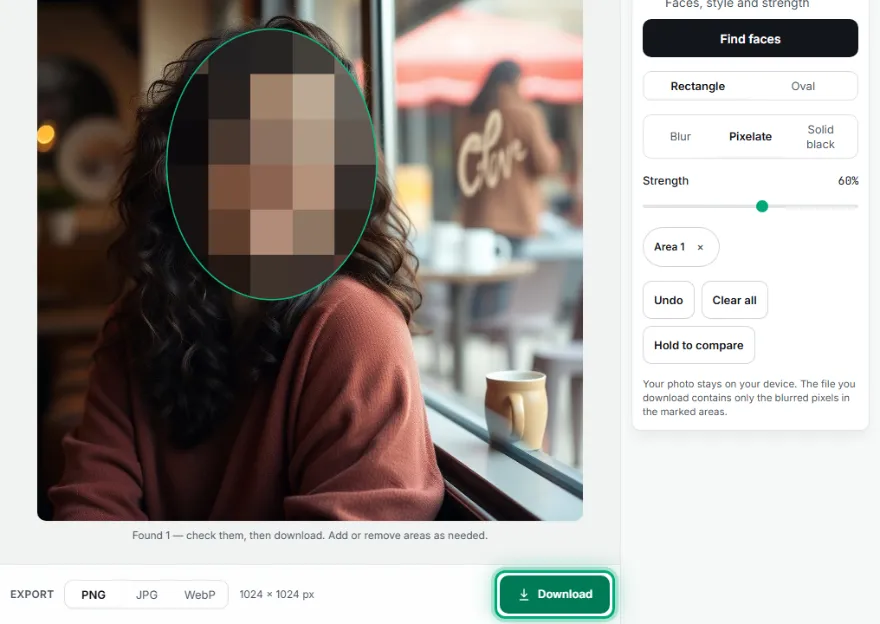
Download the result
Save it as PNG, JPG or WebP at your photo's own size. Only the marked areas are changed.
Features
- ✓Finds faces automatically, including groups
- ✓Draw rectangles or ovals for anything else
- ✓Blur, pixelate or solid black
- ✓Strength that scales with your photo size
- ✓Undo, clear all and hold-to-compare
- ✓PNG, JPG or WebP download without a watermark
Frequently Asked Questions
Is my photo uploaded anywhere?
The page loads ads and visit measurement; AI tools download their models once; your file contents are not uploaded. For sensitive files use the isolated mode (/isolated).
Can the blur be undone after I download?
No. The downloaded file contains only the blurred or blacked-out pixels in those areas, so the original detail is not hidden inside it. Keep your original photo if you may need it again.
Why were some faces not found?
Automatic detection works best on faces that are fairly large, well lit and turned towards the camera. Tiny, turned-away, masked or heavily shadowed faces can be missed. Draw a rectangle or an oval over them by hand; it takes a second.
Which format should I download?
PNG keeps every pixel exactly and is the safe choice. JPG gives a smaller file for photos to share by message or email. WebP is small and works in most modern browsers. All three keep your photo's own size.
Can I hide a license plate, a screen or text?
Yes. Automatic detection only looks for faces, but you can draw a rectangle over a number plate, a name, an address or anything else. For small text, use Solid black or a high strength so it cannot be read.
Which style hides the most?
Solid black hides everything. Pixelate and Blur are tuned so faces and text are not recognizable at the default strength; raise the strength for small, sharp details such as a sign or a badge.