Does my QR code work forever?
Yes. Your data is written directly into the QR code (static QR); it doesn't depend on a redirect link, has no expiry date and keeps working indefinitely.
How does a contact card (vCard) QR code work?
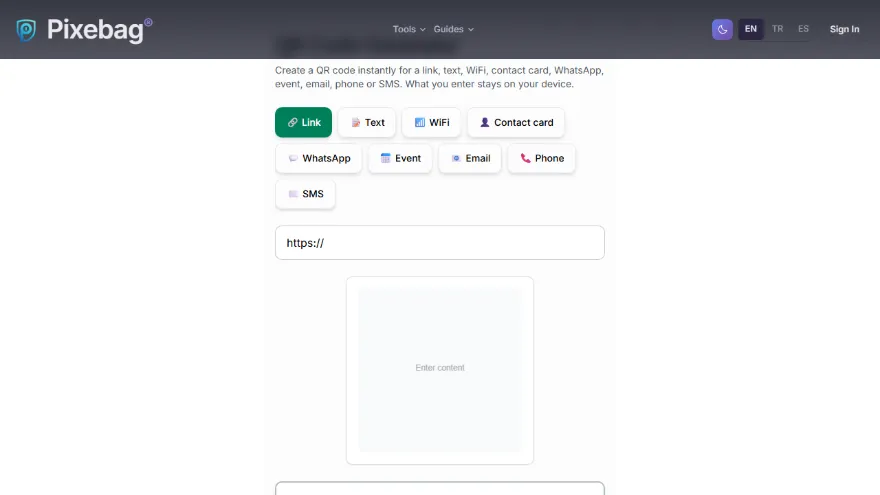
Your name, phone, email, company, job title, website and address are written into the QR code in the standard vCard format. Anyone who scans it with a phone camera gets an 'Add to contacts' option, with no typing needed.
How do I make a WhatsApp QR code?
Enter your number with its country code and, optionally, a pre-filled message. When someone scans the code, WhatsApp opens a chat with you with the message already typed; one tap sends it.
How does an event QR code add to the calendar?
The event name, start and end time, location and description are written into the QR code in the standard calendar format. The scanning phone offers 'Add to calendar'. The time is added in the scanner's time zone; all-day events are supported too.
How does a WiFi QR code work?
You enter the network name (SSID), password and security type (WPA, WEP or open); anyone who scans the code with a phone camera can join the network without typing the password.
Which size should I download for print?
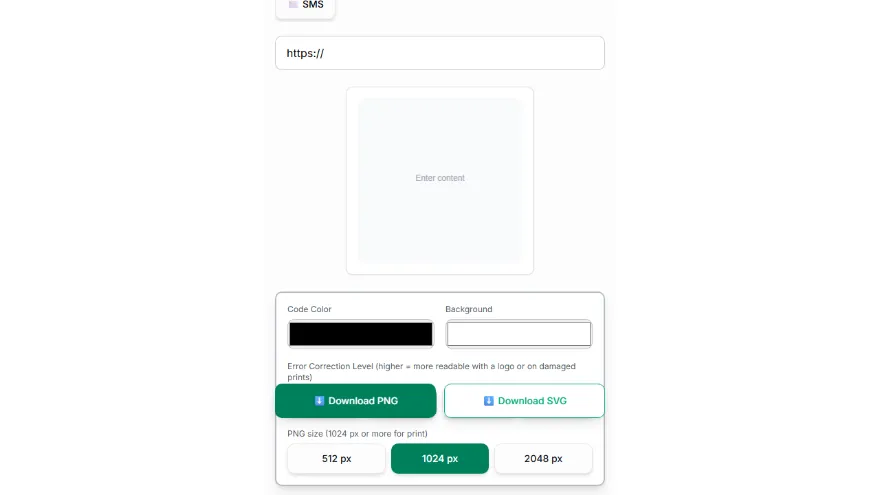
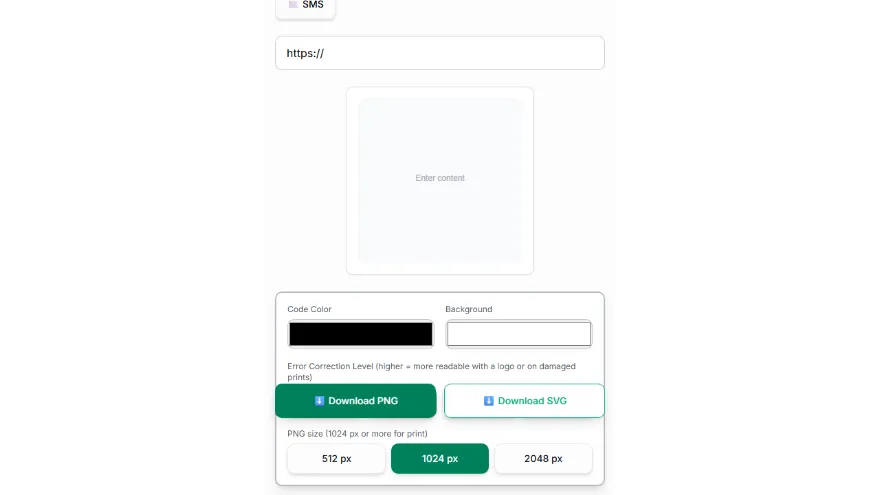
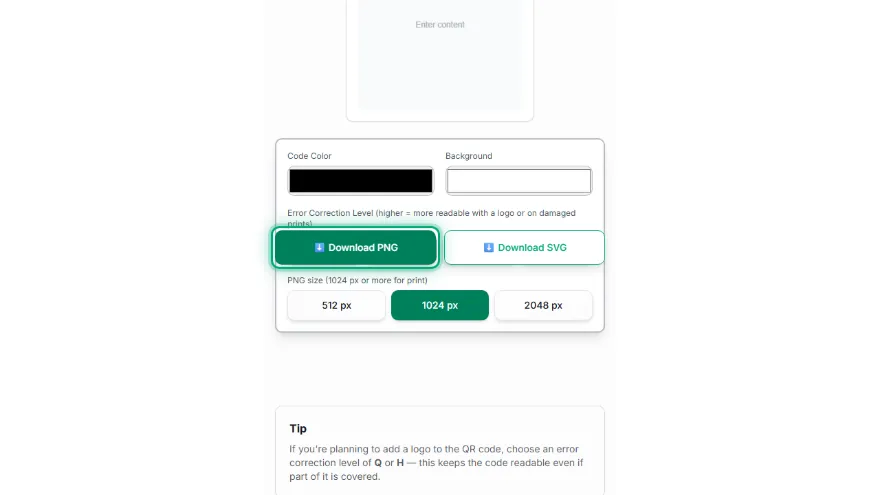
For business cards, posters or menus, SVG is best; it stays sharp at any size. If you need PNG, choose 1024 or 2048 px. QR codes with long content (e.g. a contact card with an address) have a denser pattern; print them at least 2–3 cm wide.
Can I add a logo to my QR code?
This tool doesn't add logos directly yet; for a decorative QR with a logo, try Pixebag's Cute QR tool. You can also add a small logo in an image editor on top of a PNG/SVG downloaded here with a high error correction level (Q or H).