PDF Booklet Maker
Print, fold in half — your booklet is ready.
How It Works
- 1
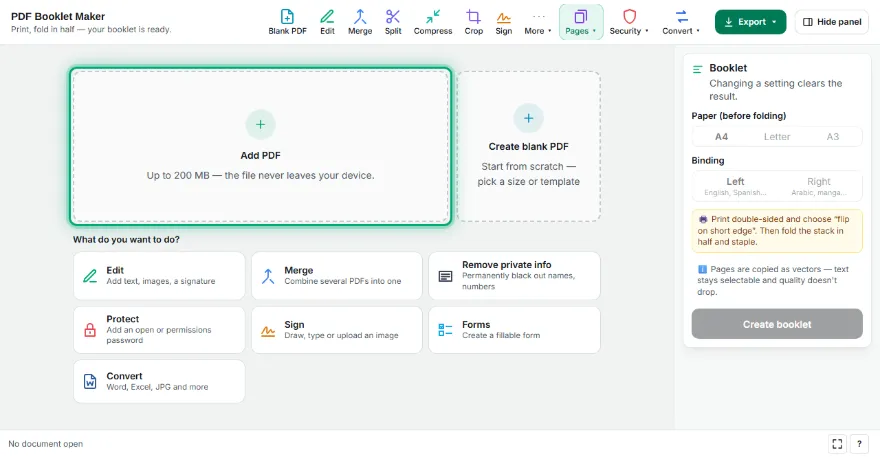
Add your PDF
Choose the PDF you want to turn into a booklet.
- 2
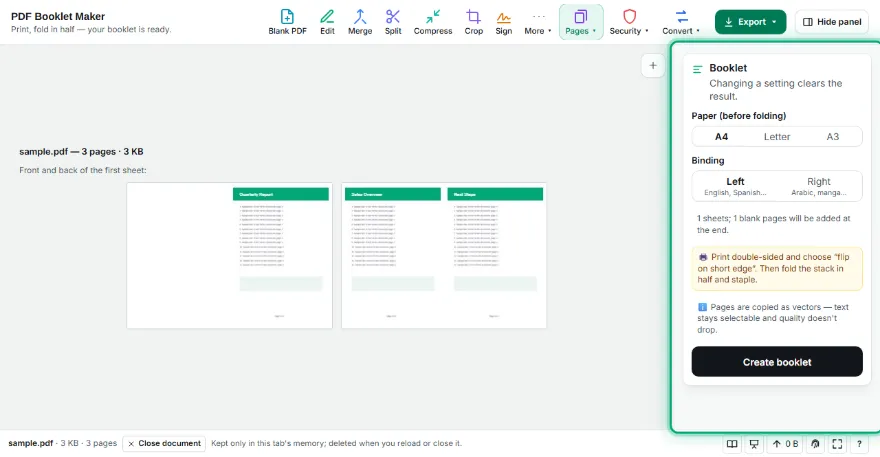
Choose paper and binding
Pick A4, Letter or A3 (on A4 each page prints at A5 size). Choose right binding for right-to-left documents such as Arabic, Hebrew or manga.
- 3

Print and fold
Download the PDF and print double-sided with “flip on short edge”. Fold the stack in half and staple.
Features
- ✓Correct saddle-stitch page order
- ✓Padded to a multiple of 4 with blank pages
- ✓Left or right binding
- ✓A4, Letter, A3 paper
- ✓Live preview of both sides of the first sheet
Frequently Asked Questions
Why were blank pages added?
Each folded sheet carries 4 pages. If the page count isn't a multiple of 4, blanks are added at the end; the result tells you how many.
Which printer setting should I use?
Double-sided with “flip on short edge”. Without duplex, print the odd sides, turn the stack over and print the even sides.
Will my pages get smaller?
Yes, each side holds two pages. On A4 paper each page prints at A5 size.
Does text stay selectable?
Yes. Pages are placed as vectors, with no quality loss.