Rotate PDF
Click pages or use the arrows — your file stays on your device.
How It Works
- 1
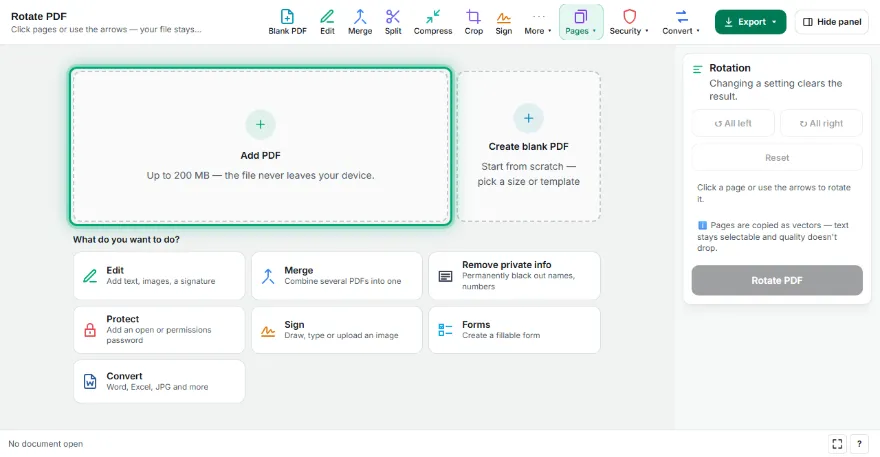
Add your PDF
Choose or drop the PDF you want to rotate. Pages appear as thumbnails.
- 2
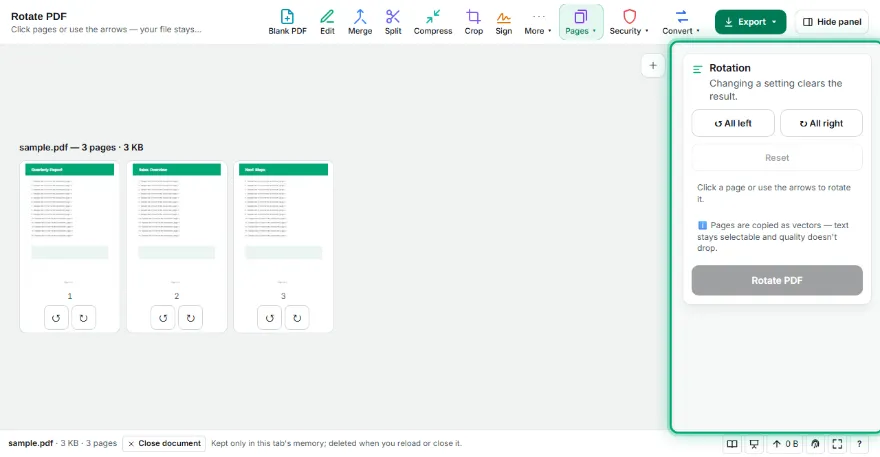
Rotate the pages
Click a page to turn it 90° clockwise, or use the arrows under each page. One button rotates every page.
- 3
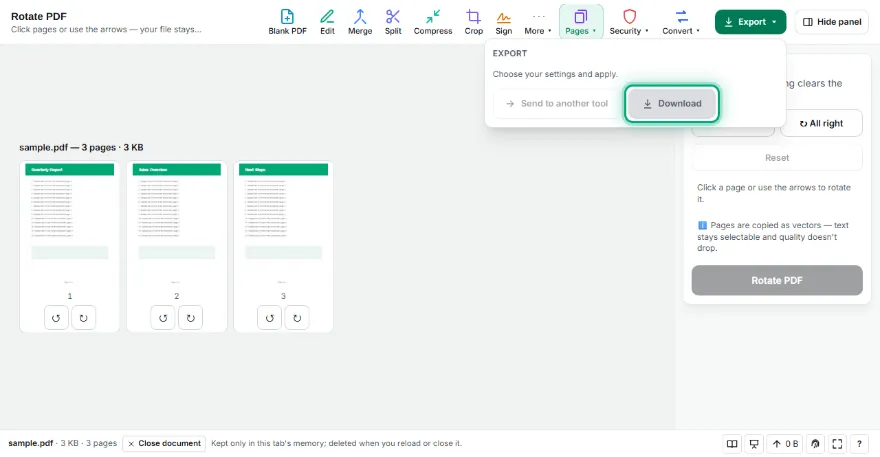
Save
Press “Rotate PDF” and download the new file, or send it to another PDF tool.
Features
- ✓Rotate one page or all pages by 90°, 180°, 270°
- ✓Click a page for a quick turn
- ✓The rotation is saved in the file
- ✓Text stays selectable, no quality loss
- ✓The file never leaves your device; no account
Frequently Asked Questions
Is the rotation permanent?
Yes. Each page's rotation is written into the PDF, so it shows turned in any viewer.
Can I rotate only some pages?
Yes. Use the arrows under a page or click it; the other pages stay as they are.
Does rotating reduce quality?
No. Pages aren't redrawn — only their orientation changes. Text, images and links stay the same.
Is my file uploaded to a server?
No. Everything happens in your browser; the PDF never leaves your device.