PIN generator guide: what it does and when to use it
What this tool does
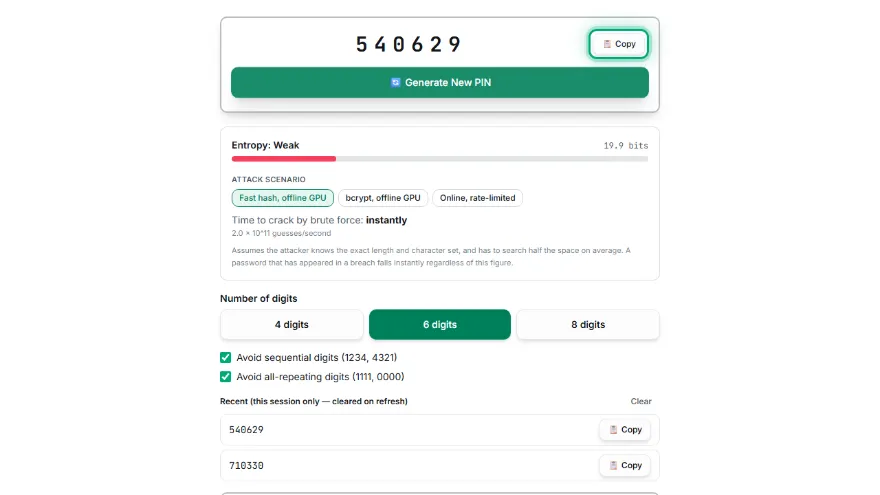
It creates a random 4, 6 or 8-digit PIN in which every digit is drawn from your browser's cryptographic random number generator. Two filters, both on by default, throw away results that contain a run of three rising, falling or repeated digits (such as 123, 987 or 555) or that use one digit throughout. You can also generate 10 to 100 PINs at once and download them as a list.
When to use it
A PIN only works where something limits how many guesses an attacker gets.
- ✓A new phone, SIM or tablet lock
- ✓Changing a card PIN that is a date or a pattern
- ✓Door locks, alarm panels and safes
- ✓Not for files, archives or online accounts — use a password there
How to create a secure PIN, step by step
- 1
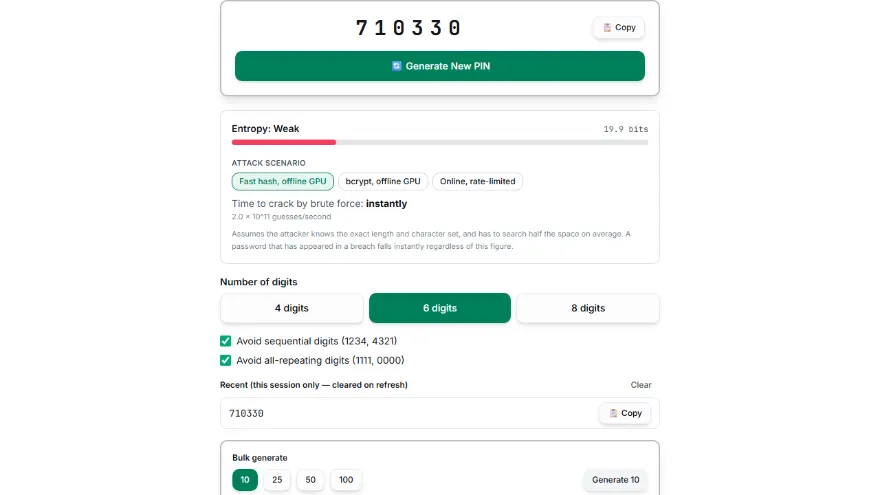
Choose the number of digits
Six is the default and the best choice wherever it is allowed. Use four only where the length is fixed, and eight for locks that accept it.
- 2
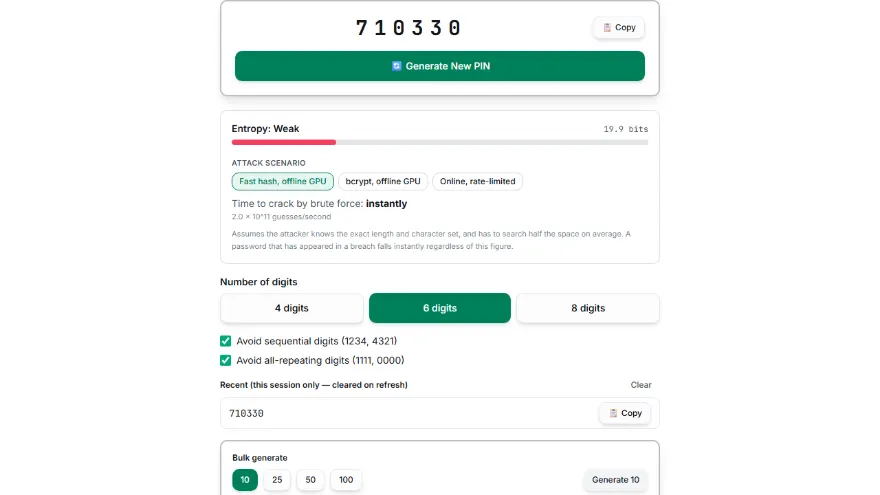
Keep the filters on
They skip PINs like 1234 or 0000 that people choose first, at almost no cost in strength.
- 3
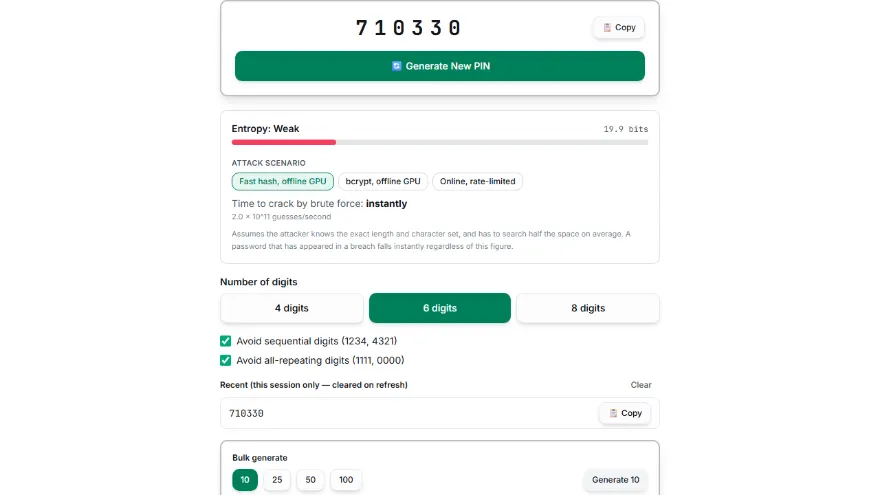
Generate
If a result happens to be a date or number you recognise, generate another.
- 4
Memorise it in chunks
Read 481293 as 48-12-93, then enter it a few times while the device is in front of you.
- 5
Set it and keep it to itself
Use it on one device or card only, and never write it on or near that card.
Tips, common mistakes and what the research says
Why a random PIN matters more than a longer one
A study of 1,220 PINs chosen on smartphones found that, against an attacker limited to 10, 30 or 100 guesses, moving people from 4 to 6 digits gave little to no extra security — people simply picked predictable six-digit PINs. The extra digits only count when the PIN is random:
- ✓Random 4-digit PIN, 10 guesses: a 0.1% chance
- ✓Random 6-digit PIN, 10 guesses: a 0.001% chance
- ✓Human-chosen PINs: in one analysis of 3.4 million four-digit codes, 1234 alone made up 10.7%, and the 20 most common covered 26.8%
What the guidance says
NIST SP 800-63B-4 requires PINs that unlock an authenticator to be at least four characters, recommends at least six, and requires a lock after no more than 10 consecutive failed attempts. Apple sets iPhone passcodes to six digits by default and can erase the device after ten failures.
Common mistakes
The first PINs an attacker tries are the ones people find easiest.
- ✓Sequences and repeats: 1234, 0000, 1111, 2580
- ✓Birth years, and dates in DDMM or MMDD form
- ✓One PIN for your phone, cards and door lock
- ✓Picking a “rare” PIN from a published list — attackers read those lists too
Sources
User-chosen PIN findings come from Markert et al. (IEEE S&P 2020) and DataGenetics (2012, four-digit passwords from leaked data). Minimum lengths and the 10-attempt limit come from NIST SP 800-63B-4 section 3.2.10; the iPhone defaults come from Apple Support. The share of PINs removed by the filters was counted directly from the tool's own rules.
Features
- ✓Generated with your browser's secure randomness source — not a predictable pseudo-random generator
- ✓4, 6, or 8-digit PINs
- ✓Optional filters (on by default) that skip PINs with three rising, falling or repeated digits in a row (123, 987, 555) or one digit throughout
- ✓Session-only history of your last 10 generated PINs — never stored, gone on refresh
- ✓Bulk generation (10/25/50/100) with copy-all, .txt and .csv download
- ✓Runs entirely in your browser — nothing is ever uploaded or logged
Frequently Asked Questions
Is a 6-digit PIN more secure than a 4-digit PIN?
Only if it is random. A random six-digit PIN has 1,000,000 possible values against 10,000 for four digits, so ten guesses succeed 0.001% of the time instead of 0.1%. But a 2020 IEEE study of 1,220 user-chosen PINs found that, against a throttled attacker, six digits gave little to no gain, because people chose predictable six-digit codes.
What are the most common 4-digit PINs?
In DataGenetics' 2012 analysis of about 3.4 million four-digit passwords from leaked data, 1234 alone accounted for 10.7%, and the 20 most popular codes covered 26.8%. Repeats such as 0000 and 1111, sequences, and years beginning with 19 dominated the top of the list. An attacker with only a few attempts tries exactly these first.
What are the chances of someone guessing my PIN?
For a random PIN it is the number of allowed attempts divided by the number of possible PINs: 10 tries against a random 4-digit PIN succeed 0.1% of the time, against a random 6-digit PIN 0.001%. For a human-chosen four-digit PIN the odds are far worse, since the 20 most common codes cover over a quarter of real-world choices. That is why devices lock after a handful of failures.
How many digits should a PIN have?
Six wherever the system allows it. NIST SP 800-63B-4 recommends at least six for PINs that unlock a device or authenticator, and iPhone passcodes default to six digits. Use four only where the length is fixed, and eight for door locks, alarms or safes that accept longer codes.
Which PINs should I never use?
Anything with a pattern: 1234 and other sequences, repeats like 0000 or 1111, straight lines on the keypad such as 2580, birth years, and dates written as DDMM or MMDD. Also avoid “unusual” PINs recommended in articles, because attackers move those up their lists as soon as they are published.
Why does the generator skip PINs like 1234 or 1111?
The filters discard any PIN containing three rising, falling or identical digits in a row, plus PINs made of one digit. That removes about 5% of four-digit PINs (13.21 bits instead of 13.29) and about 9.5% of six-digit PINs, a trade-off close to the roughly 10% blocklist a 2020 study found gave the best balance. You can switch the filters off if you want the full range.
Can I use the same PIN for my phone and bank card?
You should not. A card PIN can be watched at a terminal and a phone PIN guessed from over your shoulder or from smudges on the screen, and a shared PIN turns one observation into access to both. Generating a separate PIN for each takes seconds.
Is the PIN generated on my device?
Yes. It comes from your browser's cryptographic random number generator and is never transmitted or stored. Closing the tab removes it, including the short history of recent PINs.