Compare PDF
See what changed between two versions — nothing is uploaded
Older version
The original or earlier PDF
Newer version
The changed or later PDF
How It Works
- 1
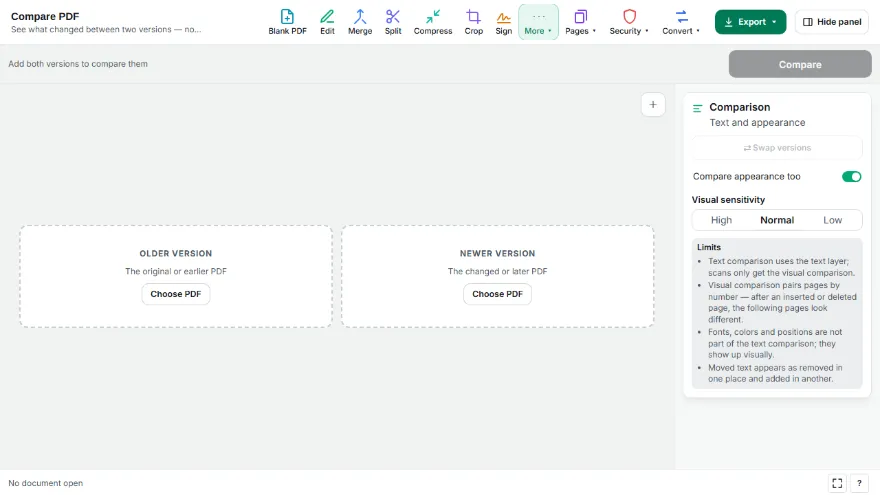
Add both versions
Put the older version on the left and the newer one on the right. Use swap if you mixed them up.
- 2
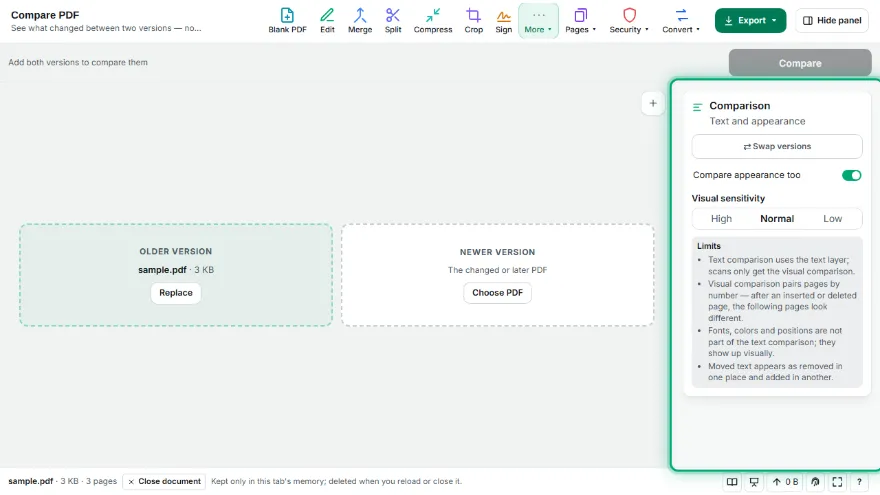
Compare
The text is compared word by word across the whole document, and each page pair is compared visually.
- 3
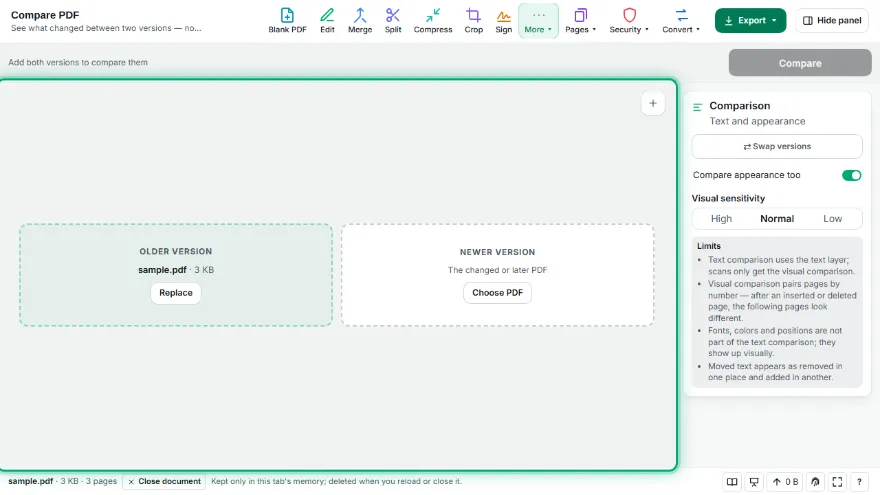
Review the changes
Each change shows what was removed and added, with a few words of context and the page numbers. Click one to see the pages side by side.
- 4
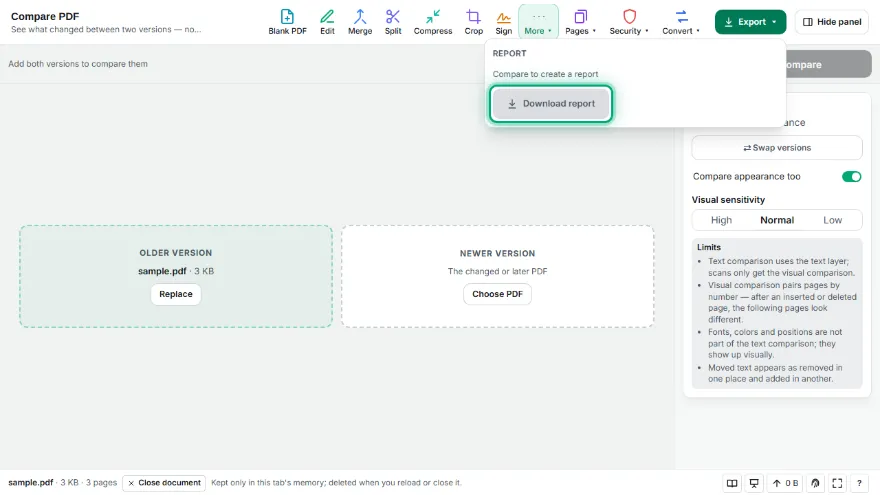
Download the report
Save a self-contained report with every change and the pages that look different.
Features
- ✓Word-level text comparison across the whole document — an inserted page does not mark every later page as changed
- ✓Changes are grouped as added, removed or changed, with context and page numbers in both versions
- ✓Page-by-page visual comparison finds changes in images, stamps, signatures and layout
- ✓Side-by-side view with the differences highlighted in red
- ✓Works on scanned PDFs through the visual comparison
- ✓Downloadable report that opens in any browser
- ✓Runs entirely in your browser — neither file is uploaded
Frequently Asked Questions
How do I compare two PDF files?
Add the older version on the left and the newer one on the right, then press Compare. You get a list of text changes with page numbers and the pages that look different, plus a side-by-side view.
Are my files uploaded?
No. Both files are read and compared in your browser and never leave your device, which matters for contracts and other confidential documents.
What if a page was added in the new version?
The text is compared as one continuous document, so an added page shows up as one addition instead of every later page being marked as changed. The visual comparison pairs pages by number, so pages after an insertion will look different there.
Can it compare scanned PDFs?
Scans have no text layer, so only the visual comparison applies. It shows which areas of each page changed, but it cannot list the words.
Does it show formatting changes?
Text comparison looks at words, not fonts or colors. Changes in formatting, images or position show up in the visual comparison.