Annotate PDF
Highlight, comment and draw — nothing is uploaded
How It Works
- 1
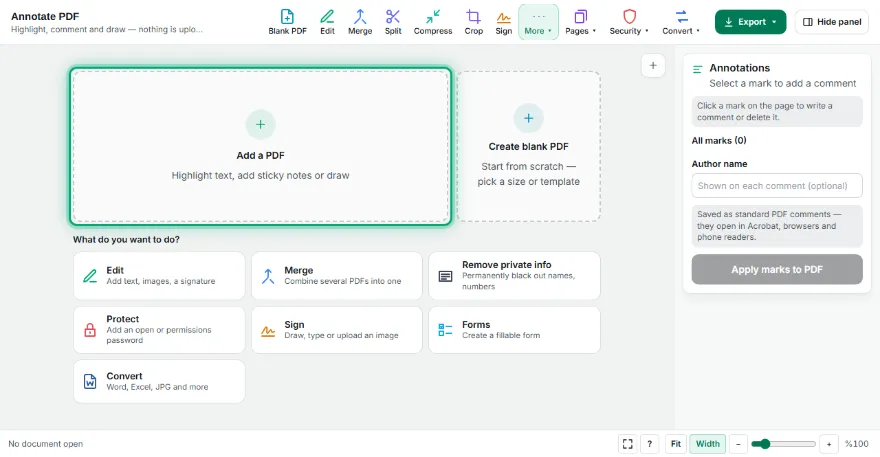
Open your PDF
Choose the file. It is opened in your browser and never uploaded.
- 2
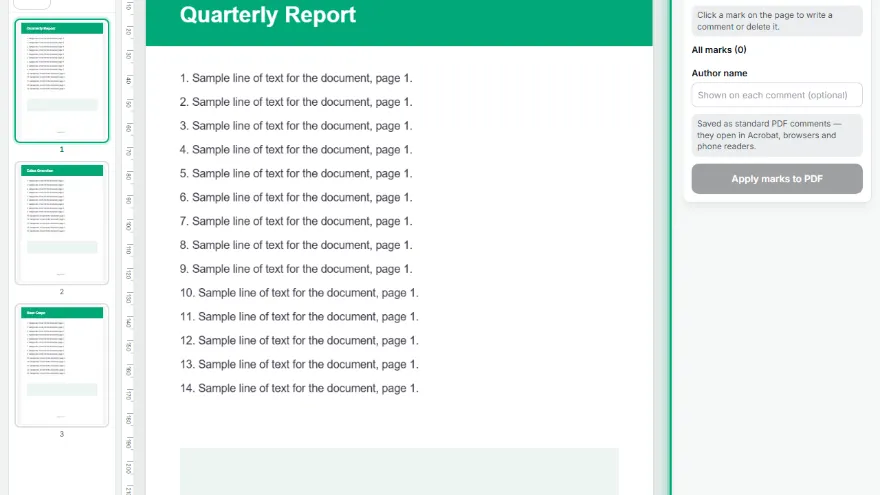
Pick a tool and colour
Highlight, underline, strike out, note or pen.
- 3
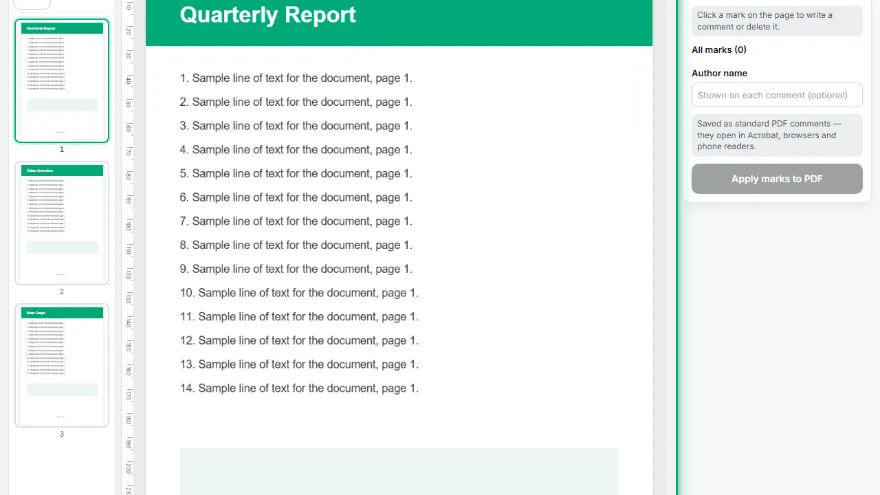
Mark the page
Drag across text to mark it line by line, click to drop a sticky note, or draw with the pen.
- 4
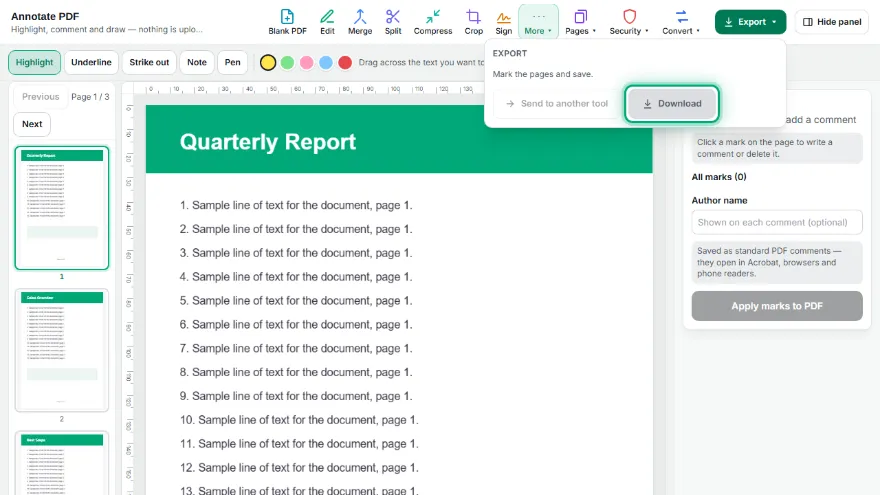
Add comments and save
Select any mark to write a comment, then save. The marks open as comments in any PDF reader.
Features
- ✓Highlight, underline and strike out that follow the text line by line
- ✓Sticky notes with your comment
- ✓Freehand pen for circling and arrows
- ✓Five colours and an author name
- ✓Every mark is listed by page and can be edited or deleted
- ✓Saved as real PDF comments — they show up in Acrobat, Chrome, Firefox and Preview
- ✓The page content is untouched; text stays selectable
- ✓Runs in your browser — the file is never uploaded
Frequently Asked Questions
Will others see my highlights and notes?
Yes. They are saved as standard PDF annotations, the same kind Acrobat creates, so they appear in Acrobat Reader, Chrome, Edge, Firefox, macOS Preview and most phone readers, usually in a comments list too.
Why does highlighting not work on my PDF?
Highlighting follows the text layer. A scanned PDF is only a picture of text, so there is nothing to select; run it through PDF OCR first, or use the pen and notes, which work on any page.
Can the annotations be removed later?
Yes. Because they are annotations rather than part of the page, anyone can select and delete them in a PDF reader, and the original page is unchanged underneath.
How is this different from the PDF Editor?
The editor changes the page itself: it adds text, shapes, tables and images. This tool adds review marks and comments on top, which is what you want when checking or marking up someone else's document.
Is my document uploaded?
No. Everything happens in your browser and the file never leaves your device.