Blank PDF Maker
Pick a size, a paper style and a page count - download it or open it in the editor.
210 × 297 mm · Page 1 of 1
How It Works
- 1
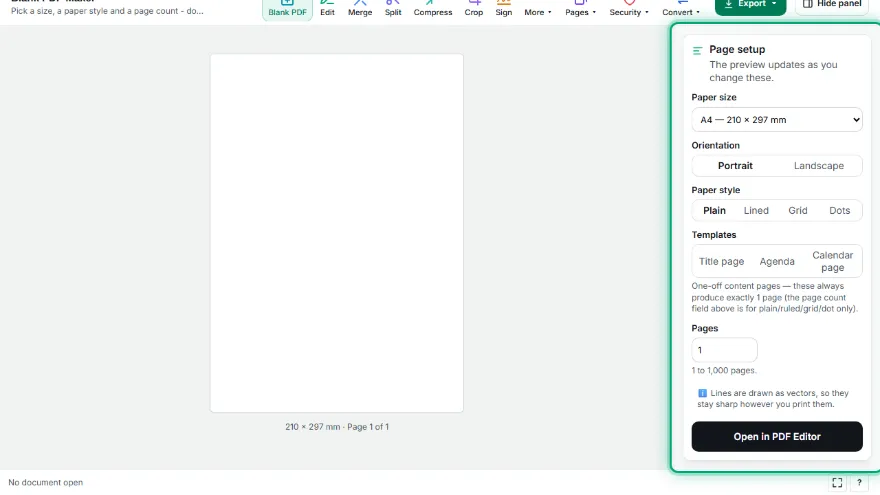
Pick the paper size
Choose A4, A5, A3, B5, Letter, Legal or Tabloid, then portrait or landscape. The exact millimetre size is shown under the preview.
- 2
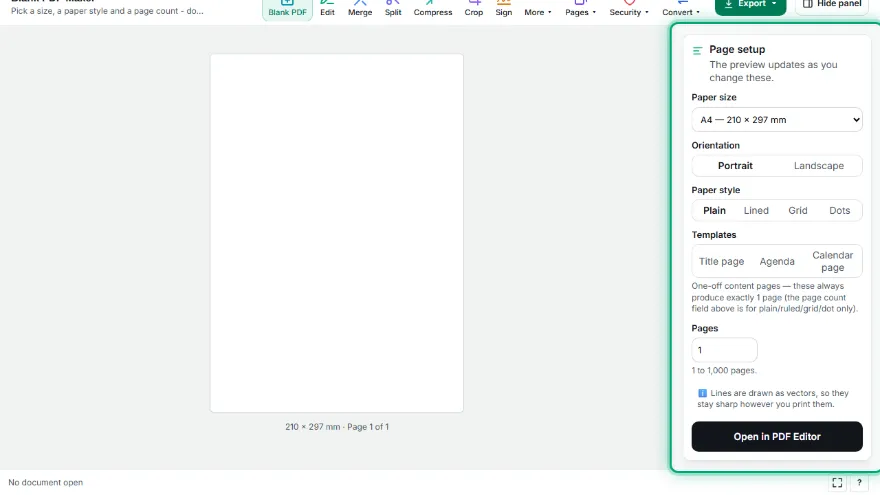
Choose plain or patterned paper
Plain leaves the page empty. Lined, grid and dot give you writing paper - set the spacing in millimetres and the margin the pattern keeps from the edge.
- 3

Set how many pages you need
Anything from a single sheet to 1,000 pages. The preview always shows the first page.
- 4
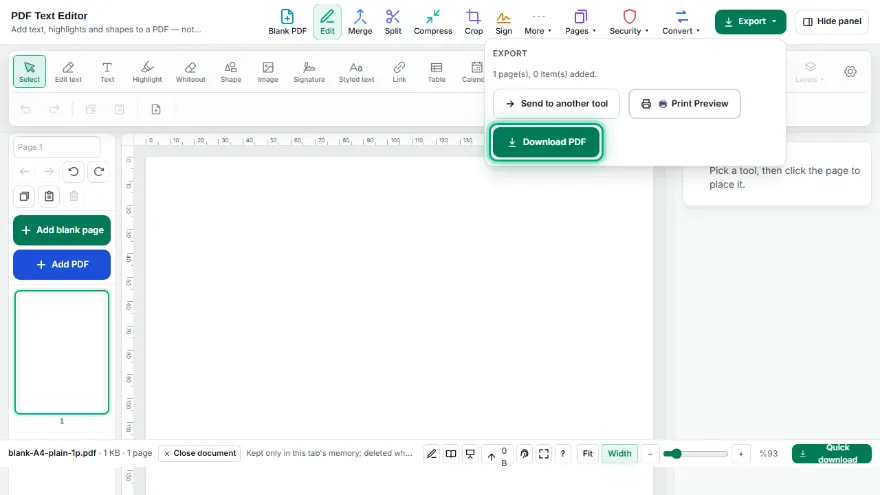
Download it or keep editing
Download the PDF, or send it straight to the PDF Editor to add text, highlights and shapes before you save.
Features
- ✓Plain, lined, grid and dot-grid paper with adjustable spacing and margin
- ✓Title page, agenda and calendar page templates - the calendar is generated for a real month/year
- ✓A3, A4, A5, A6, B5, Letter, Legal and Tabloid, portrait or landscape
- ✓Any custom size in millimetres, on top of the ready-made ones
- ✓1 to 1,000 pages in one file
- ✓The preview is the real PDF, rendered - not a mock-up
- ✓Lines are drawn as vectors, so they stay sharp at any print resolution
- ✓Runs entirely in your browser - nothing is uploaded
Frequently Asked Questions
Is the PDF really empty?
Yes. A plain page has no text layer at all. Lined, grid and dot pages contain only the drawn pattern - the lines are graphics, not text, so nothing is selectable or searchable.
Can I get lined or squared paper?
Yes. Choose lined, grid or dot, then set the spacing in millimetres - 8 mm is typical for ruled writing paper, 5 mm for squared maths paper. You can also set how far the pattern stays from the page edge, which matters because no home printer prints edge to edge.
Will the lines look pixelated when I print?
No. The pattern is drawn as vector lines, not as a background image, so it stays sharp at any size and at any printer resolution. It also keeps the file small - a 1,000-page dot-grid A4 file is around 180 KB.
Are my files uploaded to a server?
No. The PDF is built inside your browser and never leaves your device. There is no upload, no account and no watermark.
What do the calendar, title page and agenda templates do?
The calendar template draws a real calendar grid for the month/year and week start (Monday/Sunday) you pick. The title page and agenda are layout-guide-only templates with no text - open the result in the PDF Editor to write your own title, date or agenda items on top.