Animation
Each shape (path/circle/rect/...) is revealed one after another, in sequence.
Animation category
Animation type
The delay between shapes — 0 = all at once, higher = a more noticeable sequential playback.
How It Works
- 1
Upload your SVG
Choose the SVG you want to animate.
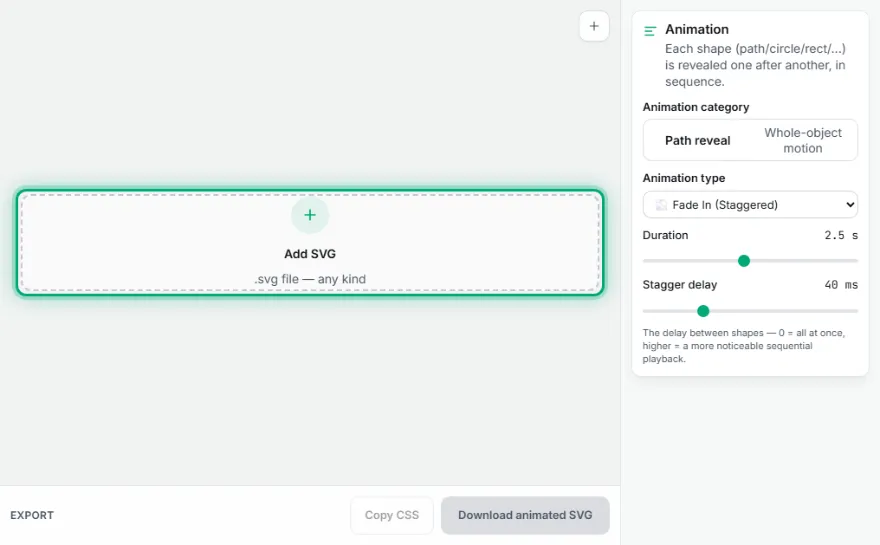
- 2
Pick a category
Choose an effect from the Path Reveal or Whole-Object Motion category.
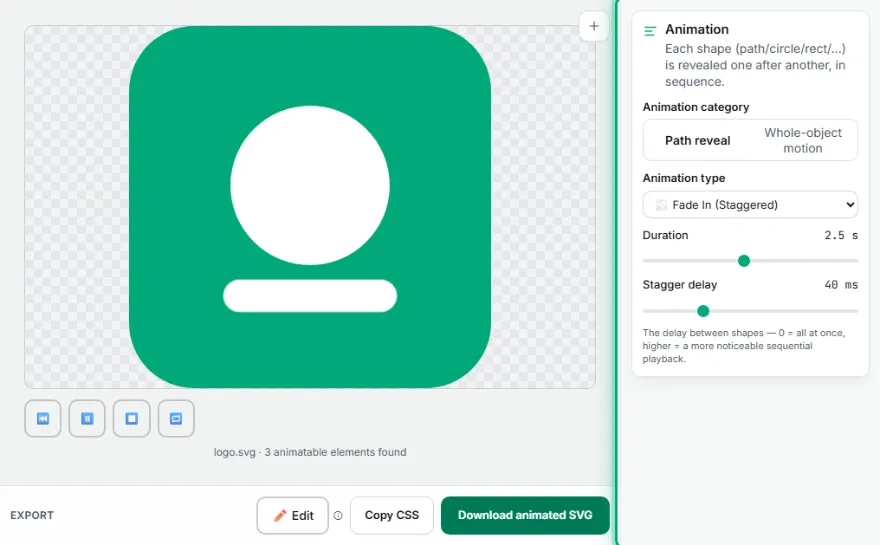
- 3
Adjust duration and delay
Set the animation duration, delay, and repeat count.
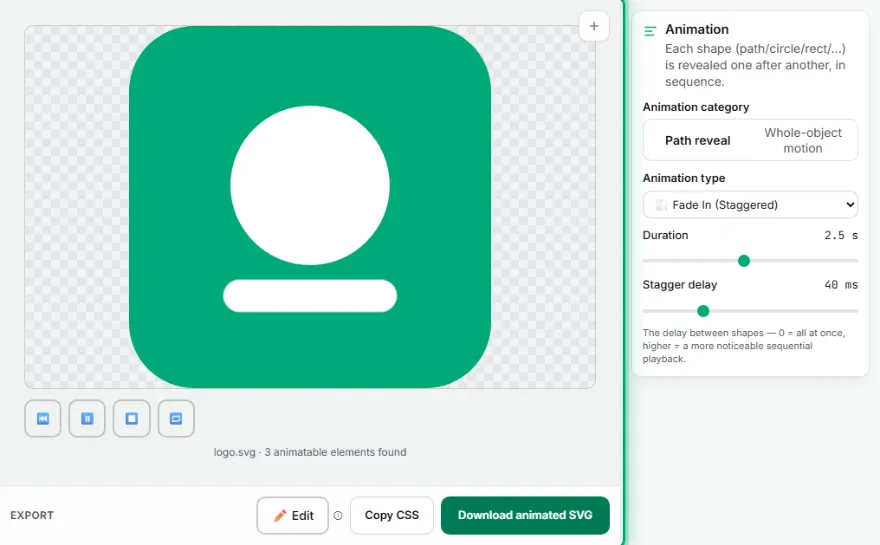
- 4
Download
Download a single SVG file with the animation embedded.
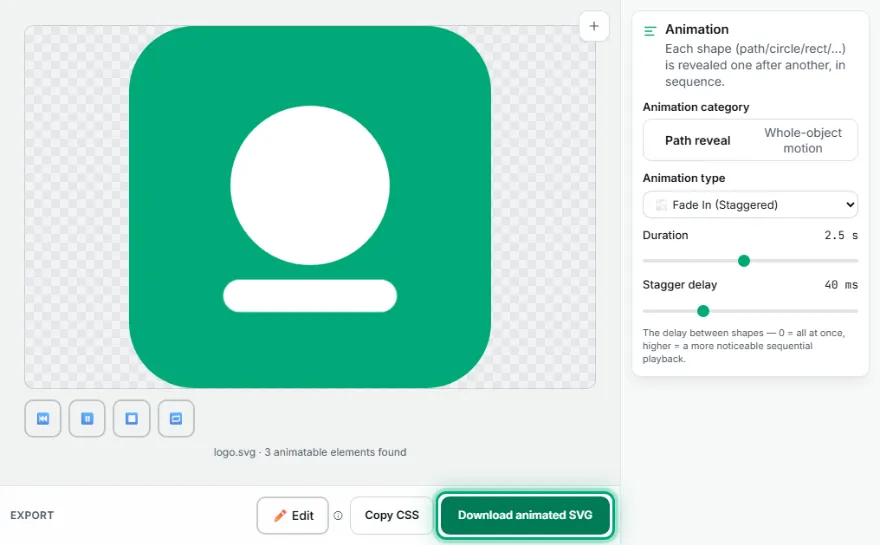
Features
- ✓Path Reveal: over 20 effects — reveals each shape inside the SVG one after another
- ✓Whole-Object Motion: 63 ready-made types — animates the whole SVG as a single piece
- ✓Duration, delay, and repeat count (loop) are adjustable
- ✓Animation CSS is embedded directly inside the SVG file — your download works everywhere
- ✓Live preview
- ✓Runs entirely in your browser — your SVG file is never uploaded
Frequently Asked Questions
Is my file uploaded to a server?
No. Applying the animation happens entirely in your browser — your SVG file is never sent to any server.
Will the downloaded SVG stay animated elsewhere?
Yes. The CSS for the chosen animation (@keyframes and related rules) is embedded directly inside the downloaded file — the animation still works when you open the file directly in a browser or embed it as an <img> on another web page.
What's the difference between 'Path Reveal' and 'Whole-Object Motion'?
Path Reveal reveals each shape inside the SVG (path/circle/rect/...) one after another — there are over 20 effect options. Whole-Object Motion animates the entire SVG as a single piece (with one of 63 ready-made classic effects like entrance, exit, bounce, or rotate).
How many animation options are there?
Over 20 in the Path Reveal category, 63 ready-made types in the Whole-Object Motion category — more than 80 different animation combinations in total.