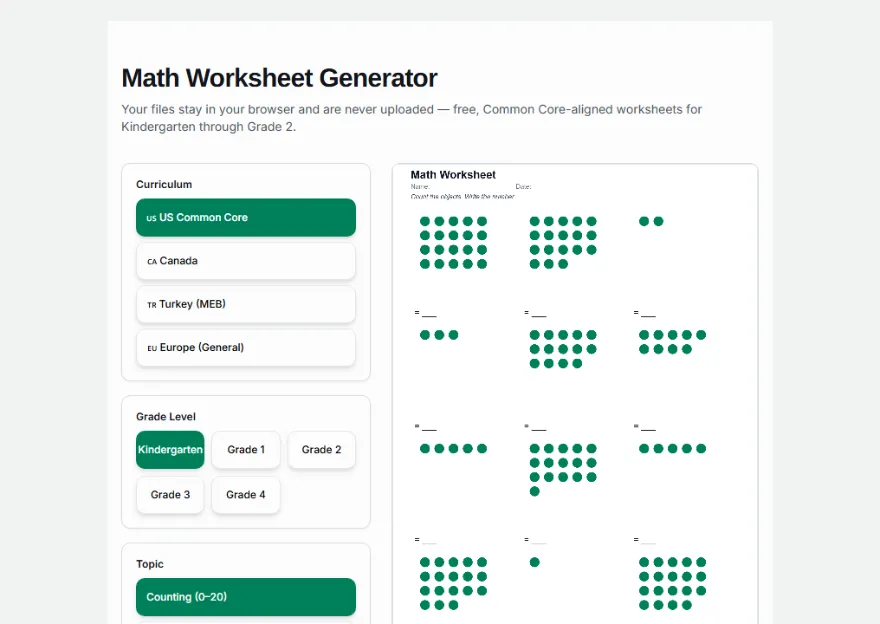
Math Worksheet Generator
Your files stay in your browser and are never uploaded — free, Common Core-aligned worksheets for Kindergarten through Grade 2.
Curriculum
Grade Level
Topic
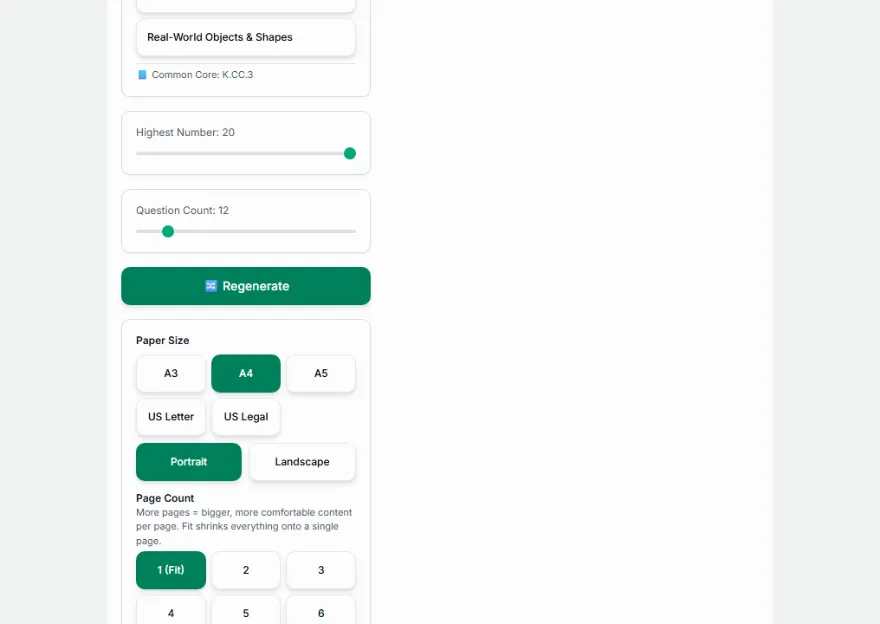
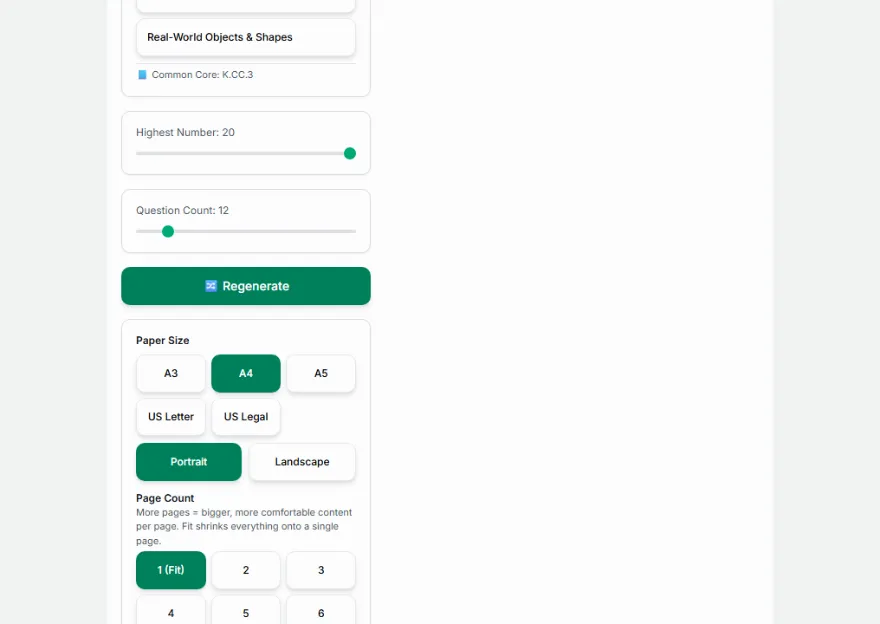
📘 Common Core: K.CC.3
Paper Size
Page Count
More pages = bigger, more comfortable content per page. Fit shrinks everything onto a single page.
Columns per Row
Manually enlarge or shrink everything on the page, on top of the automatic fit.
Page Position
Page Background
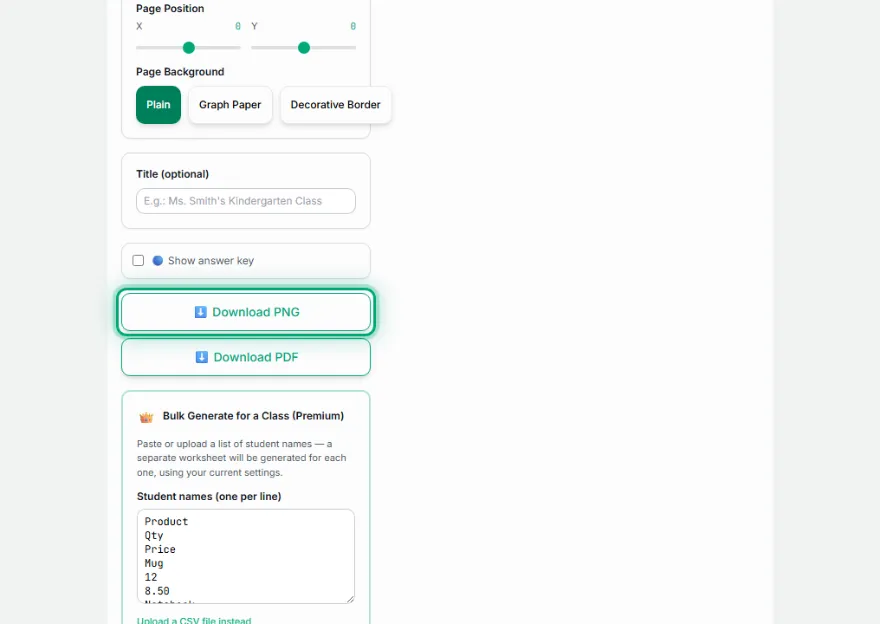
Bulk Generate for a Class (Premium)
Paste or upload a list of student names — a separate worksheet will be generated for each one, using your current settings.
0 / 40 names
Output format
How It Works
- 1
Pick a grade level
Choose Kindergarten, Grade 1, or Grade 2.
- 2
Pick a topic
Each grade shows its own Common Core-aligned topics, with the standard code shown for reference.
- 3
Generate
Problems are generated automatically — adjust the number range or problem count if you want.
- 4
Download
Download the worksheet as a PNG, and the answer key too if you want.
Features
- ✓Kindergarten: counting (0–20), 2D & 3D shape recognition, pattern completion, more/less comparison, dot-to-dot
- ✓Grade 1: addition & subtraction within 20, place value (tens & ones), telling time
- ✓Grade 2: addition & subtraction within 100, counting money, skip counting, times tables
- ✓Real Common Core (CCSS-M) standard codes shown for every aligned topic
- ✓Optional real 3D (WebGL) rendering for solid shapes — Glossy, Poster, Toon, or Wireframe style, rotatable and scalable, with an automatic flat-drawing fallback
- ✓Dot-to-dot with geometric shapes, every digit 0–9, and every letter A–Z — not just a handful of basic shapes
- ✓Random color option for every 2D and 3D shape topic, plus adjustable spacing, size, and page position throughout
- ✓Layout automatically grows or shrinks to fill the page as the question count changes — no more tiny objects on a mostly empty sheet
- ✓Show/hide the answer key — two versions of the same worksheet
- ✓Print-ready, clean PNG output — runs entirely in your browser, no data ever sent to a server
Frequently Asked Questions
Are these worksheets aligned to Common Core standards?
Yes — each Kindergarten through Grade 2 topic shows the real CCSS-M code it's based on (for example K.CC.3 for counting, 1.OA.6 for addition/subtraction within 20). Two topics (pattern completion, and the optional Grade 2 times table practice) are shown honestly without a fabricated code, since patterns aren't a separate CCSS-M standard and multiplication fluency officially starts in Grade 3.
What grade levels are covered?
Kindergarten, Grade 1, and Grade 2, each with topics matched to what's actually taught at that level — plus an optional times table mode for extra practice.
Can I download both the questions and the answer key?
Yes. Download once with 'Show answer key' off, then turn it on and download again to get both versions.
Can I set the problem count and number ranges myself?
Yes — problem count is adjustable everywhere, and topics like counting, comparison, place value, and money let you set the highest number or coin count too.
Do you have dot to dot worksheets / connect the dots printables?
Yes — the Kindergarten "Dot to Dot" topic covers three categories: geometric shapes (triangle, square, hexagon, star, pentagon, octagon, diamond, cross), every digit 0–9, and every capital letter A–Z, numbered either in regular counting order or by skip-counting (2s or 5s). Like pattern completion, it's shown honestly without a fabricated Common Core code, since connect-the-dots is a general counting-order skill rather than its own CCSS-M standard.
Do you have a 3D shapes worksheet for kindergarten?
Yes — four Kindergarten topics cover solid shapes: "3D Shape Recognition" (name the cube, rectangular prism, cylinder, cone, sphere, or pyramid — CCSS K.G.2), "3D Shape Matching" (match each solid to its name, K.G.4), "Faces of Solids" (which 2D shape is a face of this solid — a real 2D-and-3D-shapes connection, K.G.4), and "Real-World Objects & Shapes" (a ball, box, ice cream cone, or can, matched to the solid it looks like — K.G.1). Every solid prints as a clean, textbook-style line drawing by default, or you can switch on a real 3D (WebGL) render — Glossy, Poster, Toon, or Wireframe — that you can rotate and scale; if a device doesn't support WebGL it automatically falls back to the flat drawing, so nothing ever breaks or fails to print.
Are these printable solid shapes worksheets, not just a picture?
Yes — like every other topic, they support the answer key, multiple paper sizes (A3/A4/A5/Letter/Legal), and bulk generation for a whole class, and you can choose the outline color, an optional fill color or a random color per shape, and a fill pattern (solid, lines, dots, or cross-hatch) so the shapes stay easy to tell apart even on a printer without color ink.
Can I control how big the objects are and how far apart they're spaced?
Yes — the page layout automatically grows objects to fill the sheet when there are fewer questions and shrinks them to fit when there are more, and a Content Size slider plus X/Y position controls let you fine-tune that further for the whole page. Matching activities (Color Matching, Shape Matching, 3D Shape Matching) also get their own column-spacing and shape-size sliders, and Color Matching can draw circles, flat shapes, or 3D solids in the match color, while Shape Matching can switch between 2D and 3D objects.