<link rel="icon" href="/favicon.ico" sizes="48x48">
<link rel="icon" type="image/png" sizes="32x32" href="/favicon-32x32.png">
<link rel="icon" type="image/png" sizes="16x16" href="/favicon-16x16.png">
<link rel="apple-touch-icon" sizes="180x180" href="/apple-touch-icon.png">
<link rel="manifest" href="/site.webmanifest">
<meta name="theme-color" content="#00805b">
Favicon settings
The preview updates instantly
Source
Background
Shape
Site name (for the manifest)
Theme colour
favicon.ico (16/32/48), 16 and 32 px PNG, apple-touch-icon, Android 192/512, site.webmanifest, HTML tags.
How It Works
- 1
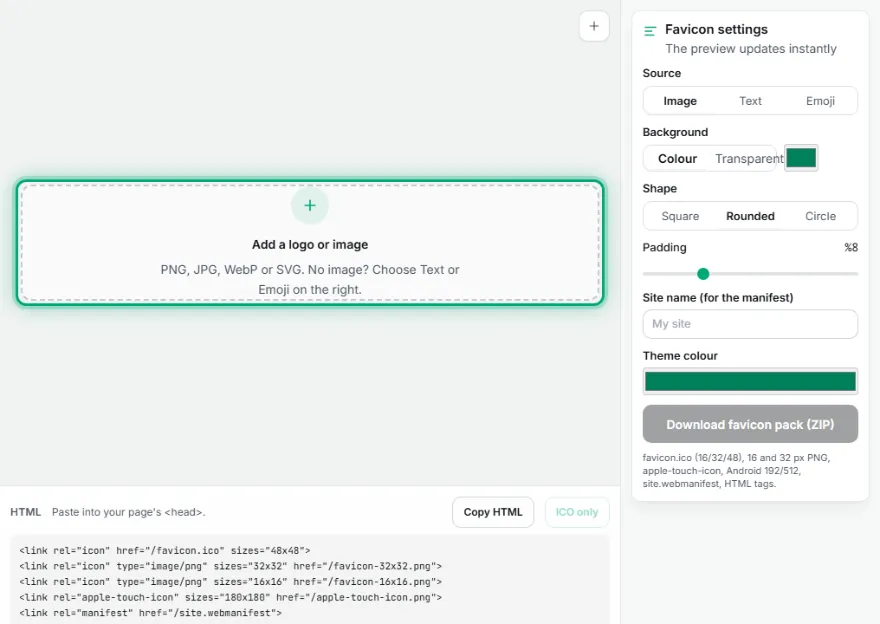
Choose a source
Upload your logo or an image (PNG, JPG, WebP, SVG), or pick 1–3 letters or an emoji.
- 2
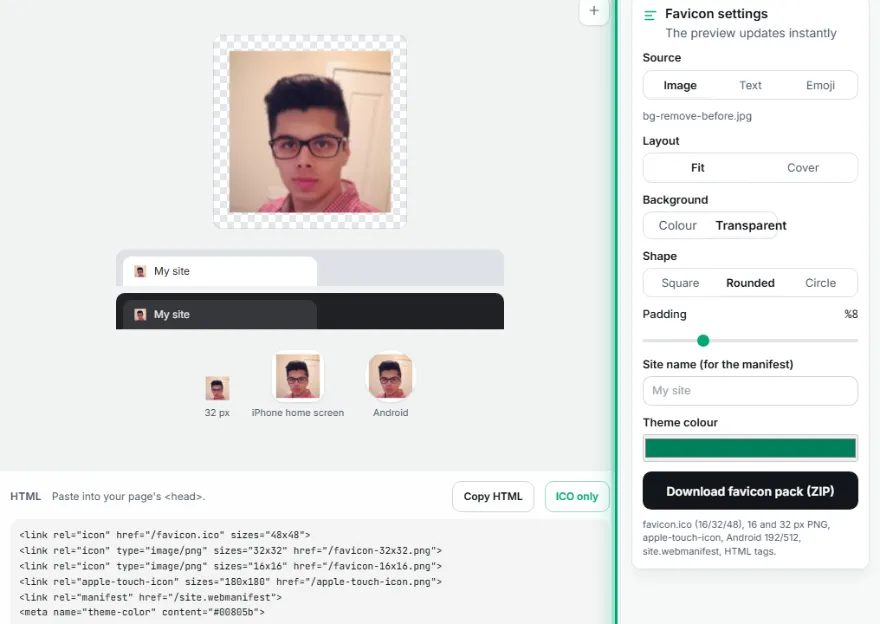
Adjust the look
Choose a background colour or transparency, square/rounded/circle shape and padding; the tab and home-screen previews update instantly.
- 3

Download the pack
Download favicon.ico, PNG favicons, Apple and Android icons and site.webmanifest as one ZIP.
- 4
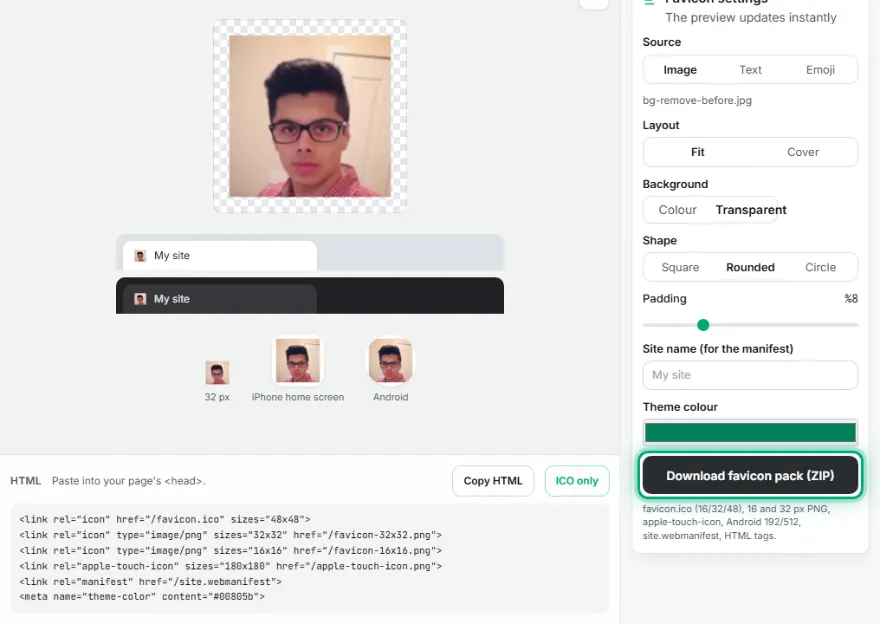
Add it to your site
Upload the files to your site's root folder and paste the copied HTML tags into the page <head>.
Features
- ✓Favicon from an image, logo (SVG too), text or emoji
- ✓16, 32 and 48 px inside favicon.ico (classic format every reader opens)
- ✓favicon-16x16 and favicon-32x32 PNG
- ✓apple-touch-icon (180 px, solid background for iOS)
- ✓Android 192 and 512 px icons + site.webmanifest
- ✓Copy-ready HTML tags
- ✓Square, rounded or circle shape, padding, transparent or coloured background
- ✓Light/dark browser tab and home-screen preview
- ✓Your image stays on your device
Frequently Asked Questions
Which files are in the pack?
favicon.ico (16, 32 and 48 px together), favicon-16x16.png, favicon-32x32.png, apple-touch-icon.png (180 px), android-chrome-192x192.png, android-chrome-512x512.png, site.webmanifest and favicon-html.txt with the HTML tags.
How do I add the favicon to my site?
Upload the files from the ZIP to your site's root folder (directly under your domain), then paste the tags from 'Copy HTML' into the <head> of every page. On systems like WordPress, uploading the 512 px PNG in the 'Site icon' setting is usually enough.
Can I use it to convert PNG to ICO?
Yes. Upload the image and press 'ICO only'; 16, 32 and 48 px sizes are combined into one favicon.ico. Set padding to zero and the background to transparent to use the image as it is.
What if my logo isn't square?
'Fit' places the whole logo in the square and fills the rest with the background; 'Cover' fills the square and crops the overflow. For legibility at small sizes, using only the symbol part of the logo usually works best.
Why isn't the iPhone icon transparent?
iOS shows transparent areas of home-screen icons as black and rounds the corners itself. So apple-touch-icon is always made square with a solid background; if you chose transparent, white is used.
My favicon looks blurry at 16 px. What can I do?
16 px is tiny; thin lines and long text disappear. Reduce the padding, use a single letter or a simple symbol and choose strong contrast between background and text. The browser tab in the preview shows the real size.