📄 Output Format
Downloads as soon as it's ready
Static — Pixel
Static — Vector / Document
PDF/EPS give the best results with simple, flat-colored, path-based SVGs (logos/icons) — advanced elements like gradients, filters, or nested groups may be lost.
📐 Size Template
How It Works
- 1
Upload your SVG
Choose the .svg file you want to convert.
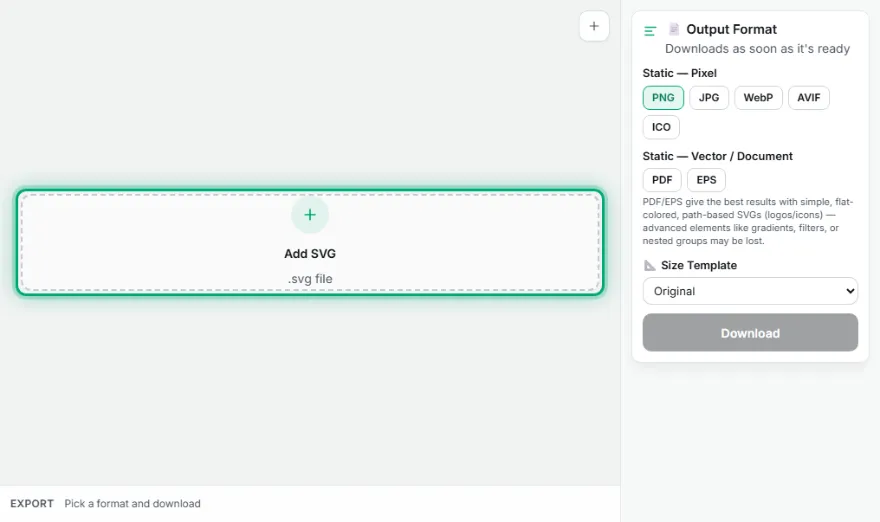
- 2
Choose a target format
PNG, JPG, WebP, ICO/Favicon, PDF, or EPS — animated SVGs also show GIF/animated WebP.
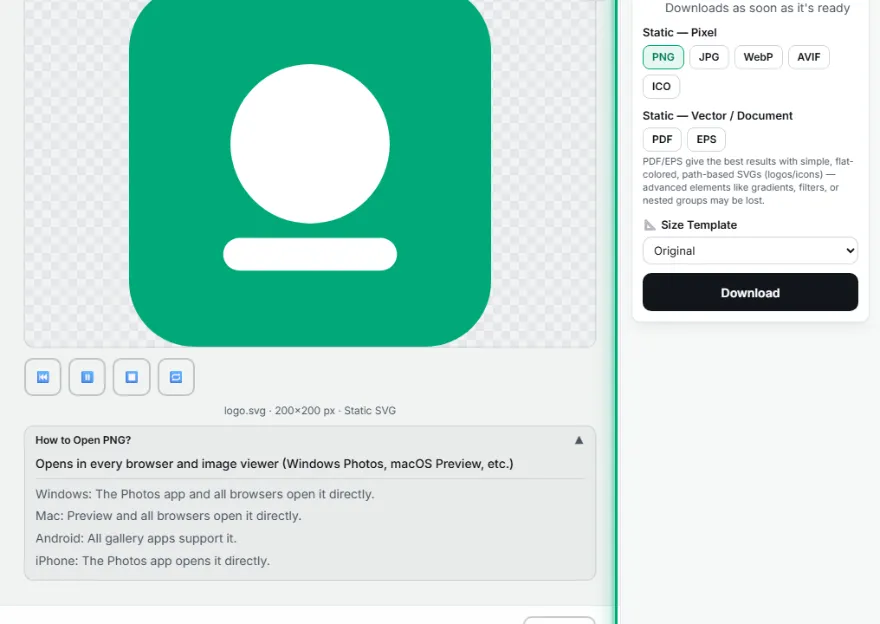
- 3
Choose a size/pack
Pick a single size or the Android/iOS/Favicon icon pack.

- 4
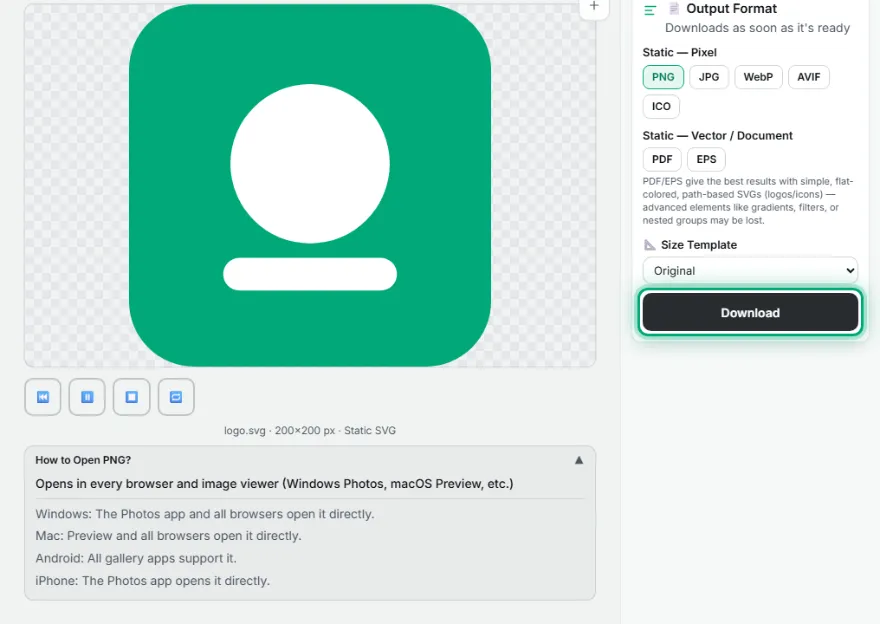
Download
Download a single file or the whole pack as a ZIP.
Features
- ✓6+ output formats: PNG, JPG, WebP, ICO/Favicon, PDF, EPS — including GIF and animated WebP for animated SVGs
- ✓Generate Android/iOS/Favicon icon packs as a ZIP in one click
- ✓Automatic detection of SMIL and CSS @keyframes animations
- ✓Honest limitation: PDF/EPS may not carry over some visual elements in SVGs with gradients or complex groups
- ✓Runs entirely in your browser — your file is never uploaded
Frequently Asked Questions
Is my file uploaded to a server?
No. The entire conversion process (rasterization, frame capture, encoding) happens entirely in your browser — your SVG file is never sent to any server.
How is an animated SVG detected?
If the uploaded SVG contains SMIL animation tags (<animate>, <set>, etc.) or CSS @keyframes inside a <style> block, the file is automatically treated as animated and the GIF / animated WebP options appear.
What do the Android/iOS/Favicon icon packs contain?
The Android pack produces 48/72/96/144/192px, the iOS pack produces the 1x/2x/3x equivalents of Apple's standard pt sizes, and the Favicon pack produces 16/32/48/180px — all downloaded in a single .zip file.
Do PDF and EPS output work at the same quality for every SVG?
They give the best results with simple, flat-colored, path-based SVGs (logos, icons, line art). SVGs with gradients, filters, or complex nested groups may lose some visual elements when converted to these two vector formats — prefer pixel formats like PNG/WebP in those cases.