PDF Metadata
See and clean what your PDF carries — nothing leaves your browser.
How It Works
- 1
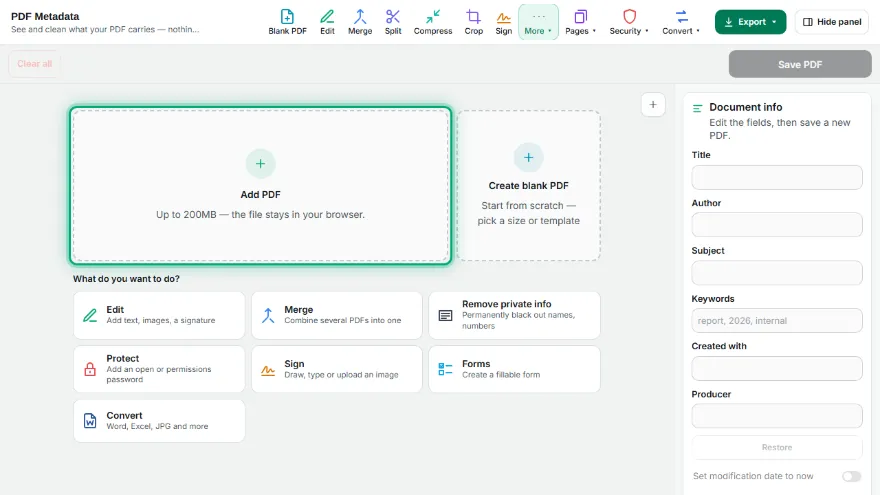
Add your PDF
Choose the PDF. The real document information is read and listed.
- 2
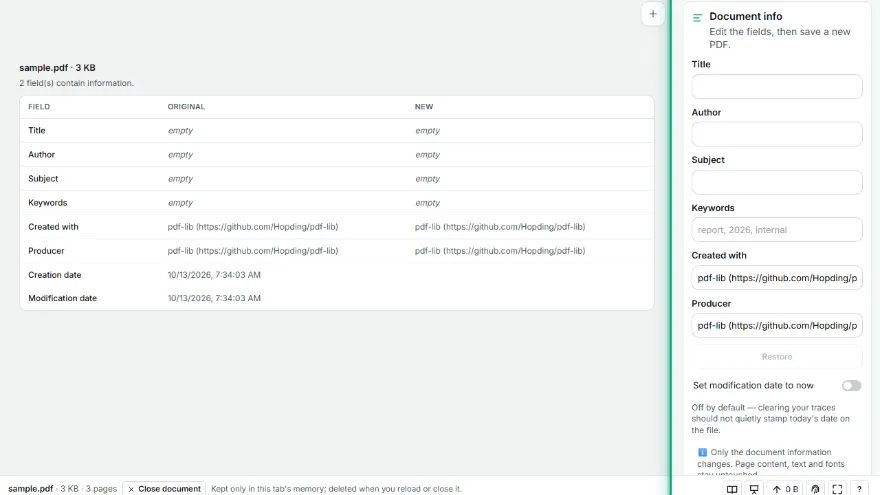
Review what is there
The table shows the original value and the new value side by side.
- 3

Edit or clear
Type new values, or use "Clear all" to empty every field at once.
- 4
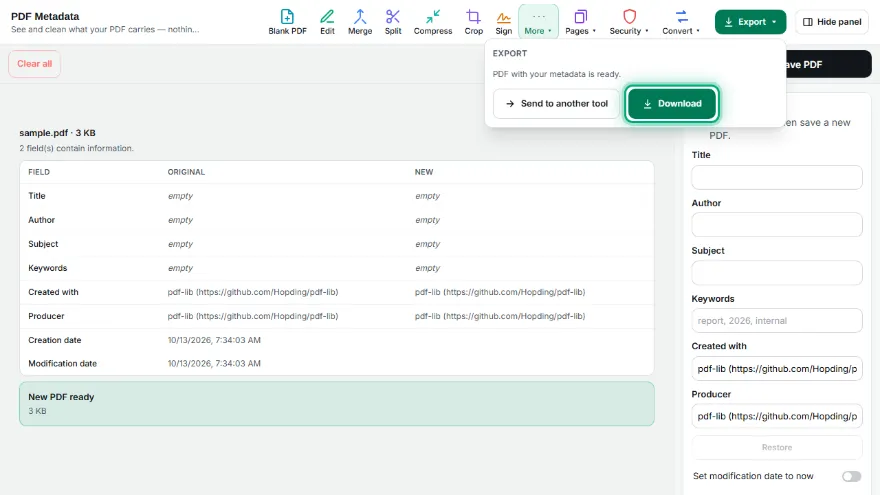
Save and download
A new PDF is written with your values — the pages themselves are untouched.
Features
- ✓Shows the real document info — title, author, subject, keywords, creator, producer
- ✓Side-by-side view of the original value and your new value
- ✓"Clear all" empties every field in one click, for sharing a file without personal traces
- ✓Creation and modification dates are shown, and the modification date is only touched if you ask
- ✓Page content is never modified — only the document information dictionary
- ✓Runs entirely in your browser — your PDF is never uploaded, no account needed
Frequently Asked Questions
What is PDF metadata and why does it matter?
Every PDF carries a document information block: title, author, the application that produced it and often keywords. It travels with the file, so a document shared publicly can reveal a name or an internal tool without anyone noticing.
Is my PDF uploaded to a server?
No. Reading and writing happen in your browser — the file never leaves your device and no account is needed.
Does editing metadata change the pages?
No. Only the document information is rewritten; the page content, text and fonts are left exactly as they were.
Does "Clear all" really remove the information?
It empties every field, so no name or application remains readable. The entries themselves stay in the file as empty values rather than being deleted from the structure.