JPEG XL settings
Higher quality means a larger file
JPEG XL currently has very limited browser support (~15%, mostly Safari). Before sharing a .jxl file, make sure the recipient's browser can actually open it.
How It Works
- 1
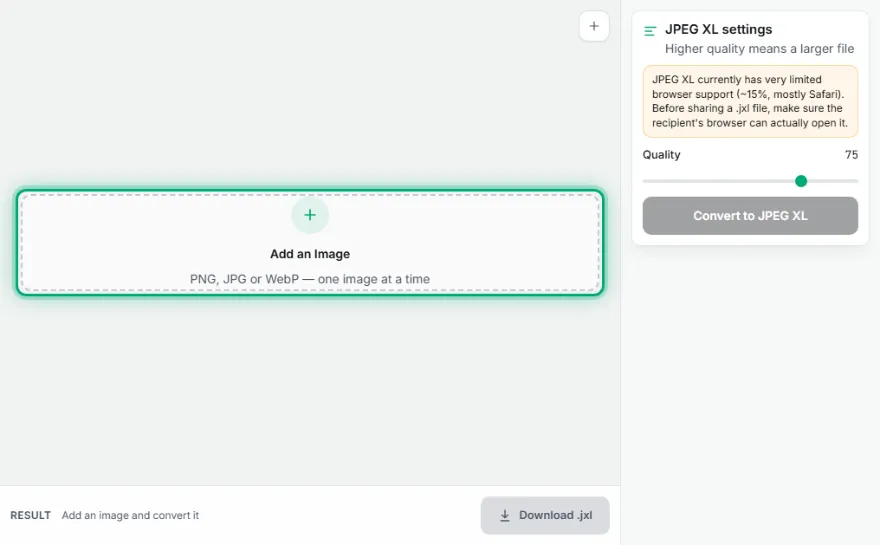
Upload one image
Add a single PNG, JPEG, or WebP file (one at a time — this is an experimental encoder).
- 2
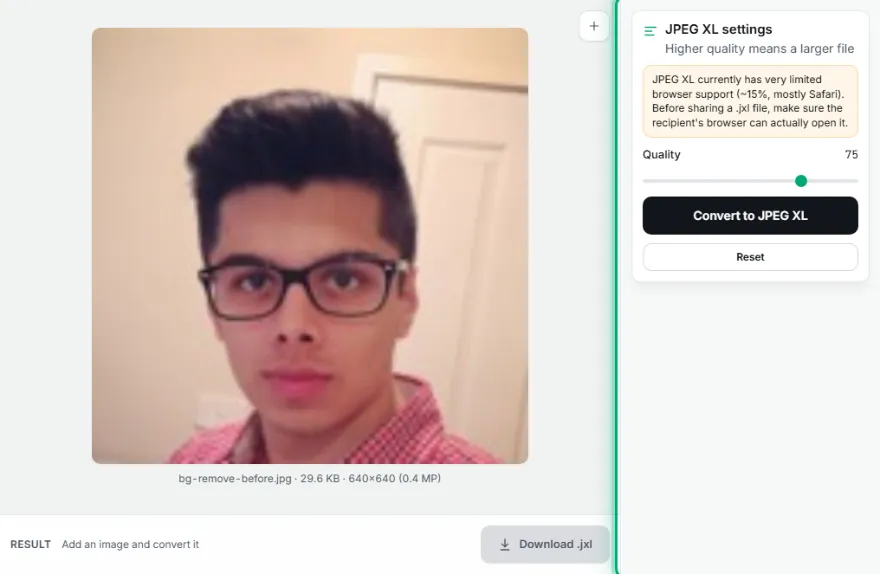
Check the size
Images above roughly 12 megapixels are blocked automatically — the encoder is unreliable above that resolution.
- 3
Set quality and convert
Pick a quality (1–100) and convert — this can take several seconds to tens of seconds, entirely in your browser.
- 4
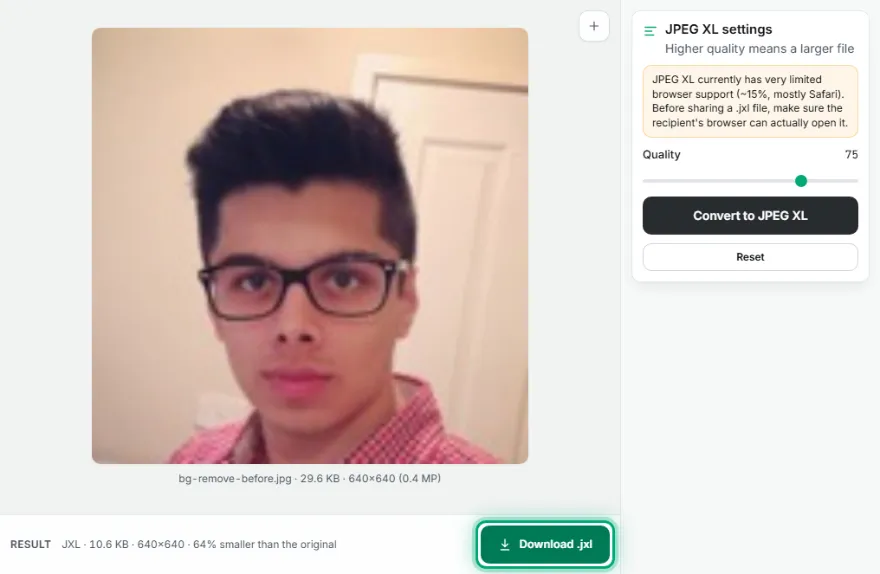
Download and check compatibility
Download the .jxl file, and confirm the person you're sharing it with can actually open it before relying on it.
Features
- ✓Real JPEG XL (.jxl) output — often smaller than JPEG/WebP at the same visual quality
- ✓Runs entirely in your browser — your image is never uploaded to a server
- ✓Automatic 12-megapixel safety limit — the underlying encoder becomes unreliable above that and can fail
- ✓Clear, permanent warning about limited browser support before you convert
Frequently Asked Questions
What is JPEG XL (.jxl)?
JPEG XL is a newer image format designed to compress better than JPEG and WebP at the same visual quality. It's supported by very few browsers today (mostly Safari) — see caniuse.com for current numbers.
Can I open a .jxl file on my computer or phone?
Only in Safari (macOS/iOS) today. Chrome, Edge, and Firefox do not support it. Before sending a .jxl file to someone, confirm they can actually open it.
Why is there a 12-megapixel limit?
We tested the encoder ourselves on real photos: it works (slowly) up to around 16 megapixels, but reliably crashes above roughly 18–19 megapixels. 12 megapixels — a common phone camera resolution — gives a safe margin below that failure point.
Why can I only convert one image at a time?
This encoder is still experimental and can take tens of seconds per image. We kept this tool single-image so you can see exactly what happens with each file, rather than a batch silently failing partway through.
Is my image uploaded anywhere?
No. Encoding happens entirely in your browser, using WebAssembly — your image never leaves your device.