Word Search Generator
Your files stay in your browser and are never uploaded — create a word search in one click. Pick a ready-made classroom theme or enter your own word list.
Education
Sports
Entertainment
Geography & Science
Words go only across or down, left-to-right/top-to-bottom — best for young kids.
Paper Size
Bulk Generate for a Class (Premium)
Paste or upload a list of student names — a separate worksheet will be generated for each one, using your current settings.
0 / 40 names
Output format
How It Works
- 1
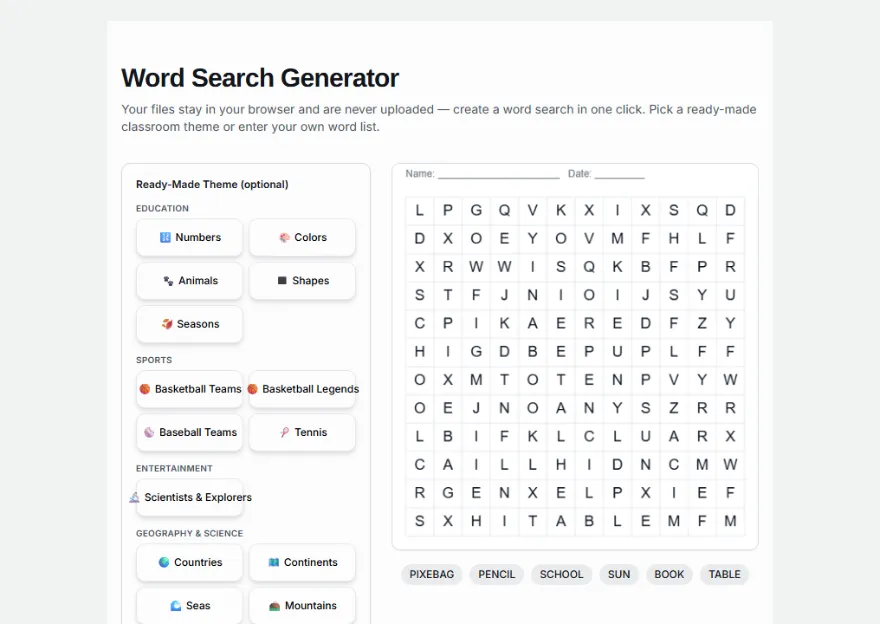
Pick a theme or enter your own words
Choose a ready-made theme (numbers, colors, animals, shapes, seasons) to auto-fill the word list, or type your own list of up to 20 words — you can edit a theme's words too.
- 2
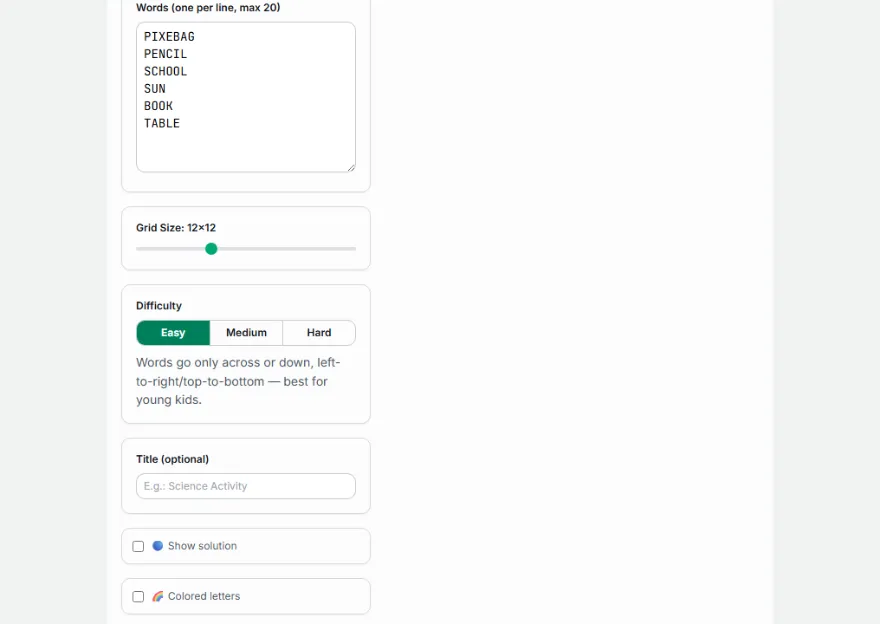
Adjust directions and size
Turn diagonal placement on/off, choose the grid size.
- 3
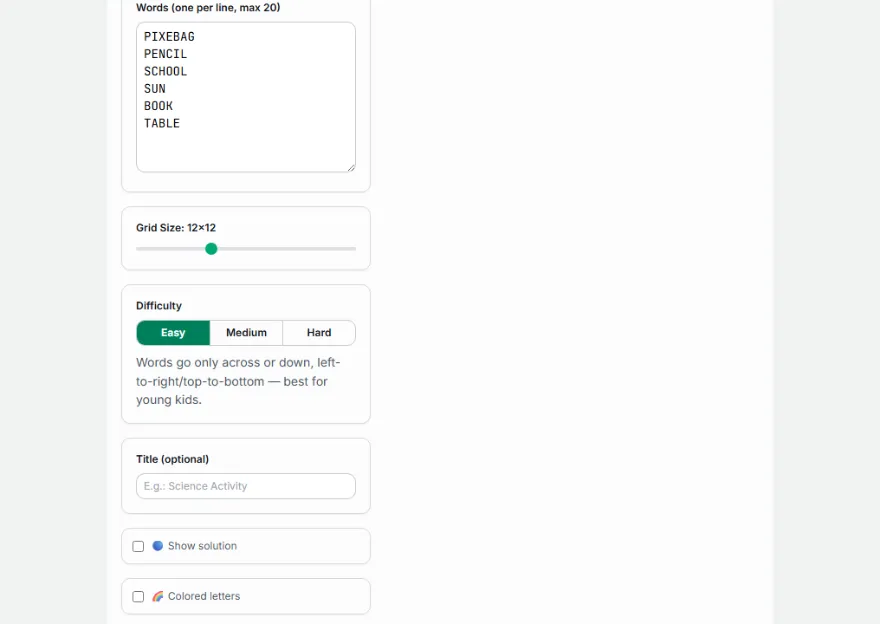
Generate
Words are placed into the grid automatically.
- 4
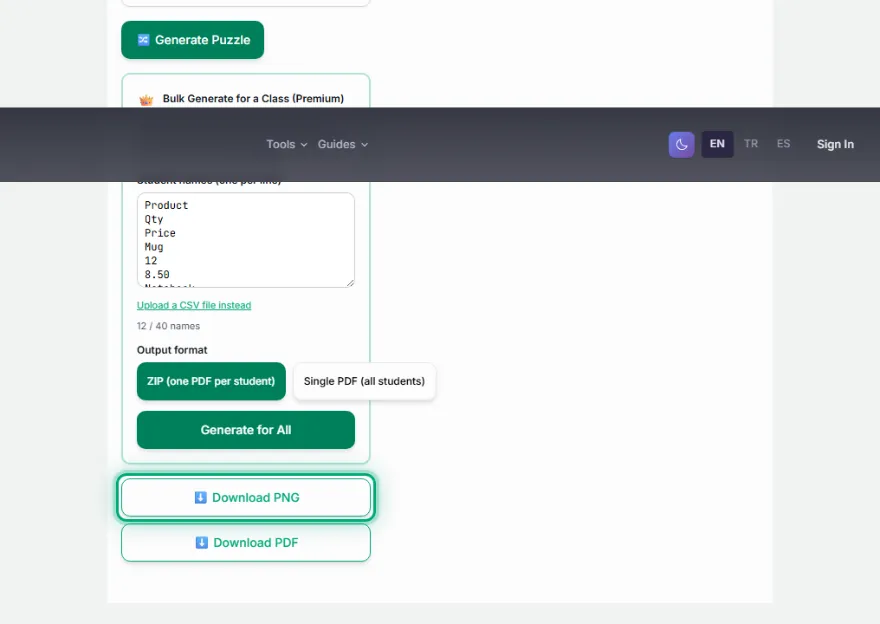
Download
Download as a PNG with or without the solution.
Features
- ✓Ready-made classroom theme packs: Numbers, Colors, Animals, Shapes, Seasons
- ✓Custom word list of up to 20 words — themes are just a starting point, fully editable
- ✓8-direction placement (horizontal/vertical/diagonal) — optionally restrict to horizontal/vertical only
- ✓A warning for words that don't fit
- ✓Download with a solution (answer key) or without (student version)
- ✓Runs entirely in your browser — your word list is never sent to a server
Frequently Asked Questions
Are there ready-made word lists for young learners?
Yes — pick a theme (Numbers, Colors, Animals, Shapes, or Seasons) and the word list fills in automatically, ready to generate. You can still edit the list afterward if you want to add or remove words.
What's the maximum number of words I can add?
You can add up to 20 words. More words or longer words require a larger grid size.
In what directions are words placed?
By default, horizontally, vertically, and diagonally (8 directions). If you turn off diagonal placement, words are placed only horizontally and vertically — giving you an easier puzzle.
Can I download the with-solution and without-solution versions separately?
Yes — download once with the solution marks off, then turn them on and download again to get both a student version and a teacher (answer key) version.