Protect PDF
Add a password and restrict permissions.
How It Works
- 1
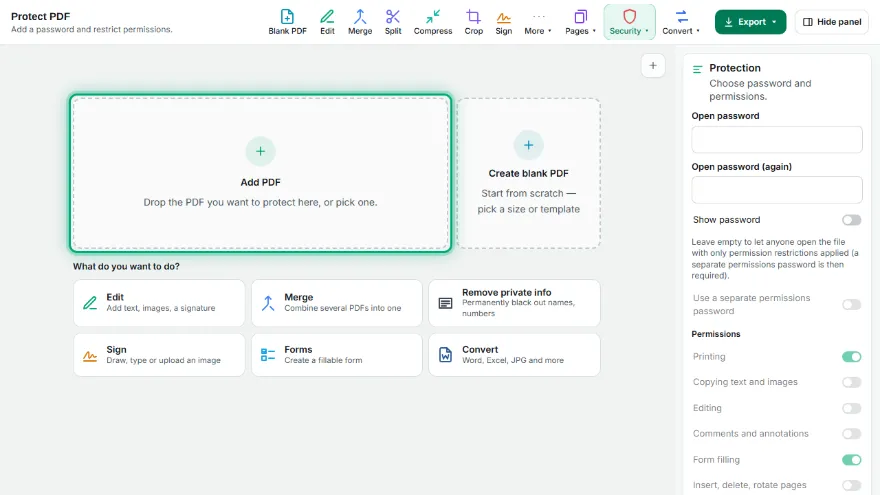
Add your PDF
Pick the PDF you want to protect.
- 2
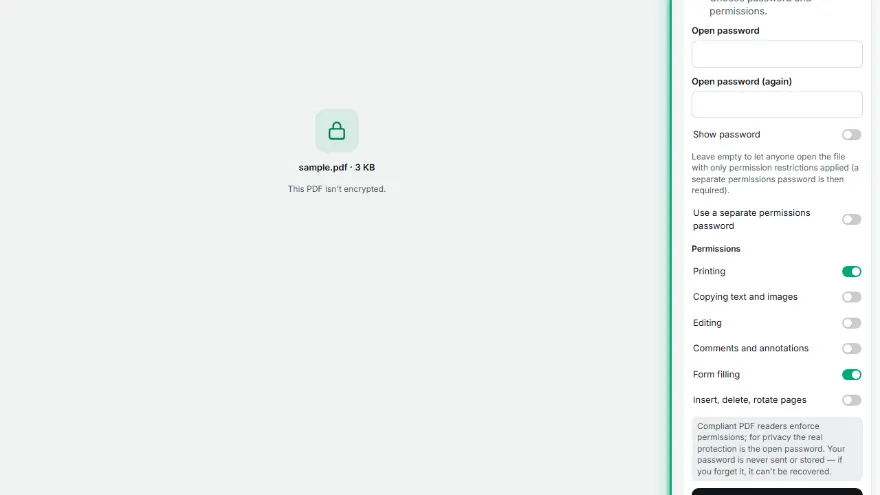
Type an open password
Enter it twice. Without this password the document can't be opened.
- 3

Choose permissions
Turn printing, copying, editing, commenting, form filling and page assembly on or off; optionally set a separate permissions password.
- 4
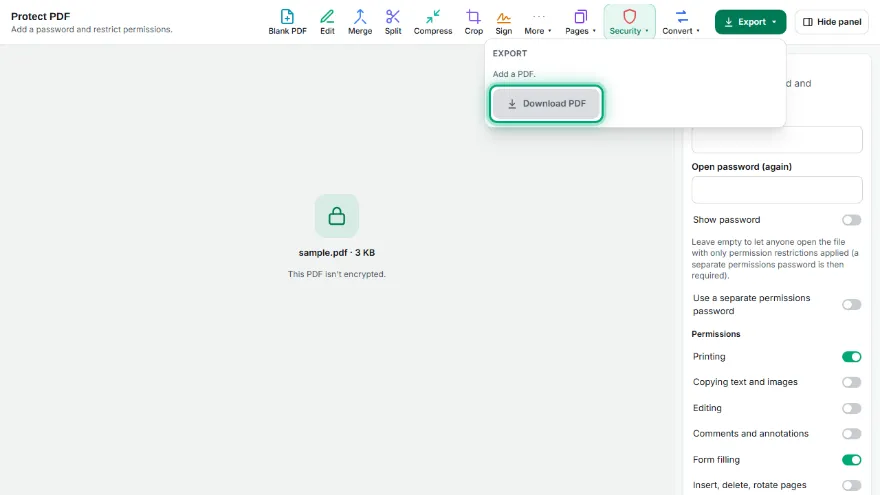
Protect and download
Press Protect PDF and download the encrypted file.
Features
- ✓AES-256 encryption (the strongest current PDF encryption)
- ✓Separate open password and permissions password
- ✓Print, copy, edit, comment, form filling and page assembly permissions
- ✓Permissions-only option (no open password)
- ✓Your password is never sent or stored
- ✓No sign-up, no watermark
Frequently Asked Questions
Which encryption is used?
AES-256 (PDF 2.0 standard security, Acrobat X and later). Adobe Reader, Chrome, Edge, macOS Preview and every current PDF reader can open it.
What's the difference between the open and permissions password?
Without the open password the document can't be opened at all. The permissions password is needed to lift restrictions like printing, copying and editing. With only a permissions password, anyone can open the file but the restrictions apply.
What if I forget my password?
We never see or store your password, so a forgotten open password can't be recovered. Keep it somewhere safe.
Are permission restrictions absolute?
Permissions are a rule in the PDF standard that compliant readers follow, but some programs may ignore them. To keep a document truly private, use an open password.
Is my file uploaded to a server?
No. Encryption happens on your device; your PDF and password are never sent anywhere.