PDF E-Signature
Draw or upload a signature and place it on the page — nothing leaves your browser.
E-Signature
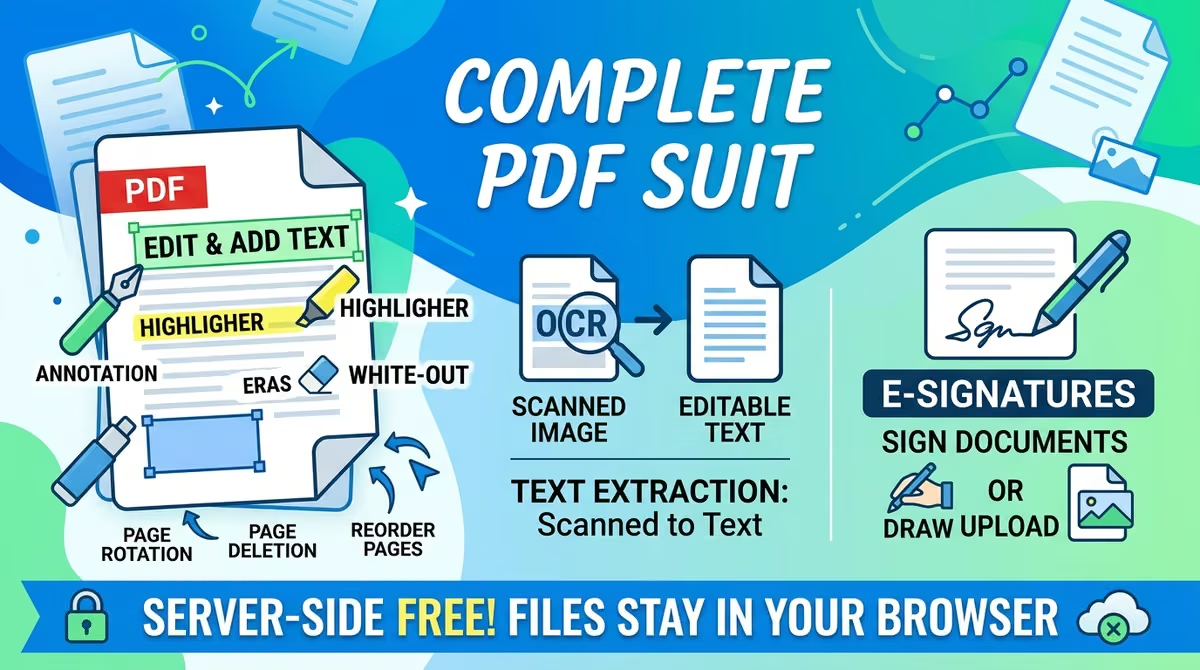
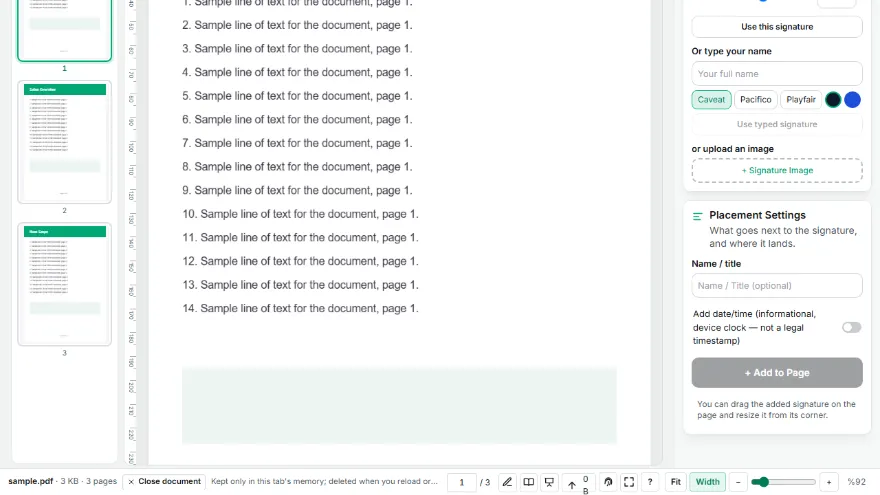
Your files stay in your browser and are never uploaded — sign your PDF in one click without leaving a digital footprint. Create it by drawing or uploading an image, position it by drag-and-drop.
How It Works
- 1
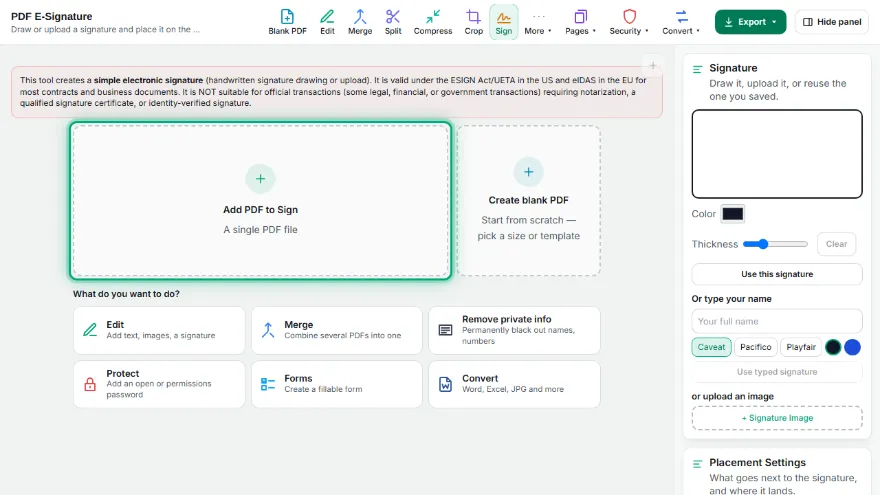
Upload your PDF
Select the document you want to sign.
- 2
Create your signature
Draw with your mouse/finger, or upload a ready-made signature image.
- 3
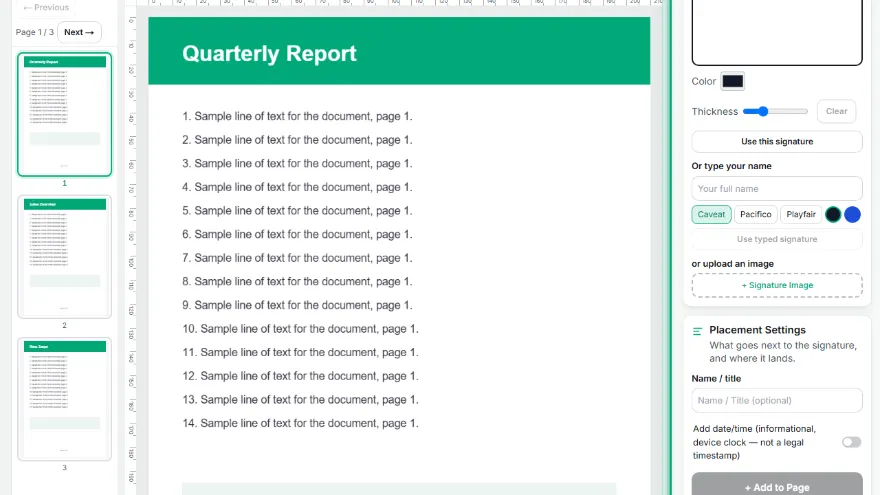
Position it
Drag and drop the signature onto the page/spot you want, add a name/date label if needed.
- 4
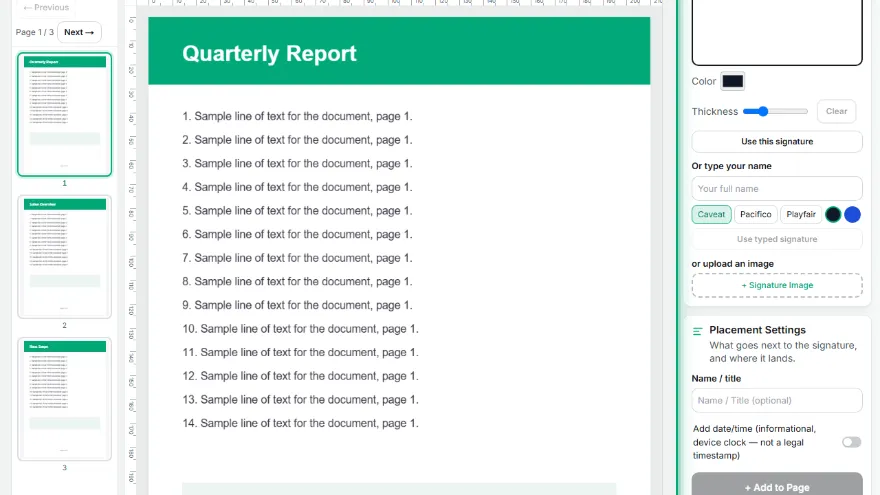
Download
Save the signed PDF to your computer.
Features
- ✓Create a signature by drawing or uploading an image
- ✓Free drag-and-drop positioning, multiple signature fields
- ✓Add a name/date label
- ✓Signature is optionally stored only in the browser's local storage (localStorage)
- ✓Honest limitation: simple electronic signature (SES) — NOT suitable for notarized/identity-verified official transactions
- ✓Runs entirely in your browser — your document is never uploaded
Frequently Asked Questions
Is this signature legally binding?
This tool produces a simple electronic signature (SES); it is not a qualified or advanced electronic signature. It's valid under ESIGN/UETA in the US and eIDAS in the EU for most contracts, but not suitable for official transactions requiring notarization or identity-verified signatures.
Where is my signature stored?
Only in this browser's local storage (localStorage), if you choose to — it's never sent to a server.