Alternate & Mix PDF
Turn front and back scans into one PDF.
Front sides (odd pages)
1, 3, 5… — the file you scanned first
Back sides (even pages)
2, 4, 6… — the file you scanned second
How It Works
- 1
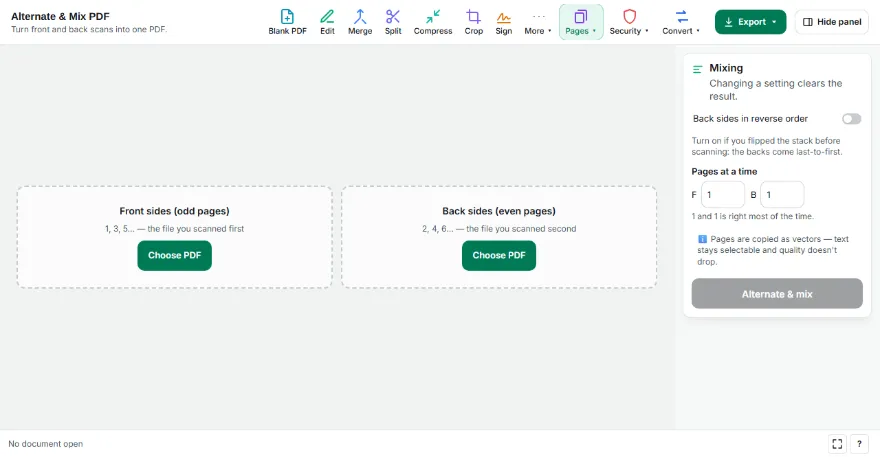
Add the front sides
First choose the PDF with the odd pages (1, 3, 5…).
- 2
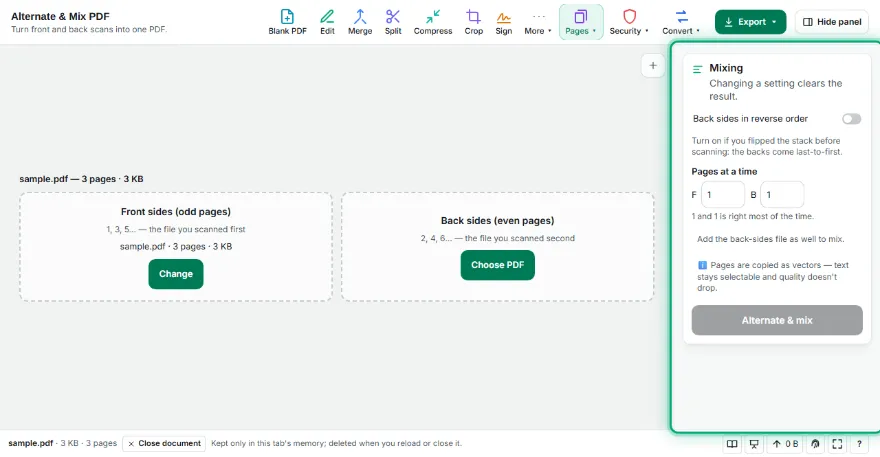
Add the back sides
Then choose the PDF with the even pages (2, 4, 6…). If you flipped the stack before scanning, turn on “Back sides in reverse order”.
- 3
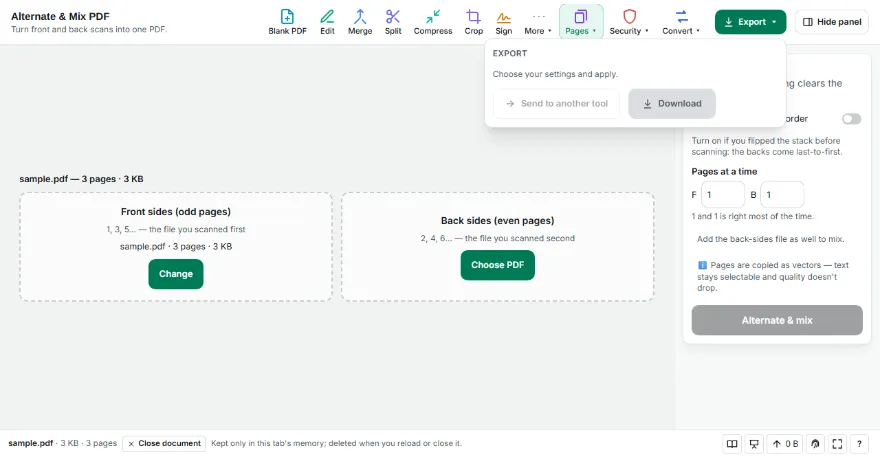
Mix
The resulting order is previewed. Press “Alternate & mix” and download one PDF.
Features
- ✓Interleave front and back PDFs
- ✓Fix reverse-scanned back pages
- ✓Step sizes (e.g. 2 front, 1 back)
- ✓Leftover pages go at the end
- ✓See the resulting order before you start
Frequently Asked Questions
When should I use this?
When you scan a double-sided document on a single-sided scanner: fronts and backs end up in two PDFs. This puts them in the right order.
My back pages are in reverse order — what now?
Turn on “Back sides in reverse order”; the last page becomes page two.
What if the page counts differ?
Pages alternate until one file runs out; the rest of the other file goes at the end.
Are my files uploaded?
No. Mixing happens in your browser; the files never leave your device.