Compress PDF
Scanned-document compression — nothing leaves your browser.
How It Works
- 1
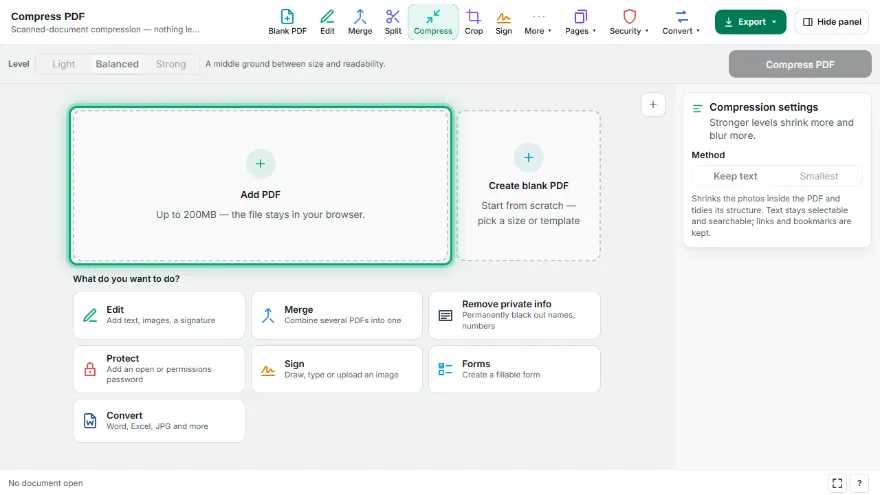
Add your PDF
Choose the PDF. The tool checks whether it actually contains a text layer.
- 2
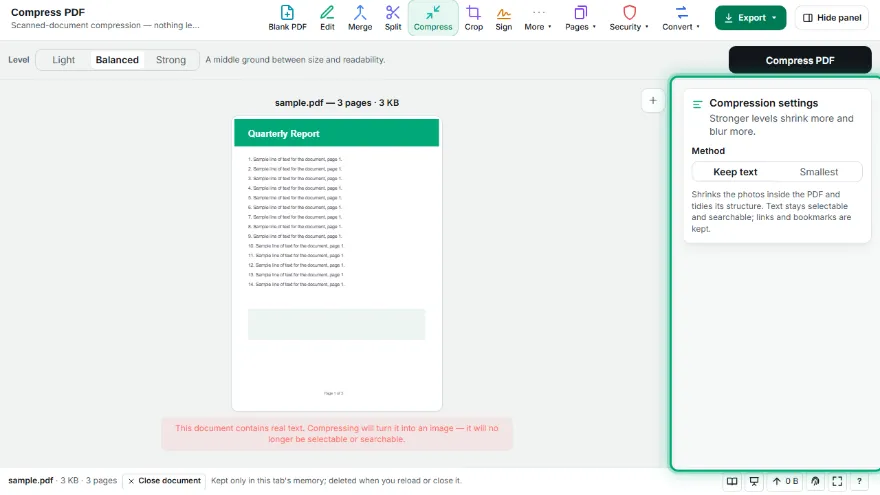
Pick a level
Light, Balanced or Strong — lower levels keep more detail, higher levels shrink more.
- 3

Read the warning and confirm
Compression re-renders pages as images. The tool lists what you lose and waits for your confirmation.
- 4
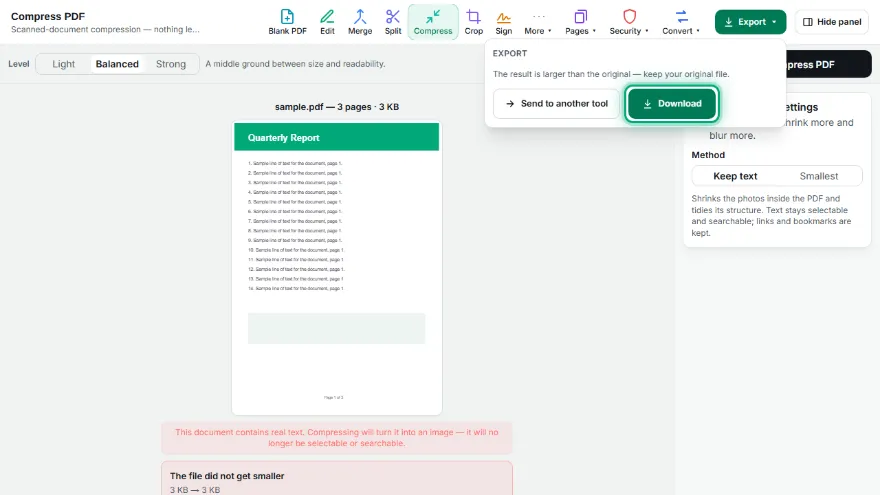
Download
The before and after sizes are shown — including the honest case where the file did not get smaller.
Features
- ✓Keep-text mode: shrinks photos while text stays selectable and searchable
- ✓The file never gets bigger — if nothing can be saved, your original is kept
- ✓Three levels, from light to strong
- ✓Checks whether the document really has a text layer — a scan loses nothing, a text document loses a lot
- ✓Explicit confirmation step: nothing runs until you accept what is lost
- ✓Page dimensions are preserved, so printing size does not change
- ✓Honest result: if the file grew instead of shrinking, it says so
- ✓Runs entirely in your browser — your PDF is never uploaded, no account needed
Frequently Asked Questions
Why does my text stop being selectable?
Because of how this compression works: every page is re-rendered as an image and embedded back into a new PDF. That is what makes the file smaller, and it is why the text becomes a picture. The tool tells you this before running, not after.
When should I not use this tool?
If you need the document to stay searchable, copyable or accessible to a screen reader, do not compress it this way. It is meant for scans and image-heavy documents, where there is no text layer to lose.
Why did my file get bigger?
A PDF made of vector text is already very compact. Turning those crisp letters into photographs of letters can take more space than the original. When that happens the tool shows it plainly instead of pretending otherwise — keep your original.
Is my PDF uploaded to a server?
No. Every page is rendered and re-encoded in your browser — the file never leaves your device and no account is needed.