JPG to PDF
Turn photos into a PDF — nothing leaves your browser.
How It Works
- 1
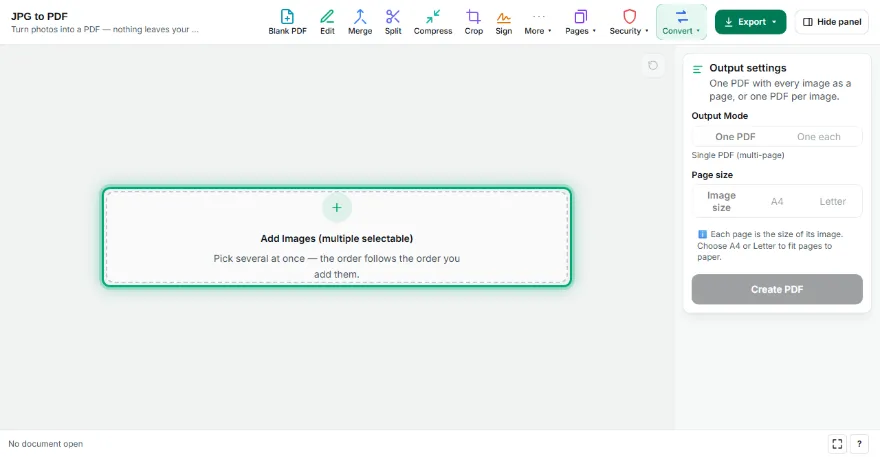
Select images
Upload one or more JPG/PNG files.
- 2
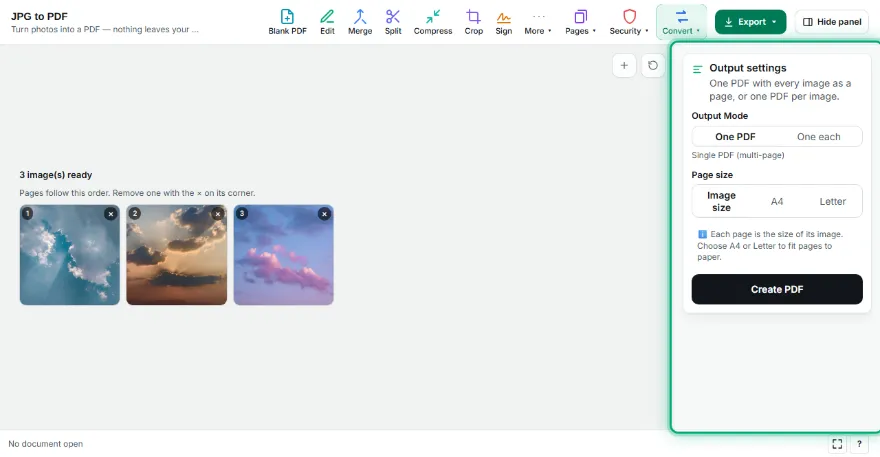
Pick a mode
Combine all images into a SINGLE multi-page PDF, or generate a SEPARATE PDF per image and download as a ZIP.
- 3

Create the PDF
Each page is created at the image's own size — no cropping or stretching.
- 4
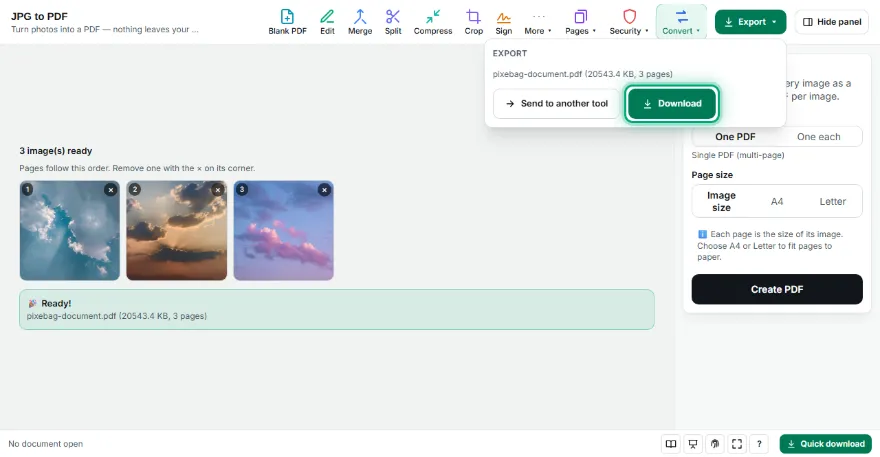
Download
Save the single PDF file or the ZIP to your computer.
Features
- ✓Page size: image size, A4 or Letter, with orientation and margin options
- ✓Multi-image upload, multi-page PDF generation in one pass
- ✓Two modes: a single combined PDF, or a separate PDF per image (ZIP)
- ✓Each PDF page matches the image's own size — no forced A4 cropping/stretching
- ✓Progress indicator — see processing status with many images
- ✓Runs entirely in your browser — your images are never uploaded
Frequently Asked Questions
Is the PDF page size fixed to A4?
No. Each page is created at the exact pixel size of the image you added — the original image is never cropped or stretched.
Can I combine multiple JPGs into a single PDF?
Yes. Choosing "Single PDF" mode combines all images into one multi-page PDF, in upload order.
I want a separate PDF for each image, is that possible?
Yes. In "Separate PDFs" mode, each image becomes its own PDF file, all downloaded together in one ZIP archive.
Are my images uploaded to a server?
No. Conversion happens entirely in your browser.