Settings
Updates instantly
Source
Wider = more detail but a larger output.
Character Set
How It Works
- 1
Upload an image or GIF
Choose a static photo or an animated GIF.
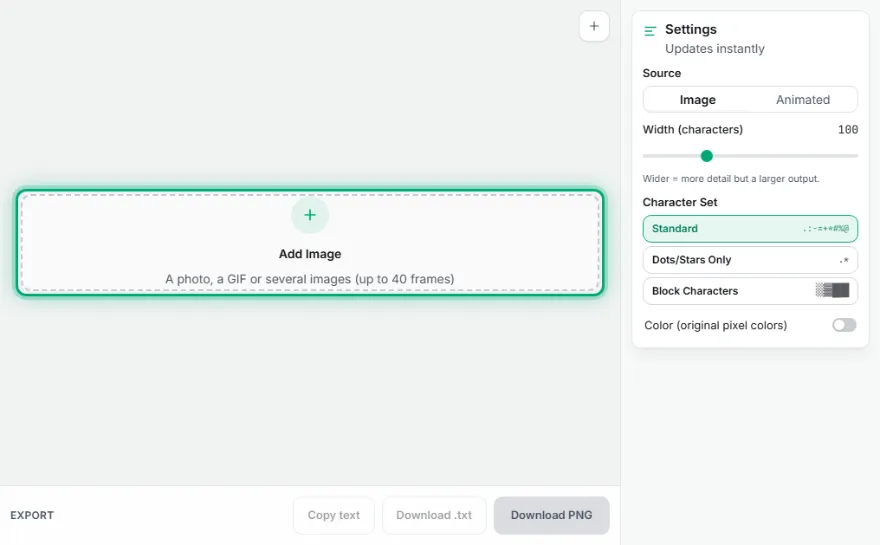
- 2
Choose width and character set
Pick a width between 80-150 characters and one of 3 character sets.
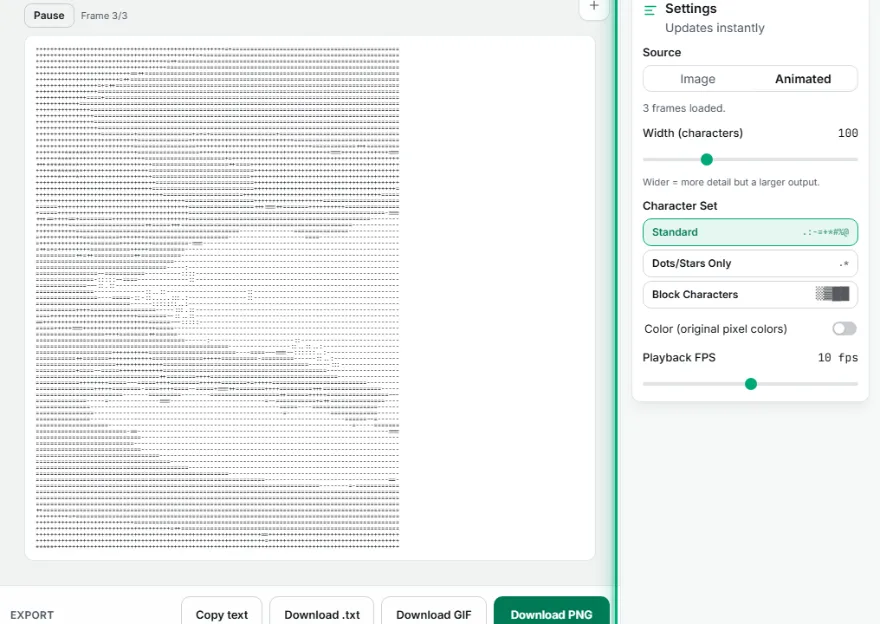
- 3
Set color mode
Optionally turn on color mode to preserve the original colors.
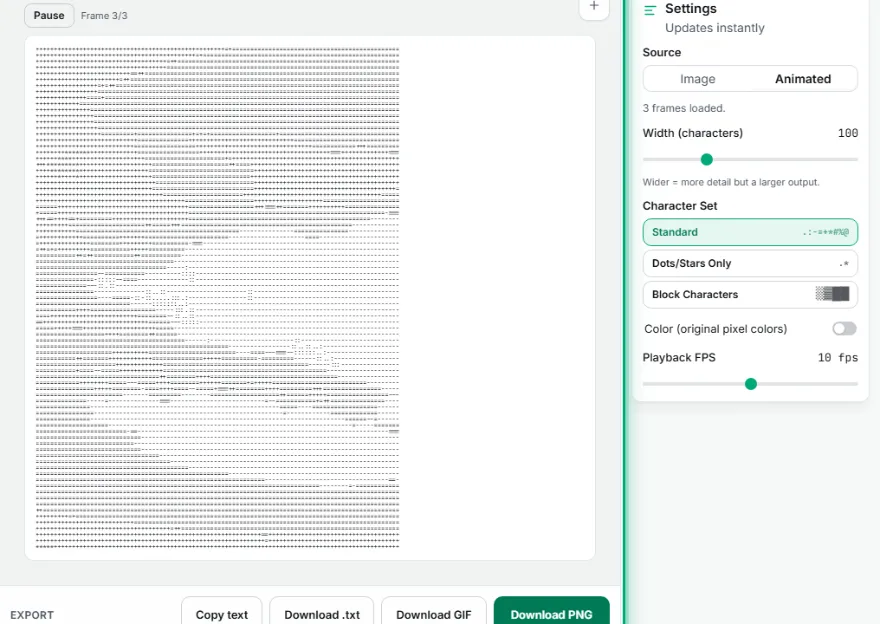
- 4
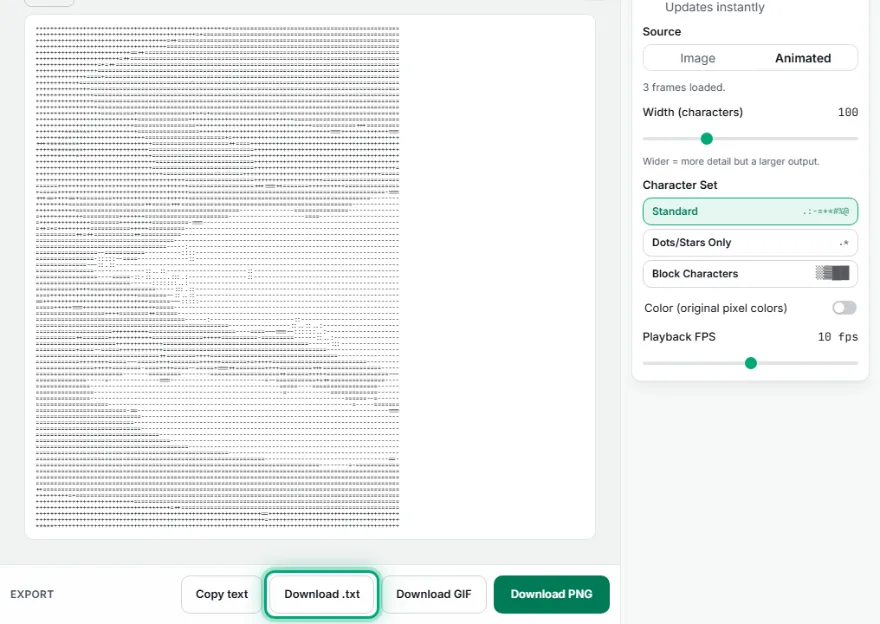
Copy or download
Copy the text to your clipboard or download it as a PNG.
Features
- ✓Adjustable width between 80-150 characters
- ✓3 character sets: Standard (10-level gradient), Dots/Stars Only (minimalist), Block Characters (Unicode ░▒▓█)
- ✓Static image OR animated GIF input — GIFs are processed frame by frame into an animated ASCII output
- ✓Color mode — maps the original pixel colors onto the characters
- ✓Copy as plain text or download as a PNG image
- ✓Runs entirely in your browser — your image is never uploaded
Frequently Asked Questions
What is ASCII art, and how does this tool work?
ASCII art is an image recreated using text characters (letters, symbols). This tool downsamples your image to a small grid, computes the average brightness of each block, and maps it to a character based on brightness — dark areas get dense characters, bright areas get spaces.
What character sets are available?
Three options: 'Standard' (a classic 10-level gradient: .:-=+*#%@), 'Dots/Stars Only' (minimalist, just dots and stars), and 'Block Characters' (filled with Unicode block symbols ░▒▓█ for a more 'pixelated' look).
Can I convert an animated GIF to ASCII too?
Yes — besides a static image, you can also upload an animated GIF; the tool converts each frame to ASCII separately and produces an animated output with its original timing.
What's the difference between color mode and normal mode?
In normal mode the output is monochrome (black) text. In color mode, each character is colored with the original pixel's color it represents — this produces a visually richer but heavier output.
How can I use the output?
Use the 'Copy' button to copy the plain text to your clipboard and paste it into any text editor, code comment, or chat. Use 'Download as PNG' to save the same output as an image file instead.