Medication Tracker
🔒 Printable medication tracker chart for seniors and caregivers: large print, high contrast, ready in one click. Free, no sign-up.
🔒 Printable medication tracker chart for seniors and caregivers: large print, high contrast, ready in one click. Free, no sign-up.
Enter the patient's name
Optionally type the patient/user's name at the top of the chart.
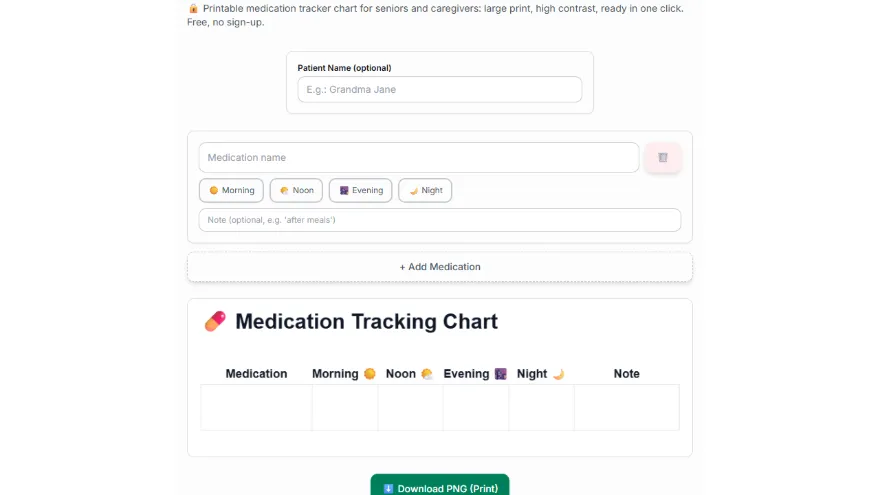
Add medications
Enter a name and an optional note for each medication.
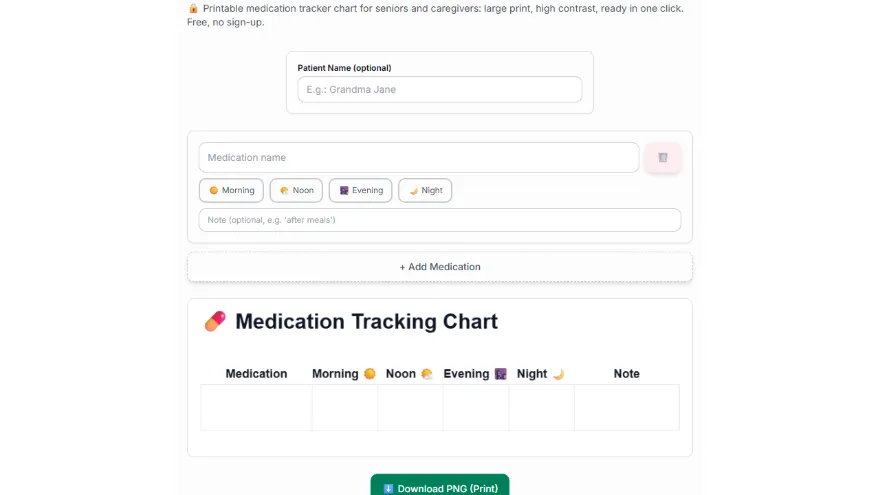
Mark the time slots
Choose which of Morning/Noon/Evening/Night apply.
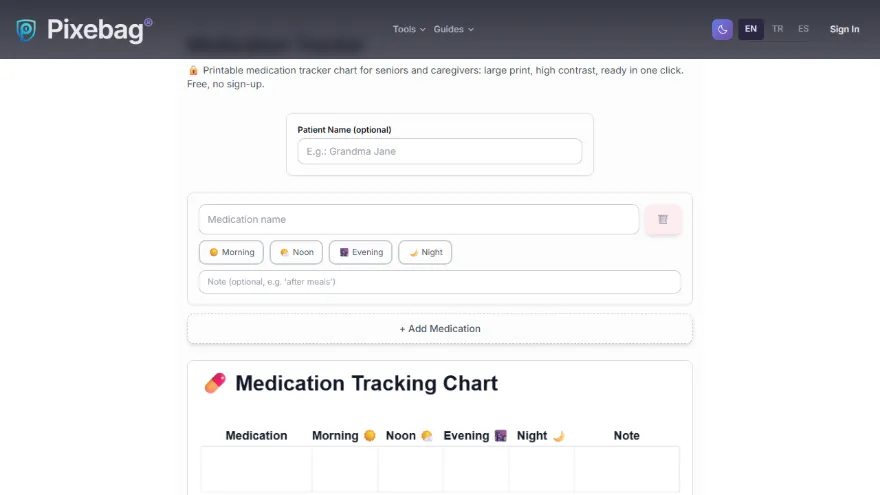
Download and print
Download as a large-print, high-contrast PNG and print it.
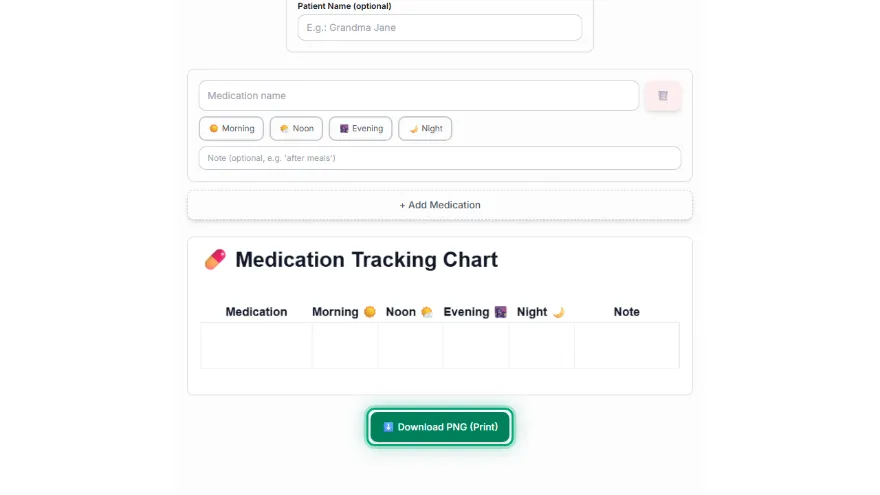
You can add as many medication rows as you want; the card grows automatically, there's no upper limit.
Each medication row has 4 fixed time slots: ☀️ Morning, 🌤️ Noon, 🌆 Evening, 🌙 Night — each can be marked independently.
After downloading it as a PNG and printing it, you can hang it on the fridge or somewhere visible; each time a medication is taken, it can be marked by hand (e.g. with a pen).
Yes, you can add an optional note to each medication row — for example, usage instructions like 'after meals' or 'on an empty stomach'.