Animation
Pick an effect and speed
Effect
Speed
Width
Output Format
How It Works
- 1
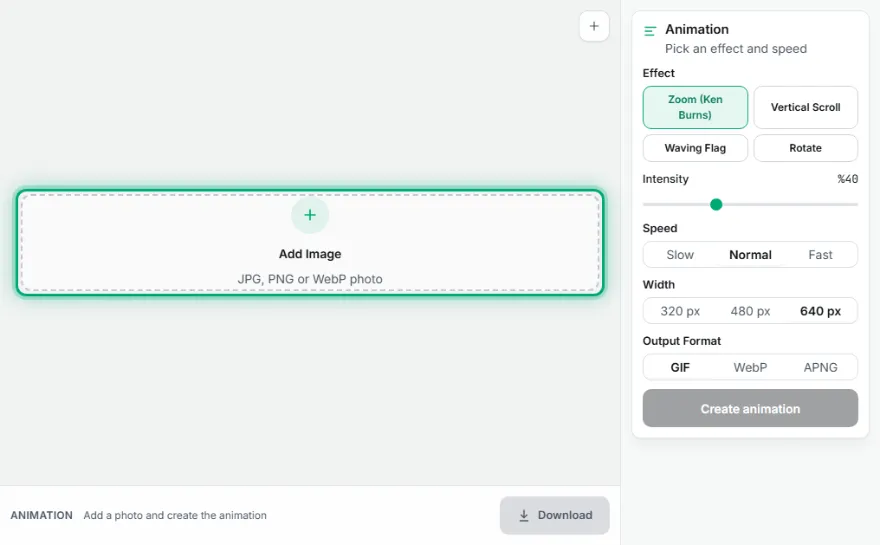
Upload the image
Choose the single image you want to animate.
- 2
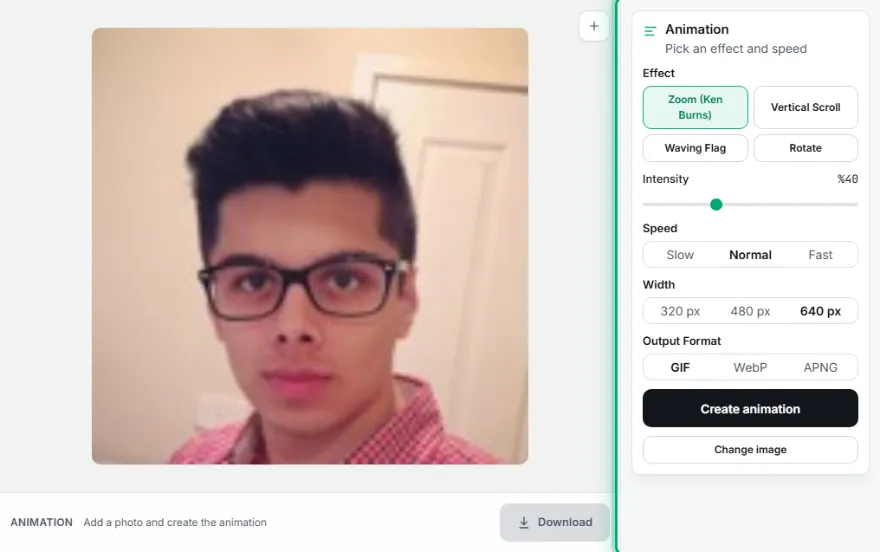
Choose an effect
Choose Ken Burns, Vertical Scroll, Waving Flag, or Rotate.
- 3

Adjust speed and format
Adjust the intensity/speed, choose the GIF/WebP/APNG output format.
- 4
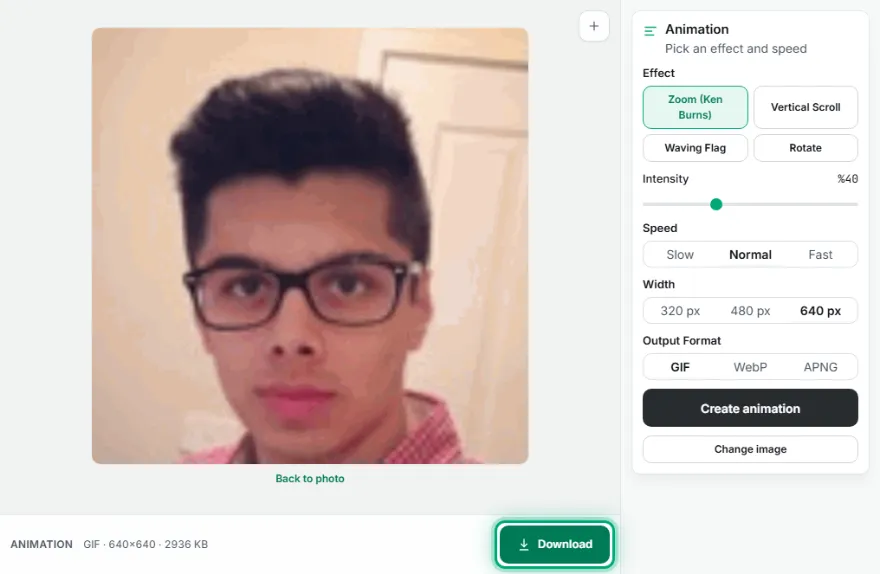
Generate and download
Press "Create Animation", then download the result.
Features
- ✓4 ready-made effects: Ken Burns, Vertical Scroll, Waving Flag, Rotate
- ✓All calculated to loop seamlessly
- ✓3 output formats: GIF, animated WebP, APNG
- ✓Adjustable intensity and speed
- ✓Runs entirely in your browser — your image is never uploaded
Frequently Asked Questions
What effects are available?
Zoom (Ken Burns), Vertical Scroll (seamless loop), Waving Flag, and Rotate — all four are applied to a single image.
Why is there no AVIF, only GIF/WebP/APNG?
There's no reliable, permissively licensed infrastructure for encoding animated AVIF in the browser. GIF Maker's own three proven formats (GIF, animated WebP, APNG) are used instead.
How long does it take / how large is the output?
30 frames are generated; file size varies with the image's dimensions and the chosen format — WebP is usually smaller than GIF.