Settings
Choose which frames to take
Which frames
How It Works
- 1
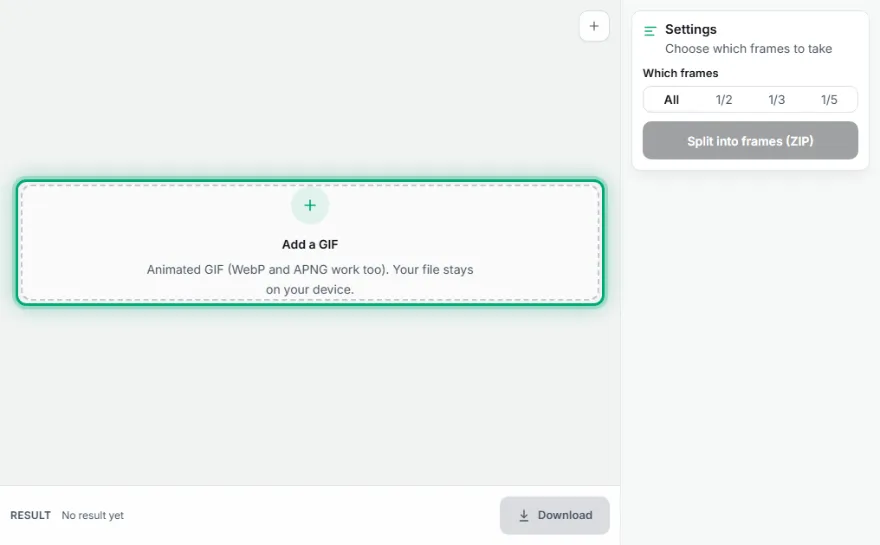
Add the GIF
Choose the GIF you want to split.
- 2
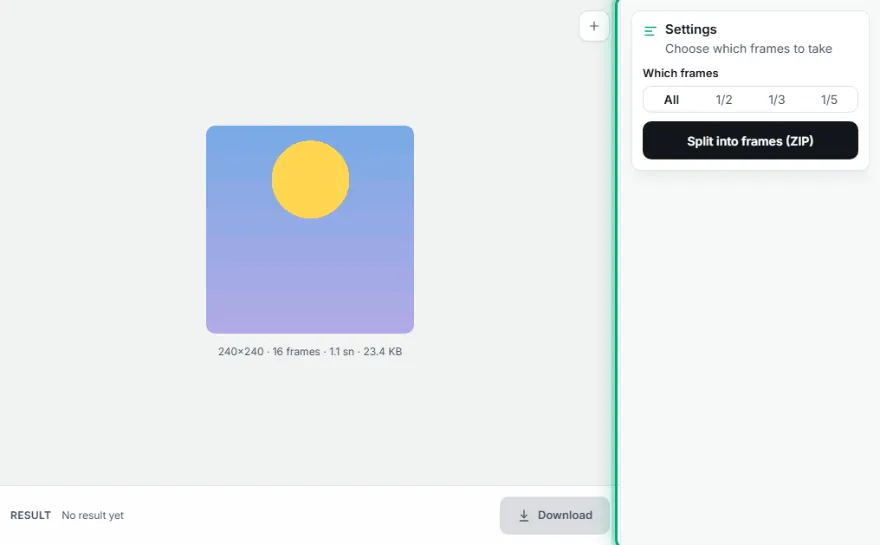
Choose frames
Take all frames or every 2nd, 3rd or 5th.
- 3

Download the ZIP
Frames download in order as frame-001.png… together with frames.json.
Features
- ✓Every frame as a full-size PNG
- ✓Partial frames are composited correctly (full image even for GIFs that store only changed areas)
- ✓Ordered file names (frame-001.png…)
- ✓frames.json with frame durations
- ✓All frames or every Nth
- ✓Your file stays on your device, nothing is uploaded
Frequently Asked Questions
Are the frames full images or fragments?
Full images. Many GIFs store only the changed region; the tool composites each frame with the previous ones and saves it as it appears on screen.
Are frame timings lost?
No. frames.json in the ZIP lists each frame's duration in milliseconds, and you can load the frames back into GIF Maker.
Can I take only some frames?
You can take every 2nd, 3rd or 5th frame; to pick individual frames use GIF Maker's frame editor.
What format are the frames?
Lossless PNG that keeps transparency.