Slicing
The grid on the sheet shows each frame
Slicing Method
Columns
Rows
Output Format
How It Works
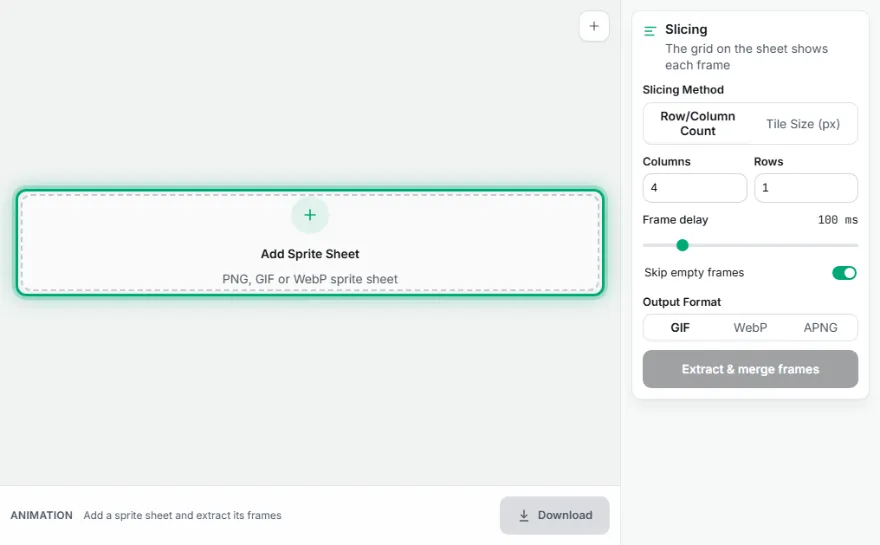
- 1
Upload the sprite sheet
Choose a single image file already split into frames.
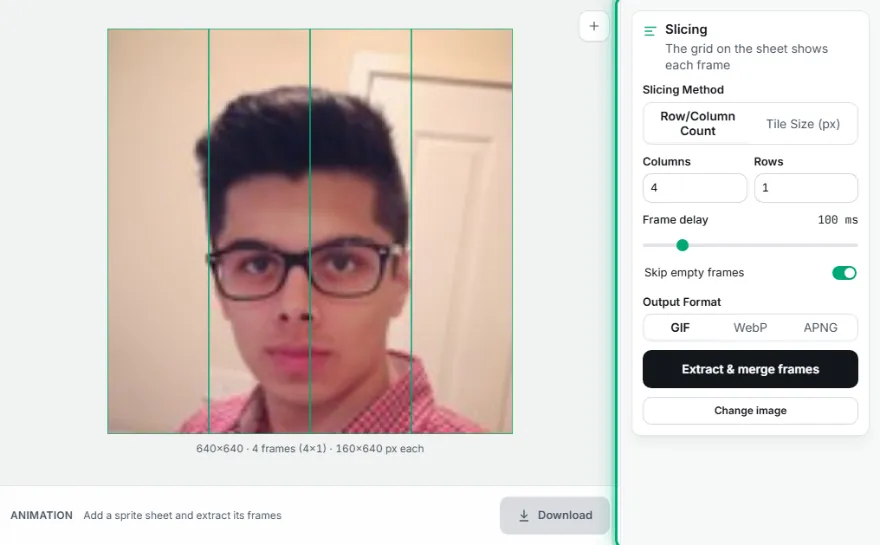
- 2
Choose a slicing method
Enter tile size (px) or row/column count.

- 3
Set delay and format
Choose the frame delay and the GIF/WebP/APNG format.
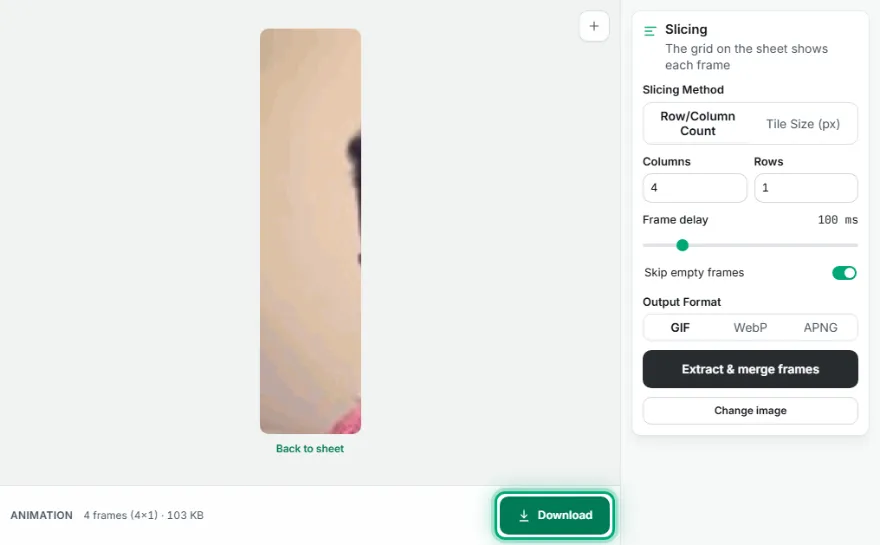
- 4
Generate and download
Press "Extract & Merge Frames", then download the result.
Features
- ✓Slice by tile size (px) or row/column count
- ✓Frames are automatically ordered left-to-right, top-to-bottom
- ✓3 output formats: GIF, animated WebP, APNG
- ✓Adjustable frame delay
- ✓Runs entirely in your browser — your image is never uploaded
Frequently Asked Questions
Should I use tile size or row/column count?
Use "Tile Size" if you know each frame's pixel dimensions, or "Row/Column Count" if you know how many rows/columns the sheet is split into.
In what order are the frames merged?
Left to right, top to bottom (row by row) — the standard reading order used by most sprite sheet tools.
Is my file uploaded to a server?
No, the entire slicing and merging process happens entirely in your browser.