PDF Text Editor
Add text, highlights and shapes to a PDF — nothing leaves your browser.
PDF Text Editor
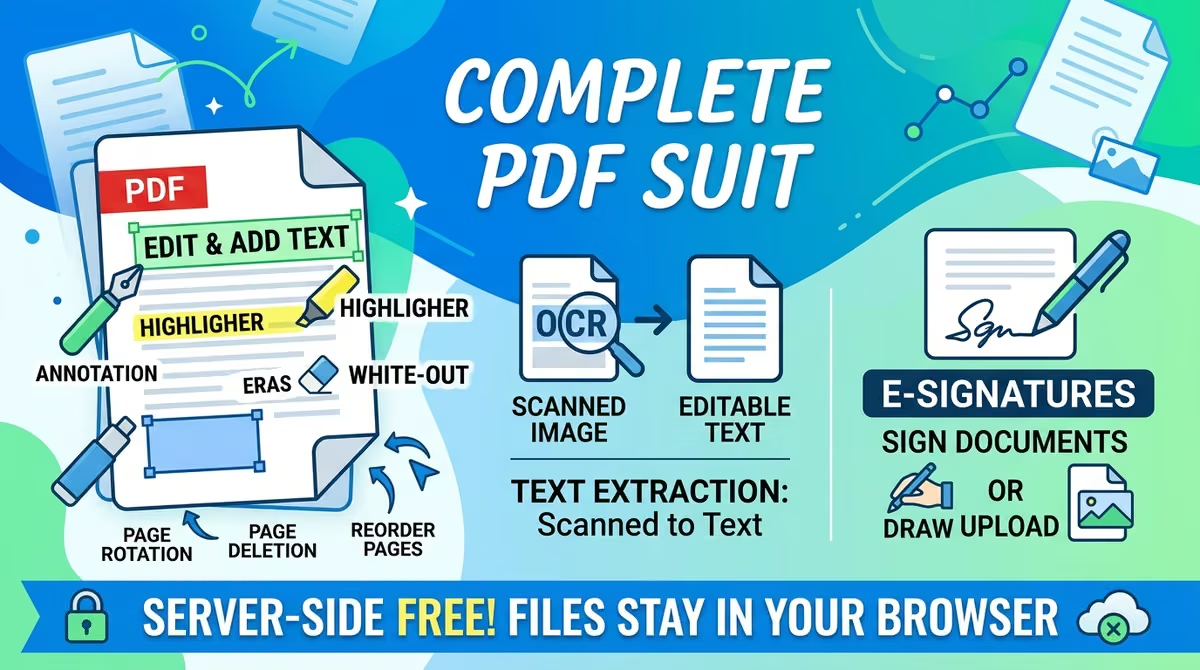
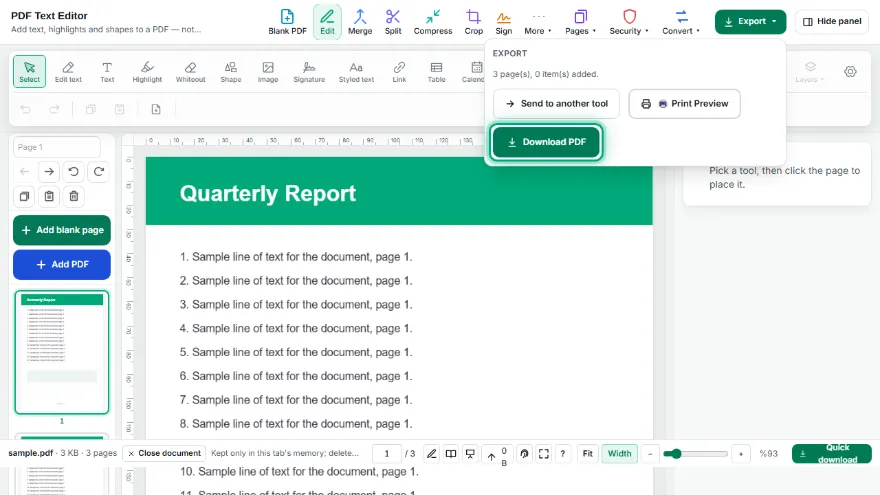
Your files stay in your browser and are never uploaded — edit your PDFs in one click without leaving a digital footprint. Add text boxes, highlights, whiteout, and shapes; rotate, delete, reorder pages.
How It Works
- 1
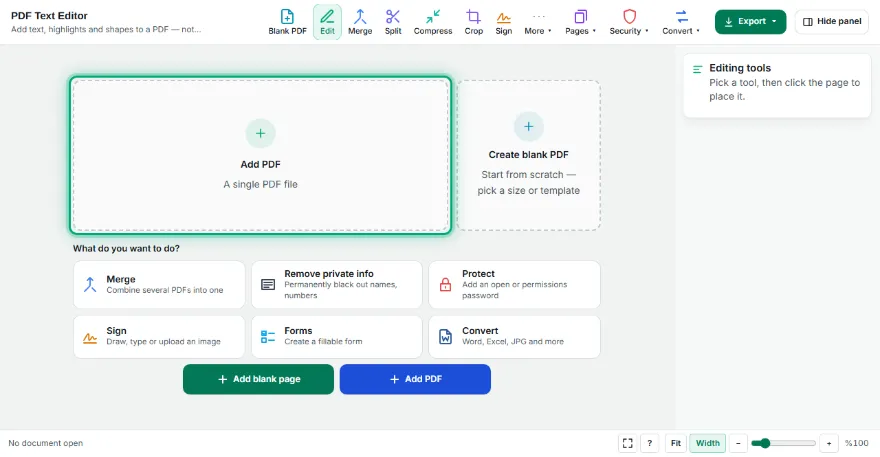
Upload your PDF
Select the PDF file you want to edit.
- 2
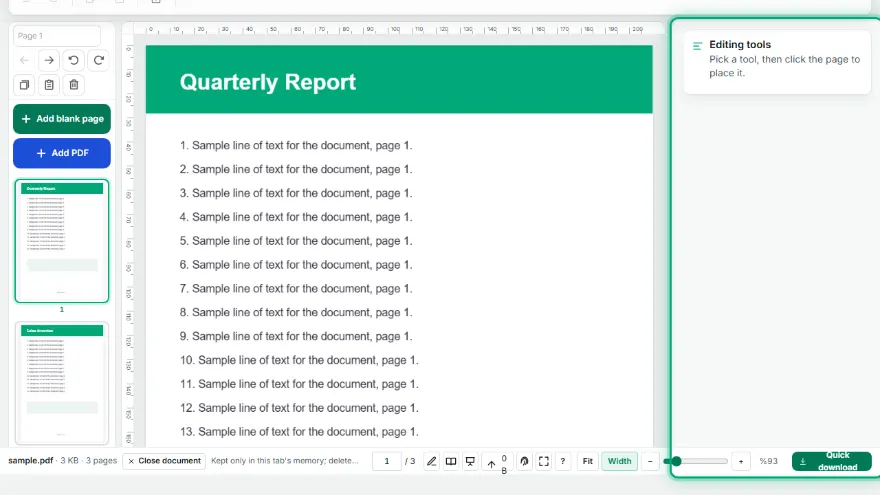
Add or edit
Add a text box, highlight, whiteout (visual hide), or shape.
- 3
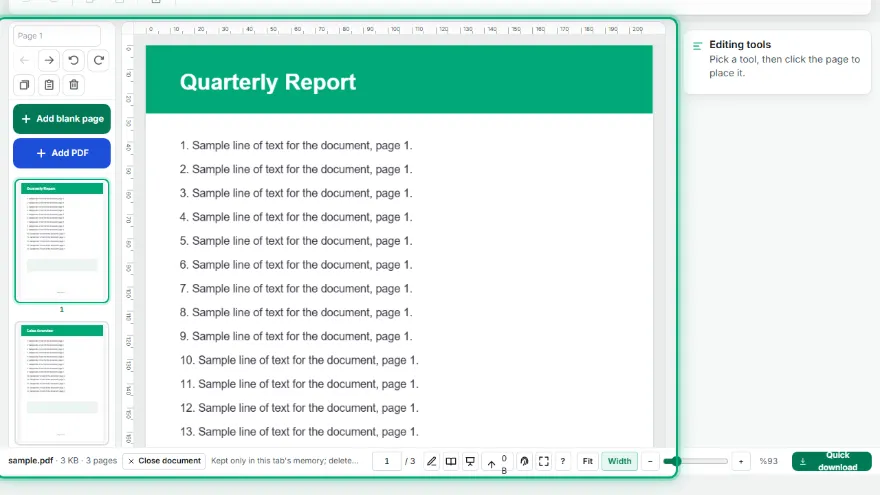
Manage pages
Rotate, delete, reorder pages, or add a blank page.
- 4
Download
Save the edited PDF to your computer.
Features
- ✓Edit existing text — the closest standard font (sans/serif/mono, bold/italic) is matched automatically
- ✓The original text colour and the page's background colour are detected automatically, so edits blend in
- ✓Add text boxes, highlights, whiteout, and shapes
- ✓Page management: rotate, delete, reorder, add blank pages
- ✓Honest limitation: edited text is covered and rewritten, not deleted from the file — don't use it to hide sensitive data
- ✓Runs entirely in your browser — your file is never sent anywhere
Frequently Asked Questions
Does the edited text keep its original colour?
Yes. The tool reads the colour the line is actually drawn in and writes your new text in the same colour, so editing a red heading does not turn it black. It also samples the page right around the line to find the real background colour, so the box that covers the old text matches coloured letterheads or shaded table rows instead of leaving a white rectangle. Both are just starting points — you can change either colour by hand.
Does the edited text keep the original font?
The tool reads the font of the line you click and writes your new text in the closest metric-compatible match — sans-serif, serif or monospace, including bold and italic. Metric-compatible means the letter widths are the same, so the edited line stays about the same width and the layout doesn't shift. It is a very close match, not the identical font file, and you can change the family or weight by hand if the guess is wrong.
Does this tool edit the existing text inside the PDF?
No. This is a visual/overlay editor — it adds NEW text/shapes on top of the PDF page. It doesn't actually change existing text; the "whiteout" tool only visually hides text, it doesn't delete it from the data layer.
Are my files uploaded to a server?
No, all processing happens in your browser, no file is ever sent anywhere.