PDF to Excel
Move tables from a PDF into Excel.
How It Works
- 1
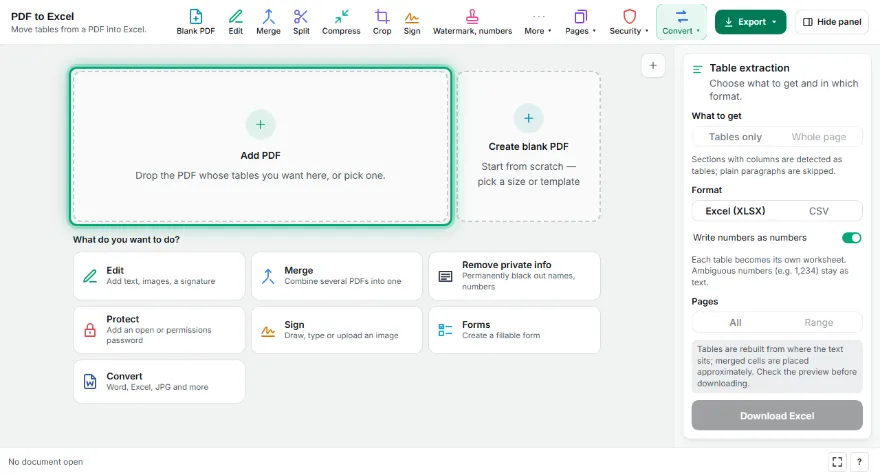
Add your PDF
Pick the PDF; tables are found automatically and shown in the preview.
- 2
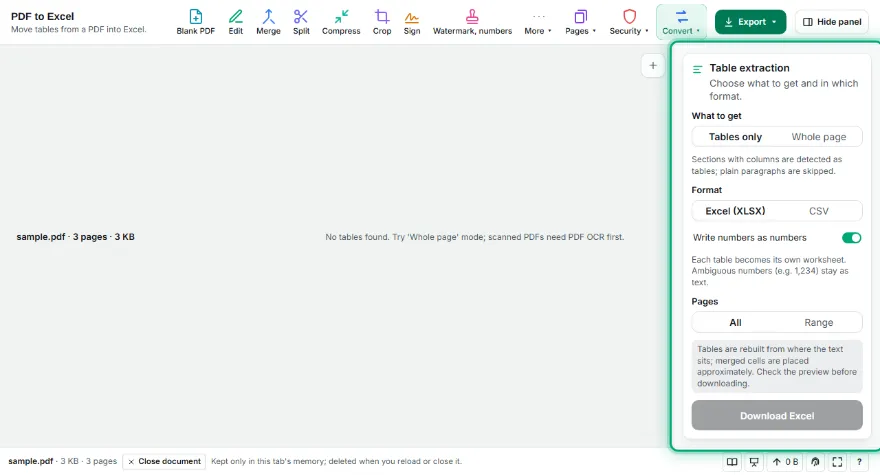
Pick the tables
Untick tables you don't need. If none are found, try 'Whole page' mode.
- 3
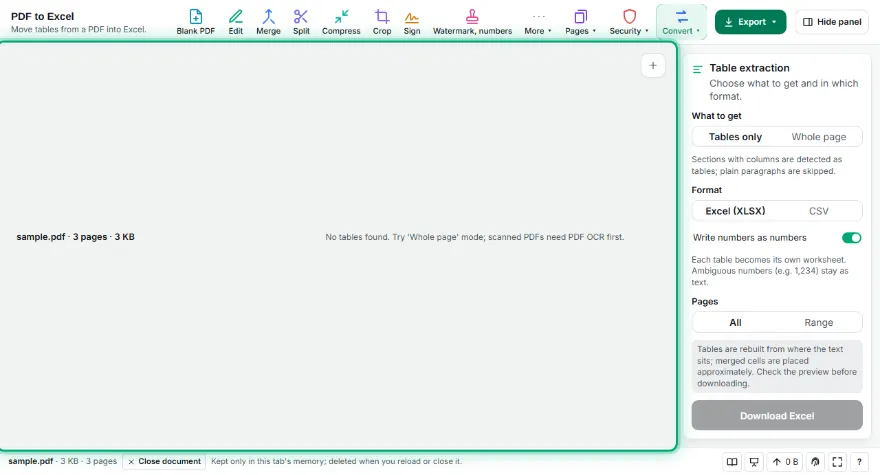
Choose a format
Excel (XLSX) or CSV; delimiter for CSV, numbers-as-numbers for Excel.
- 4
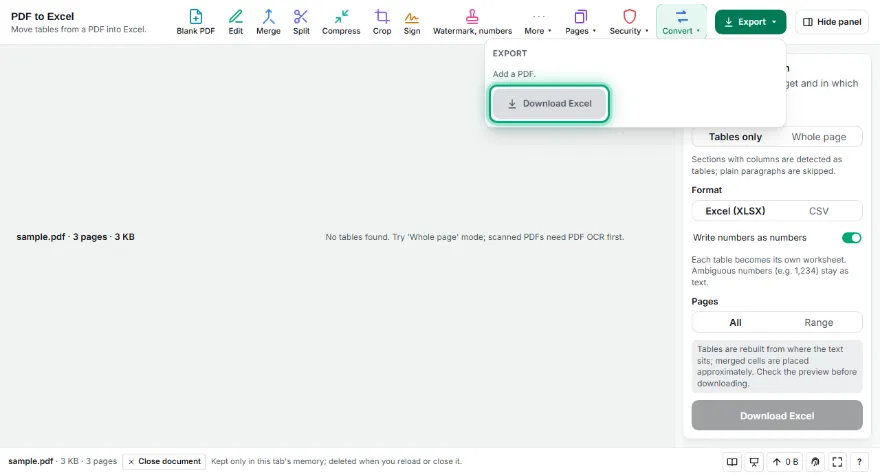
Download
In Excel each table is its own sheet; several CSVs come in a ZIP.
Features
- ✓Tables detected automatically from text positions
- ✓Left, right and center-aligned columns; multi-line cells
- ✓Excel (XLSX): one worksheet per table, numbers as numbers
- ✓CSV: semicolon or comma delimiter, UTF-8
- ✓Preview and pick tables; 'Whole page' mode
- ✓No sign-up; your PDF never leaves your device
Frequently Asked Questions
Which PDFs does it work well on?
PDFs that contain text (not scans): invoices, reports, price lists, bank statements and other tables with aligned columns. Scanned PDFs need a text layer first via PDF OCR.
How does it find tables?
It looks at where text pieces sit on the page: it finds cells separated by wide gaps and the columns they line up in. Left, right and center-aligned columns are all recognized; multi-line cells are joined.
Do numbers come through as numbers in Excel?
Yes. Unambiguous numbers (42, 3.5, 1.234,56, 1,234.56, 12%) are written as numbers you can calculate with. Values like 1,234 — where it's unclear whether the comma is a thousands or decimal separator — stay as text.
Why a semicolon CSV option?
Excel in many European locales expects semicolon-separated CSV because the comma is the decimal separator. Choose the one your spreadsheet expects.
Is it free? Do I need an account?
It's free, with no sign-up. Your PDF isn't uploaded anywhere.