Cute QR Studio
Your files stay in your browser and are never uploaded — create your cute, custom-designed QR code in one click without leaving a digital footprint.
How It Works
- 1
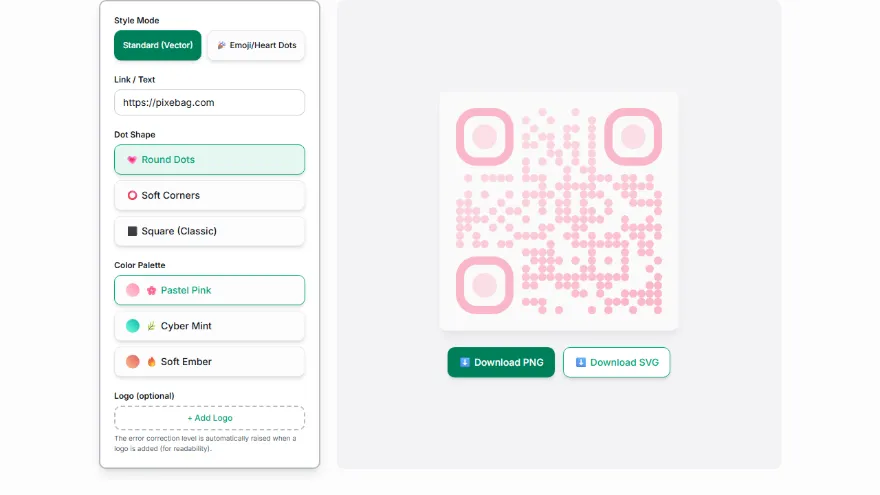
Enter your link
Type the web address or text the QR code should point to.
- 2
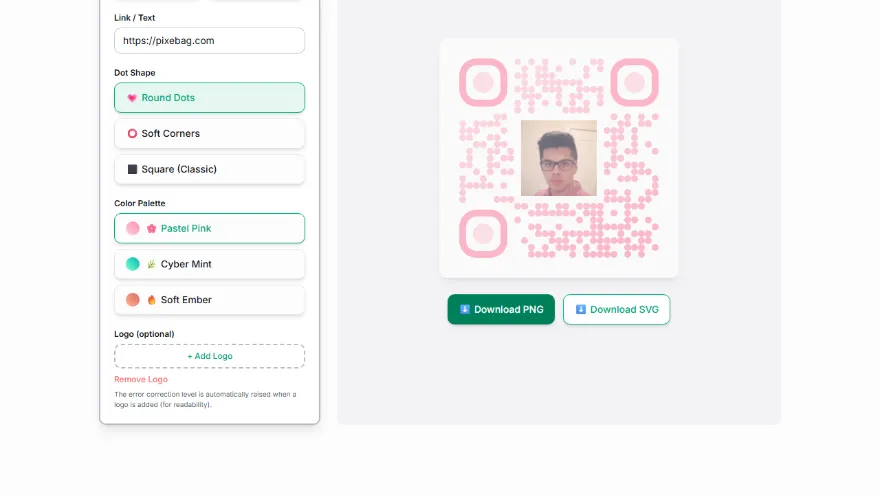
Choose a style
Choose a dot shape and color/gradient pack, and add a logo if you want.
- 3
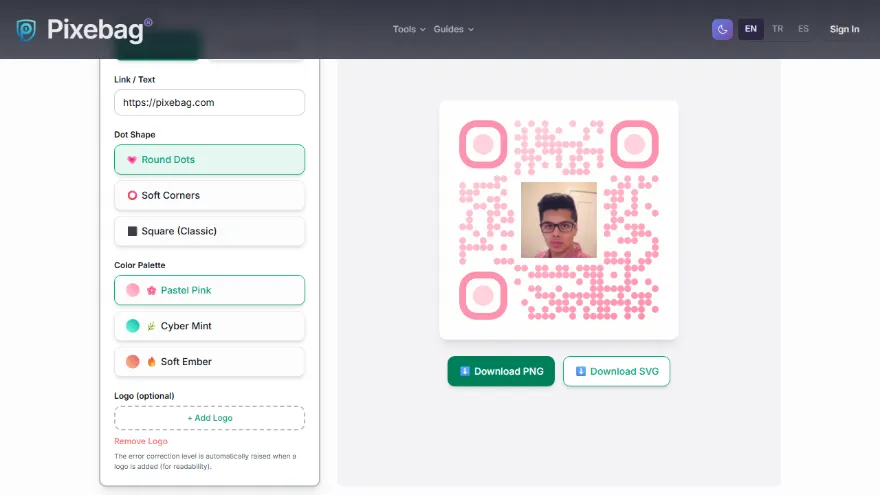
Preview
Test it by scanning the code with your phone in the live preview.
- 4
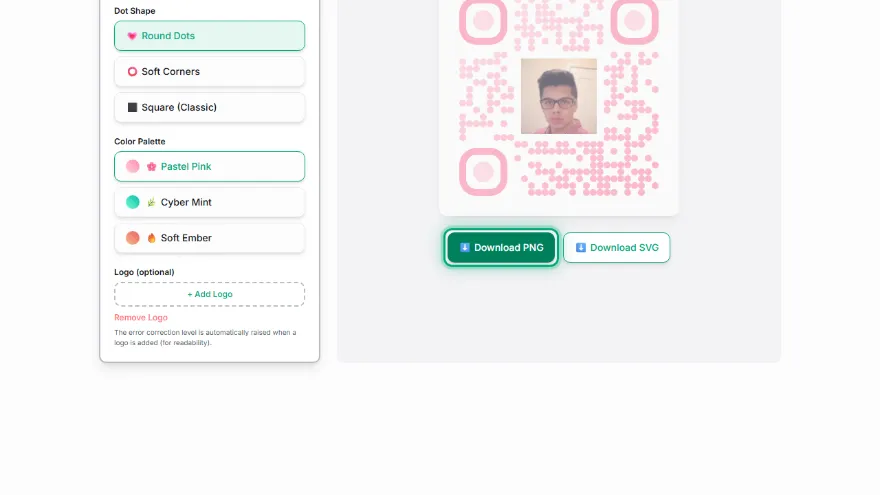
Download
Download as PNG (screen) or SVG (print).
Features
- ✓3 dot styles: 💗 Round Dots, ⭕ Soft Corners, ⬛ Square (Classic)
- ✓Gradient color packs — a two-tone design instead of a single flat color
- ✓Add a logo/icon in the center — error correction level automatically raised to the highest (H)
- ✓High tolerance even without a logo (Q level, ~25%) — more resilient than a standard QR
- ✓Download as PNG (screen/social media) or SVG (poster/print, resolution-independent)
- ✓Runs entirely in your browser — the link you enter is never sent to a server
Frequently Asked Questions
Does a round-dotted/decorative QR code scan as well as a classic square QR?
Yes — the QR standard looks at the position of the squares (modules), not the shape of the dots. Changing the dot or corner style doesn't break readability; a scanner app ignores the shape and only reads the light/dark pattern.
Will adding a logo break the QR code?
No — when you add a logo, the tool automatically raises the error correction level to the highest (H level, stays readable even if about 30% of the code is covered). Codes without a logo still use Q level (25% tolerance) — more resilient than an ordinary square QR.
What color/shape combinations are available?
You can choose from three dot styles (💗 Round Dots, ⭕ Soft Corners, ⬛ Square/Classic) and multiple gradient color packs, and optionally add a logo/icon in the center.
Should I download PNG or SVG?
PNG is enough for social media, a website, or on-screen use. Prefer SVG (vector, resolution-independent) for uses that need to stay sharp at large sizes, like a poster, packaging, or print.