PDF & Image OCR
Pull text out of scans and photos — nothing leaves your browser.
OCR — Text Recognition
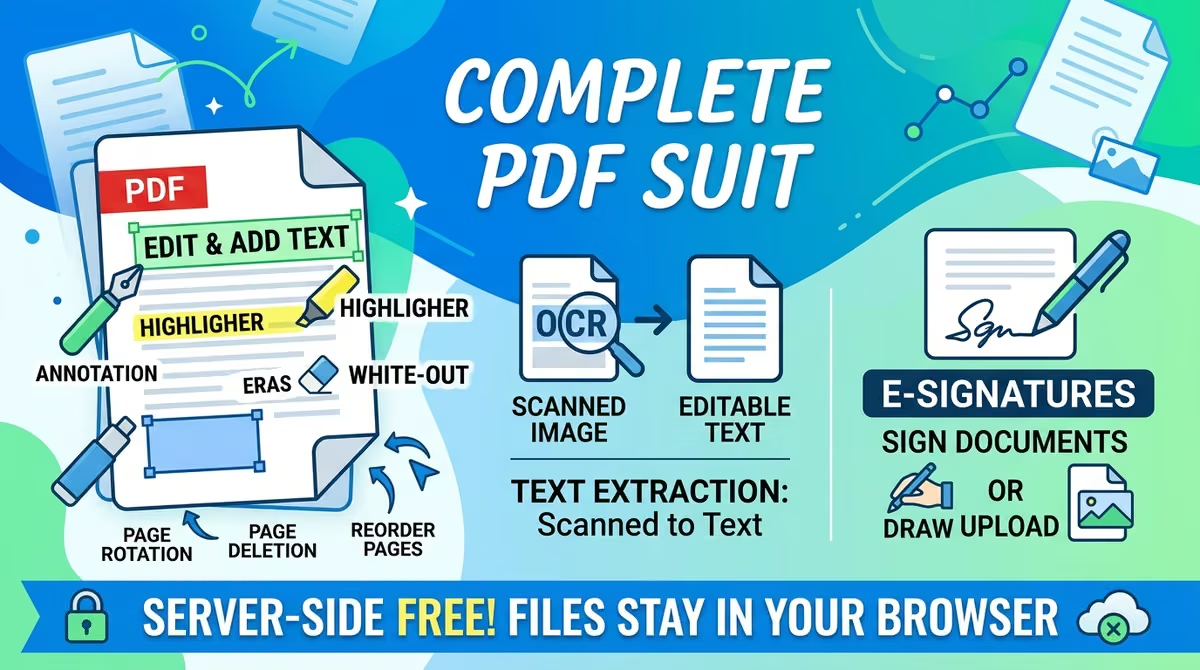
Your files stay in your browser and are never uploaded — extract text from your document in one click without leaving a digital footprint. Turn text in scanned PDFs or photos into editable text.
How It Works
- 1
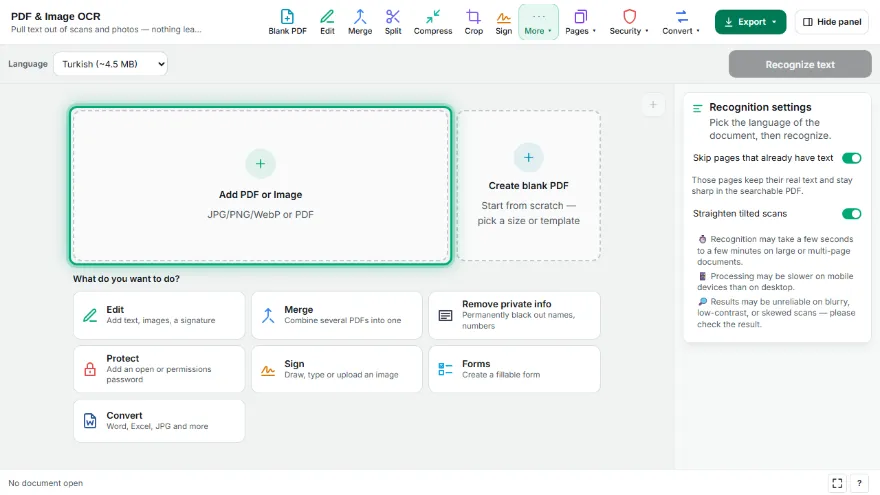
Upload your file
Select a scanned PDF or photo.
- 2
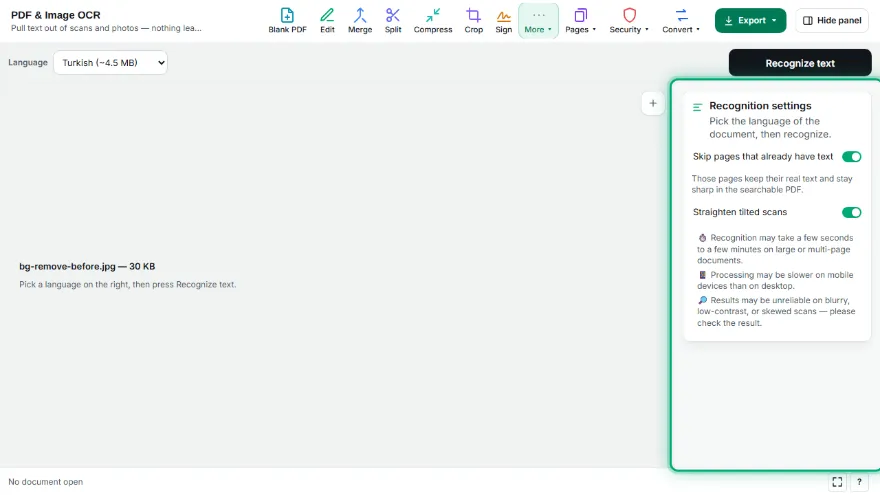
Pick a language
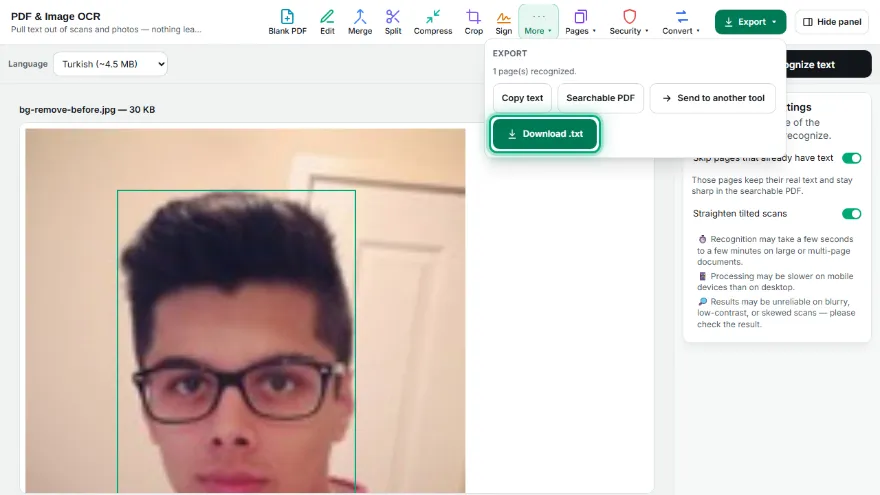
Choose the document's language (Turkish by default) — only that language's pack is downloaded.
- 3

Recognize
Text is recognized in your browser, the result appears as editable text.
- 4
Download
Download as .txt or as a searchable (text-layer) PDF.
Features
- ✓8 languages supported: Turkish, English, German, French, Spanish, Italian, Russian, Arabic
- ✓Language packs are cached in the browser after first use — never downloaded again
- ✓Result comes out as editable text, downloadable as .txt
- ✓Produces a searchable (text-layer) PDF output
- ✓Page-by-page progress indicator for multi-page PDFs
- ✓Runs entirely in your browser — your document is never uploaded
Frequently Asked Questions
Are language packs re-downloaded every time?
No, after the first download it's cached in your browser and never downloaded again on later uses.
How accurate is the result?
It depends on image quality — sharp, straight, well-contrasted scans give the best result. Always review the result for blurry or skewed images.
Which languages are supported?
Turkish and English in the main selection; also German, French, Spanish, Italian, Russian, and Arabic under "More languages".