Rearrange PDF Pages
Drag pages or move them with the arrows — your file stays on your device.
No document open
How It Works
- 1
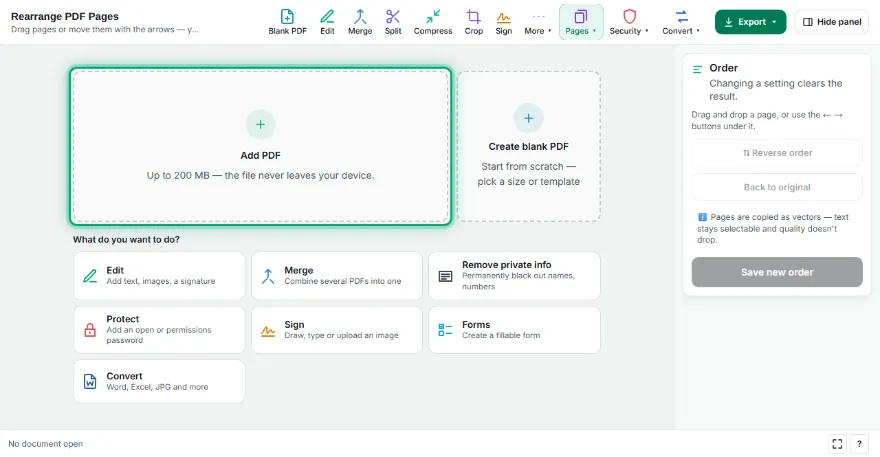
Add your PDF
Choose the PDF whose page order you want to change.
- 2
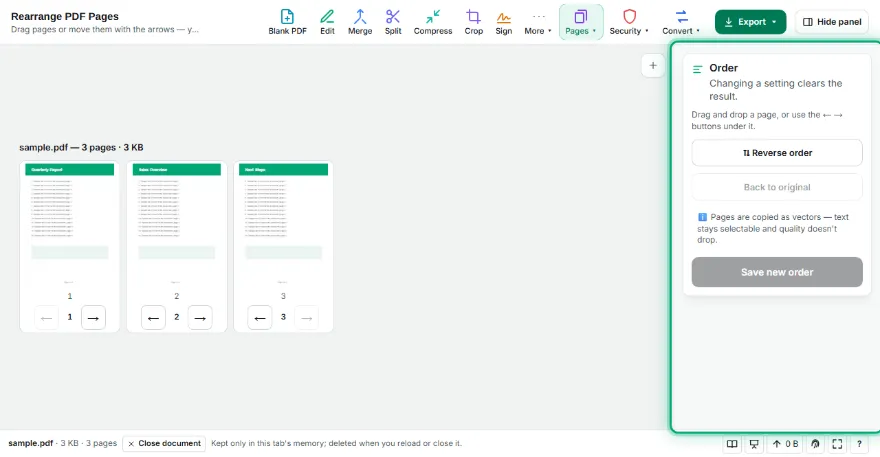
Move the pages
Drag a page and drop it in its new place, or use the ← → buttons under it. “Reverse” flips the whole order.
- 3
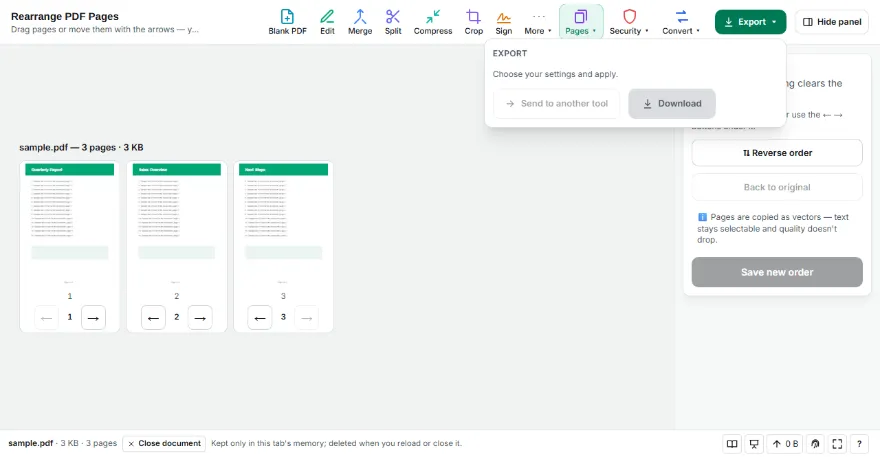
Save
Press “Save new order” and download the PDF.
Features
- ✓Drag-and-drop reordering
- ✓Arrow buttons for touch and keyboard
- ✓Reverse the whole document in one click
- ✓Pages copied as vectors
- ✓The file never leaves your device
Frequently Asked Questions
I can't drag on my phone — what now?
Use the ← and → buttons under each page to move it one step forward or back.
My scan is in reverse order. Can I fix it?
Yes. The “Reverse” button flips the order in one click.
Does reordering affect quality?
No. Pages aren't redrawn; only their position changes.
Can I combine several PDFs and reorder them?
Merge them first with Merge PDF, then send the result here to reorder.