Pixebag®

Paw-Shaped QR ✅ Safe

Your files stay in your browser and are never uploaded — create your fun yet 100% scannable QR code in one click without leaving a digital footprint. QR data is never deformed in any way.

How It Works

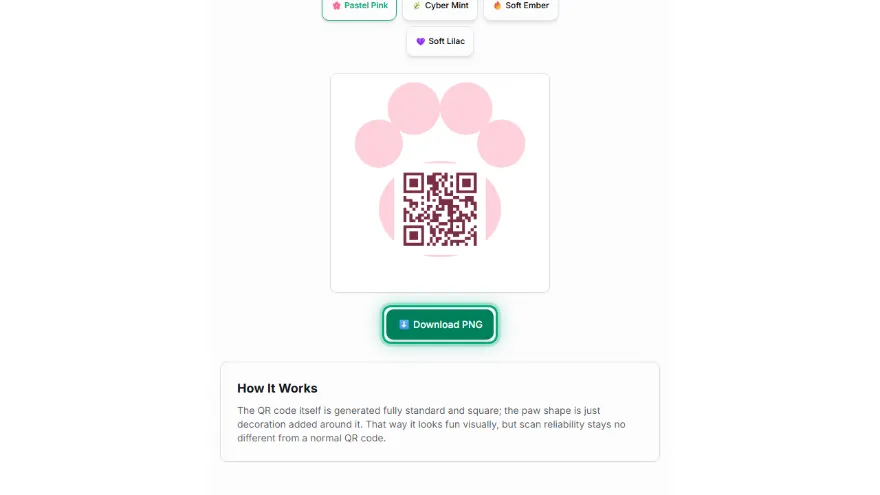
The QR code itself is generated fully standard and square; the paw shape is just decoration added around it. That way it looks fun visually, but scan reliability stays no different from a normal QR code.
What the finished code looks like

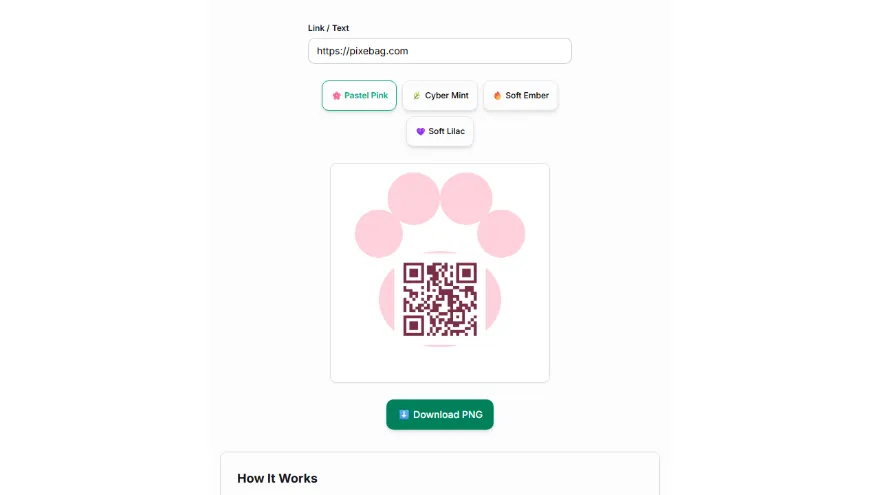
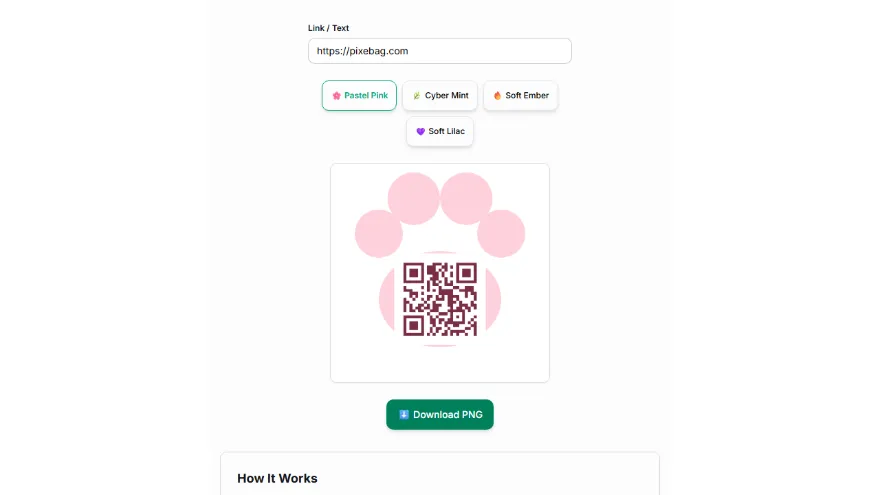
Example: a standard square QR code for pixebag.com inside the pastel pink paw frame. Scan it with your phone camera — it opens the link like any other QR code.

How It Works

  1. 1

    Enter your link

    Type the web address the QR code should point to.

    Enter your link
  2. 2

    Choose a color pack

    Choose one of the ready-made color packs.

    Choose a color pack
  3. 3

    Test it

    Check readability by scanning the code with your phone.

    Test it
  4. 4

    Download

    Download your cute, paw-framed QR code.

    Download

Features

  • ✓QR data is never deformed — a standard square QR, just with a decorative paw frame
  • ✓100% scannable — safe, unlike Pixebag's riskier 'Beta' (silhouette-clipped) version
  • ✓Multiple ready-made color packs
  • ✓Instant live preview
  • ✓Runs entirely in your browser — the link you enter is never sent to a server

Using a paw-shaped QR code: a practical guide

Where a paw QR code works well

The paw frame makes the code friendlier to look at, which matters most where people choose whether to scan. Common uses: a pet's collar tag or ID card linking to an owner contact page, a vet clinic or pet shop poster linking to booking or opening hours, an animal shelter's donation flyer, adoption profiles on a cage card, and social media posts or stickers for pet accounts. The data is an ordinary link, so it can point to any page you choose.

Why it scans as reliably as a normal QR code

The code itself is never cut, warped or recoloured into the paw. A standard square QR code is generated first, placed on a white rounded tile and only then set inside the paw pad. Phone cameras look for the three square finder patterns and the white quiet zone around the code; both stay intact, so scanning works exactly as it does for a plain code. This is the difference from the experimental Beta version, which clips the code itself into the paw outline and can fail to scan.

Printing size and scanning distance

As a rule of thumb, a QR code scans from about ten times its own width. For a collar tag, keep the square code part at least 2 cm wide and use a short link — fewer characters mean bigger modules that survive scratches and small print. For a poster read from a metre or two away, print the code part 10 to 20 cm wide. Download the PNG, print at 300 DPI, and always test the printed result with two different phones before printing in bulk.

Colours and contrast

Each colour pack pairs a pastel paw with a dark code colour, because scanners need strong contrast between the dark modules and the white tile. Avoid placing the printed code on a dark or busy background without the white border, and do not invert it to light modules on a dark tile — some phone cameras will not read inverted codes.

Privacy

The link you type and the image you download are created in your browser. Nothing is uploaded, stored or tracked by Pixebag, and the code does not expire: it keeps working for as long as the page it points to exists.

Frequently Asked Questions

Is this QR really as reliable as a normal QR?

Yes. The QR code itself is generated in the standard square format, never deformed; the paw shape is just a decorative frame added around it — it doesn't affect the readability of the QR data in any way.

Why does it have a 'Safe' label?

Pixebag also has a riskier 'Beta' version of this tool that actually clips the QR data into a paw silhouette. This tool never touches the QR itself, so it always scans reliably.

What color options are available?

You can choose from multiple ready-made color packs — including the default pink — each pack changes the paw frame and QR color together.

What can it be used for?

Great for fun, pet-themed uses like a pet collar/ID tag, a vet clinic/pet shop sign, an animal shelter donation campaign, or social media posts.

Related Tools