Product photo
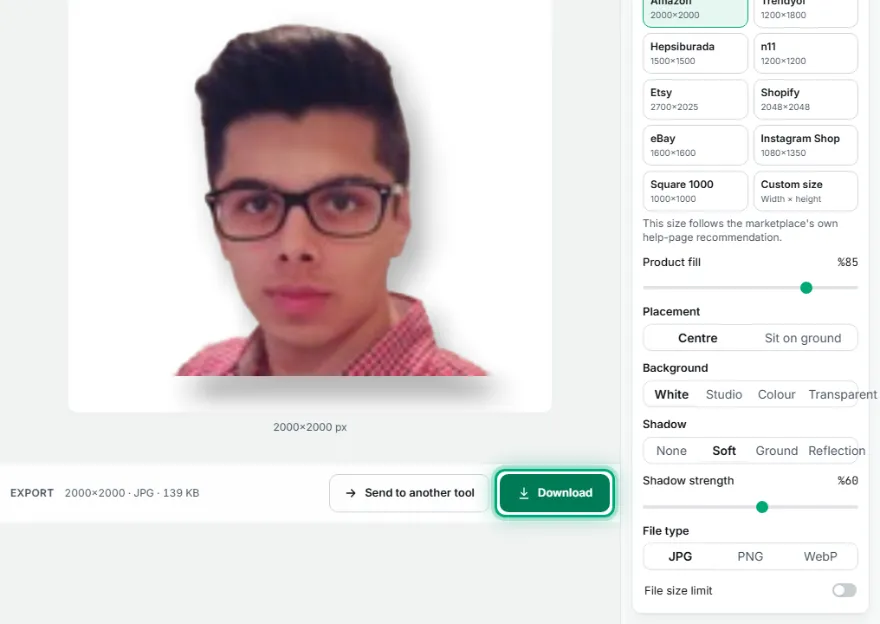
The preview updates instantly
How It Works
- 1
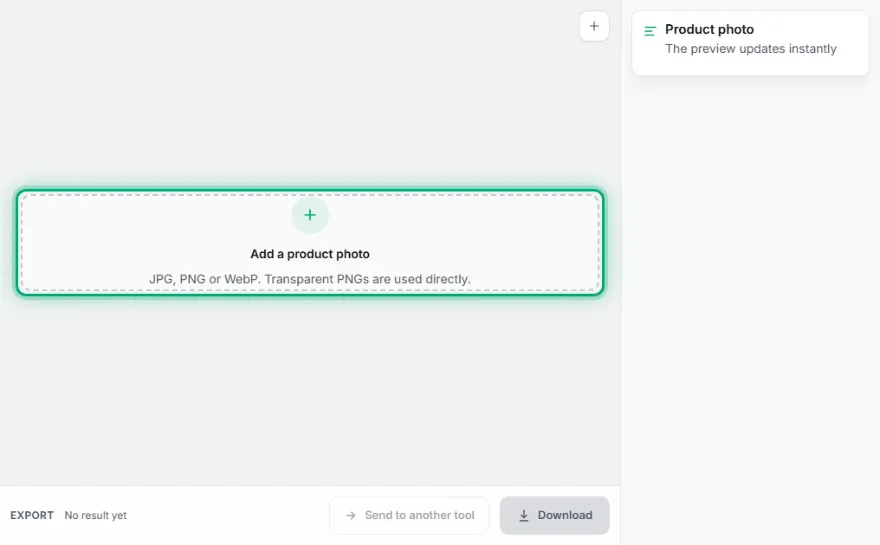
Add the photo
Choose your product photo. If it's already a transparent PNG, this step is skipped.
- 2
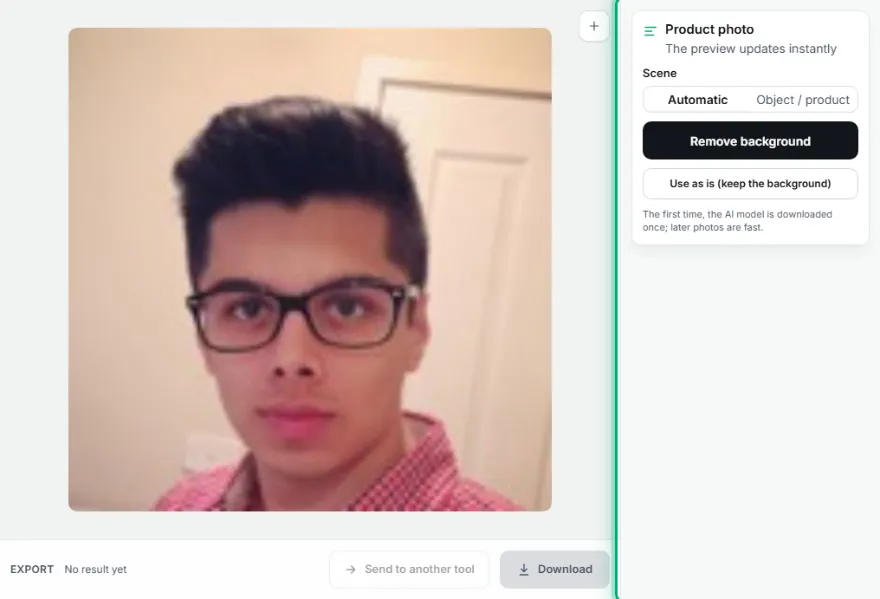
Remove the background
Use 'Remove background' to isolate the product automatically, or 'Use as is' if it's already on a plain background and you don't want to remove it.
- 3
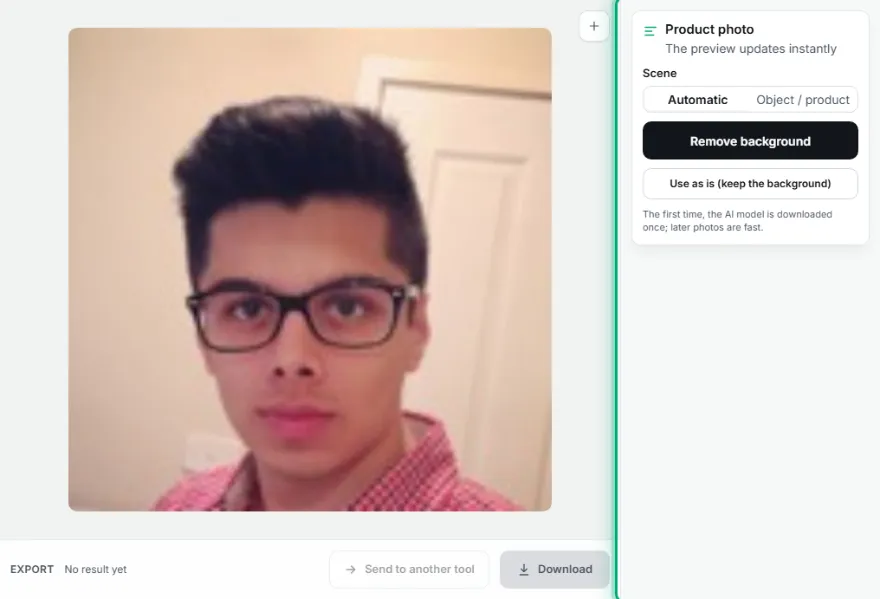
Pick the marketplace
Choose Amazon, Trendyol, Hepsiburada, n11, Etsy, Shopify, eBay or a custom size; the product is trimmed and centred at the recommended fill.
- 4

Background and shadow
Choose white, studio gradient, colour or transparent, and a soft, ground or reflection shadow.
- 5
Download
Download as JPG, PNG or WebP; set a file size limit (KB) if you need one.
Features
- ✓Automatic background removal (same engine as Background Remover)
- ✓Automatic trim to the product and centring
- ✓Amazon, Trendyol, Hepsiburada, n11, Etsy, Shopify, eBay, Instagram Shop and custom sizes
- ✓Fill ratio (40–98%) and sit-on-ground placement
- ✓White, studio gradient, solid colour or transparent background
- ✓Soft shadow, ground shadow or reflection
- ✓JPG/WebP under a target KB, or lossless PNG
- ✓Your photo stays on your device
Frequently Asked Questions
Which marketplace sizes are included?
Amazon 2000×2000, Trendyol 1200×1800, Hepsiburada 1500×1500, n11 1200×1200, Etsy 2700×2025, Shopify 2048×2048, eBay 1600×1600, Instagram Shop 1080×1350 and square 1000×1000. The Amazon, Etsy, Shopify, eBay and Instagram sizes follow those platforms' own help pages. No public official size guideline was found for Trendyol, Hepsiburada or n11, so those are the sizes sellers commonly use, and the tool says so. Rules change, so check the current requirements in your seller dashboard. You can also enter a custom size.
Does it meet Amazon's white background rule?
The white background is pure white (#FFFFFF), and the Amazon preset makes the product fill about 85% of the frame. If you don't want a shadow on the main image, set Shadow to 'None'; confirm the category rules in your seller dashboard.
How long does background removal take?
The first time, the AI model is downloaded once, which can take a while depending on your connection. Later photos are much faster. Your image is never uploaded.
I already have a transparent PNG. What happens?
The tool detects the transparency, skips the AI step and places the product directly.
How do I use the file size limit?
Choose JPG or WebP, turn on 'File size limit' and enter the KB value; quality is adjusted automatically for the best result under the limit. If it can't be reached, you're told clearly.
Can I process several product photos at once?
This tool works one photo at a time for now. To only remove the background of many photos, use Background Remover's batch mode.