No maze yet
Pick your settings on the right, then press Generate.
Bulk Generate for a Class (Premium)
Paste or upload a list of student names — a separate worksheet will be generated for each one, using your current settings.
0 / 40 names
Output format
Difficulty
View
How It Works
- 1
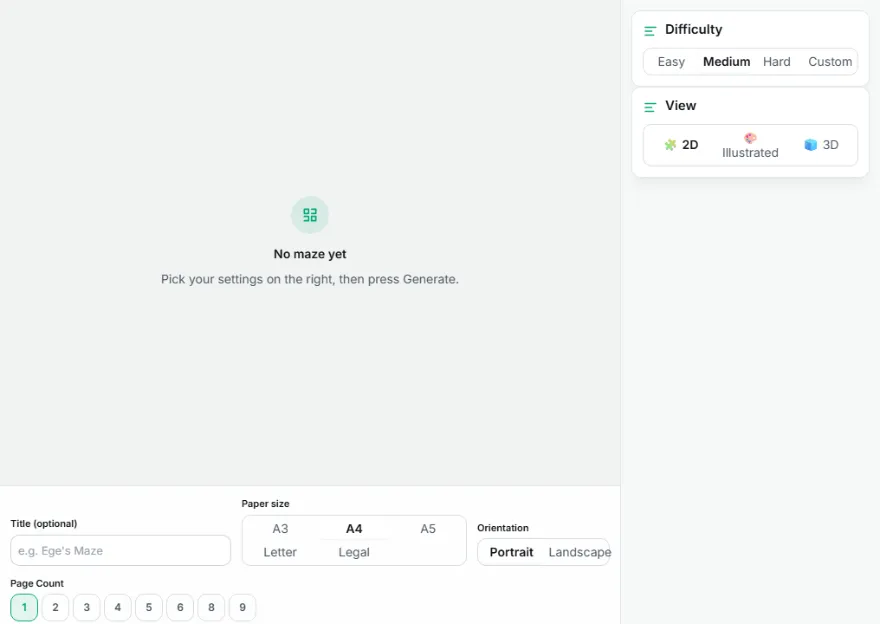
Pick a difficulty
Easy, Medium, Hard, or a custom grid size — each generates a real, solvable maze.
- 2
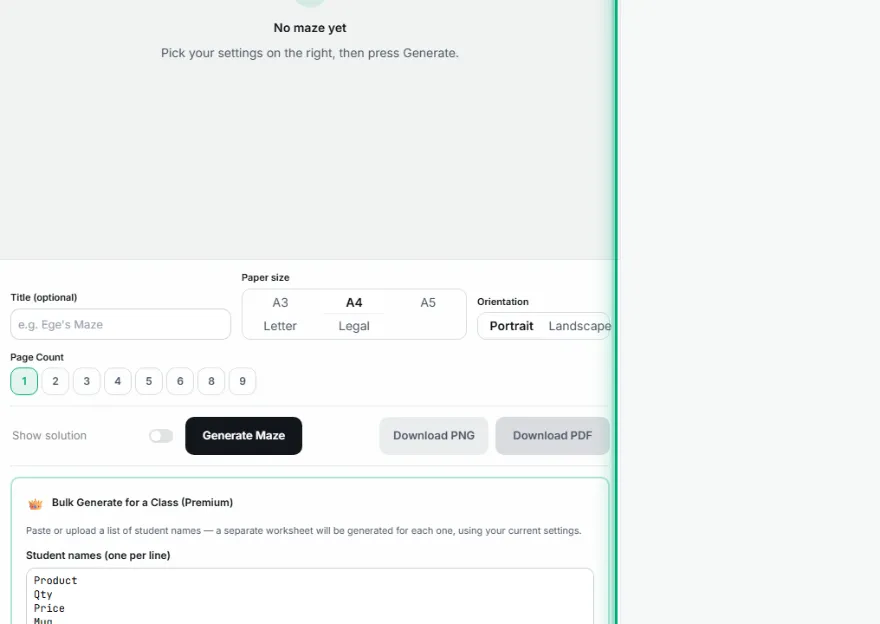
Choose a view and paper size
Stay with the simple 2D maze, or pick an illustrated theme (Castle, Garden, Space, Ocean) or a 3D top-view render — then choose from A3, A4, A5, Letter, or Legal.
- 3
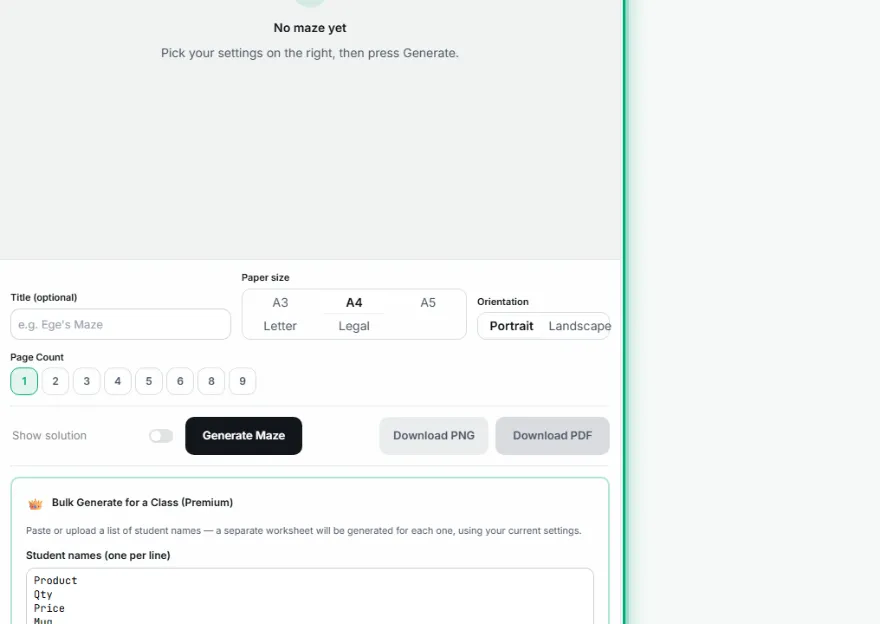
Generate
A new randomized maze is created — click again anytime for a different one.
- 4
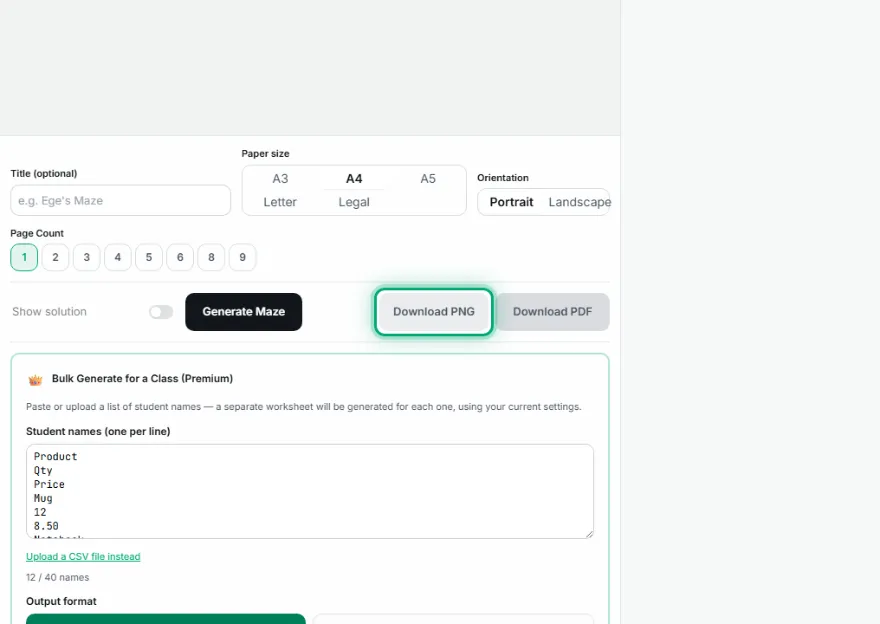
Download or print a batch
Export as PNG or a print-ready PDF, or use the batch panel to generate a personalized worksheet for every name on your class list.
Features
- ✓Real randomized-DFS maze generation — a different, genuinely solvable maze every time
- ✓Optional solution path overlay (real pathfinding, not a static image)
- ✓3D top-view and illustrated themes (Castle, Garden, Space, Ocean), with obstacles on dead ends
- ✓Multi-page poster tiling — print one giant maze split across several sheets
- ✓Batch generation — a personalized worksheet for every name on your list, as a ZIP or one combined PDF
- ✓A3, A4, A5, Letter, and Legal paper sizes, print-ready layout
- ✓PNG and PDF export
- ✓Runs entirely in your browser — no image is ever uploaded to a server
Frequently Asked Questions
Is every maze actually solvable?
Yes — mazes are generated with a randomized depth-first search that guarantees exactly one path between entrance and exit.
Does it support 3D themes, posters, and batch generation?
Yes — 3D/illustrated themes, multi-page poster tiling, and per-student batch generation are all built in.
Can I get the same maze again?
Each generation is a new random maze — download the one you like before generating another.
What file formats can I download?
PNG for a quick image, a print-ready PDF sized to your chosen paper, or a ZIP of PDFs when generating a batch for a class list.