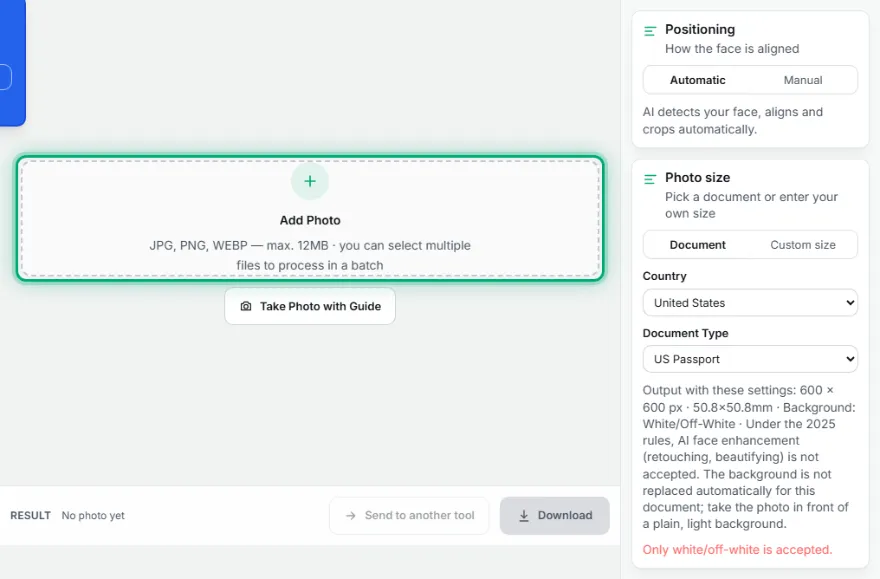
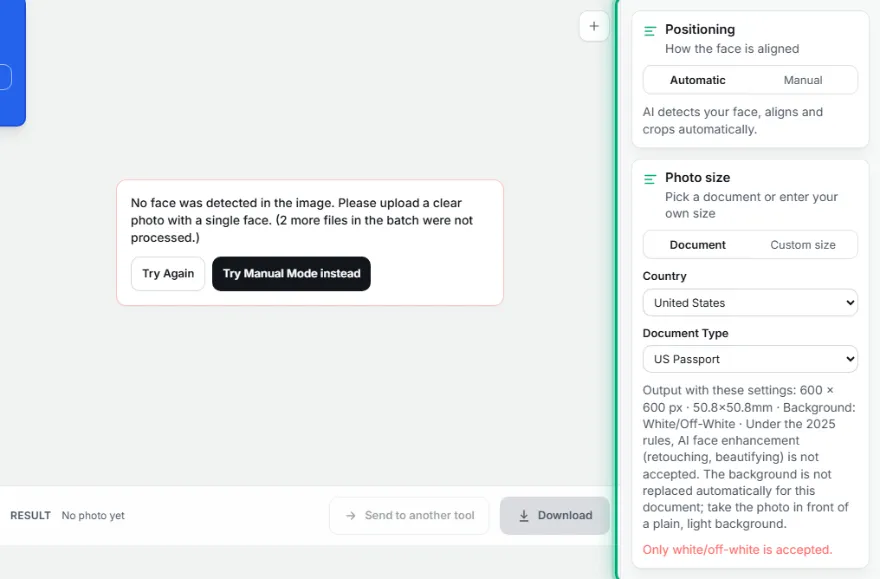
Positioning
How the face is aligned
AI detects your face, aligns and crops automatically.
Photo size
Pick a document or enter your own size
Country
Document Type
Output with these settings: 600 × 600 px · 50.8×50.8mm · Background: White/Off-White · Under the 2025 rules, AI face enhancement (retouching, beautifying) is not accepted. The background is not replaced automatically for this document; take the photo in front of a plain, light background.
Only white/off-white is accepted.
How It Works
- 1
Upload your photo
Pick a sharp, front-facing photo.
- 2
Choose the country and document type
Pick one of 21 countries and a document type like passport/ID/visa — or enter your own measurements.
- 3
Check the automatic alignment
Face alignment, head ratio, and background are set automatically; fine-tune if needed.
- 4
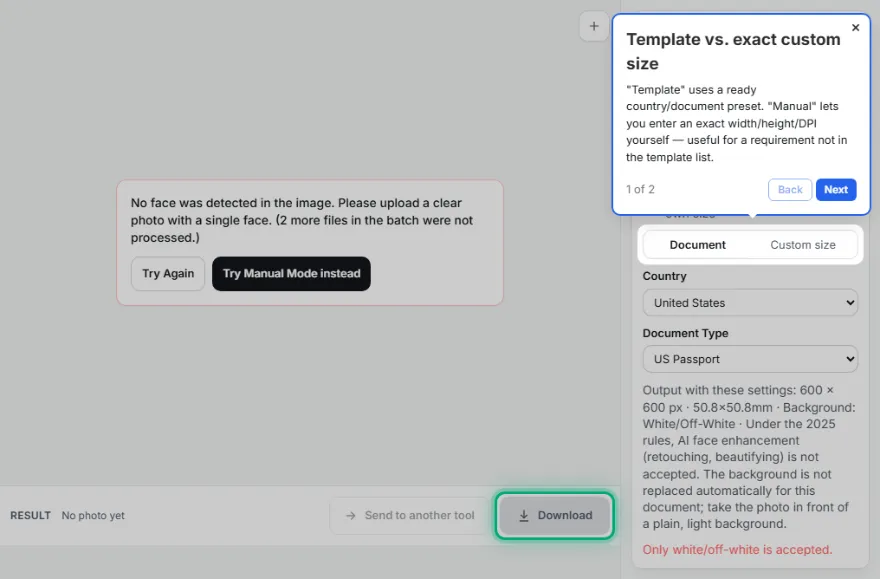
Download
Download your print-ready photo at the official size.
Features
- ✓21 countries and 29 documents, automatic templates matched to official document sizes (Turkey, US, Schengen, UK, Canada, China, the Netherlands and more)
- ✓Automatic checks before you download: head size, pose, eyes open, neutral expression, even lighting, background and clothing contrast
- ✓Automatically detects the background and replaces it with the official white/light grey background
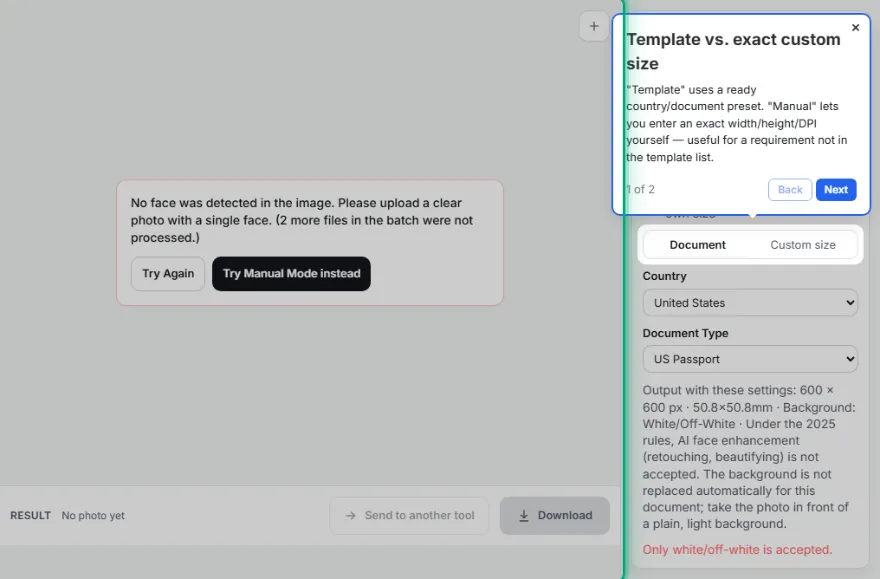
- ✓"Custom size" for a country/institution not in the list — custom measurements in mm, cm, or inches
- ✓300 DPI resolution by default for print, adjustable for screen/digital use too
- ✓Runs entirely in your browser — your photo is never uploaded
Frequently Asked Questions
What size should a passport/ID photo be for Turkey?
The official size for the Turkish National ID Card, passport, and driving licence is 50×60mm — all three use the same size. The tool applies this size automatically, no manual calculation needed.
What is the Schengen visa photo size?
The Schengen (EU) visa photo is 35×45mm — the UK passport and Australian passport/visa use the same size. The US passport/Green Card, on the other hand, uses a different 2×2 inch (50.8×50.8mm) square format.
My country/document isn't in the list, what should I do?
From the "Enter Custom Size" tab, enter your own width/height (in mm, cm, or inches) to use the same automatic alignment, cropping, and background cleanup for a country or institution not in the list.
Is the background removed automatically, or do I need to crop it by hand?
The background is automatically detected and replaced with the official white/light grey background; face alignment and head ratio are also set automatically based on your chosen document's standard. If you don't like the result, you can fine-tune it by hand.
Does the tool check my eyes, smile and lighting?
Yes. Besides head size and pose, it checks that your eyes are open, your expression is neutral with the mouth closed, the face is evenly lit without strong shadows, and that your clothing does not blend into the background. These are pre-checks to catch common rejection reasons, not an official guarantee.
My application form has a file size limit — what should I do?
Enter the limit in KB under Formats before downloading. The JPG keeps the official pixel size and only the compression is adjusted to fit the limit.
Related Tools
Photo size by country and document
- US Passport · 50.8×50.8 mm
- US Green Card · 50.8×50.8 mm
- US Visa · 50.8×50.8 mm
- US DV Lottery · 50.8×50.8 mm
- Canada Passport · 50×70 mm
- UK Passport · 35×45 mm
- Australia Passport · 35×45 mm
- Schengen Visa · 35×45 mm
- German Passport & ID · 35×45 mm
- Dutch Passport & ID · 35×45 mm
- French Passport · 35×45 mm
- French ID Card · 35×45 mm
- Spain DNI & Passport · 26×32 mm
- Italy Passport · 35×45 mm
- Turkish Passport · 50×60 mm
- Turkish ID Card · 50×60 mm
- Turkish Driving Licence · 50×60 mm
- Indian Passport · 35×45 mm
- India OCI Card · 51×51 mm
- Japan Passport · 35×45 mm
- South Korea Passport · 35×45 mm
- China Passport · 33×48 mm
- China Visa · 33×48 mm
- Brazil Passport · 50×70 mm
- Mexico Passport · 35×45 mm
- Russia Passport · 35×45 mm
- South Africa ID · 35×45 mm
- Singapore Passport · 35×45 mm
- ICAO Standard ID · 35×45 mm
Your country isn't in the list? Enter your own measurements
From the "Enter Custom Size" tab above, enter width/height (mm, cm, or inches) and target resolution yourself to use the same alignment/cropping/background-cleanup process for a country or institution not in the list.
What values do I need to enter in Custom Size mode?
Width, height, and unit (mm/cm/inch) are enough — 300 (print/official) is selected by default for the target resolution (DPI). Fine-tuning options like head ratio and top margin can optionally be changed under "Advanced Settings" — the defaults (75% head ratio) work for most documents.
Pixel (PX) to CM Conversion Guide
There's no fixed correspondence between pixels (px) and centimeters (cm). The conversion depends on the screen or print resolution (DPI/PPI — the number of dots or pixels per inch).
For the standard web resolution of 96 DPI:
- 1 cm ≈ 37.8 pixels (px)
- 100 pixels ≈ 2.65 cm
- 3.5 cm × 4.5 cm (biometric photo) = 132 px × 170 px
How Is It Calculated?
The standard formula is: Pixels = (Centimeters × Resolution) ÷ 2.54
1 CM by Common Screen/Print Standards:
- For Screen/Web (72 DPI): 1 cm = 28.3 px
- For Standard Screen (96 DPI): 1 cm = 37.8 px
- For High-Quality Print (300 DPI): 1 cm = 118.1 px
Quick CM ↔ PX Calculator
Enter a value in one field and the other updates automatically — the calculation happens entirely on this page.