Positioning
How the face is aligned
AI detects your face, aligns and crops automatically.
Photo size
Pick a document or enter your own size
Country
Document Type
Output with these settings: 413 × 531 px · 35.0×45.0mm · Background: Light Grey/Cream · Most Smart ID applications don't need this template at all — the photo is taken digitally at the office.
Light grey or cream is preferred.
Official South Africa ID photo: 35×45 mm, head height 29.0–34.0 mm, background Light Grey/Cream. Upload a photo or take one with the guided camera — alignment, cropping and background replacement happen automatically, and your photo never leaves your device.
South Africa ID photo requirements
| Photo size | 35×45 mm |
| Head height (chin to crown) | 29.0–34.0 mm |
| Background | Light Grey/Cream — Light grey or cream is preferred. |
| Print resolution | 300 DPI |
| Digital size | 413×531 px |
| Official source | No official page found — values follow the international ICAO standard; check with the issuing office before submitting. |
How It Works
- 1
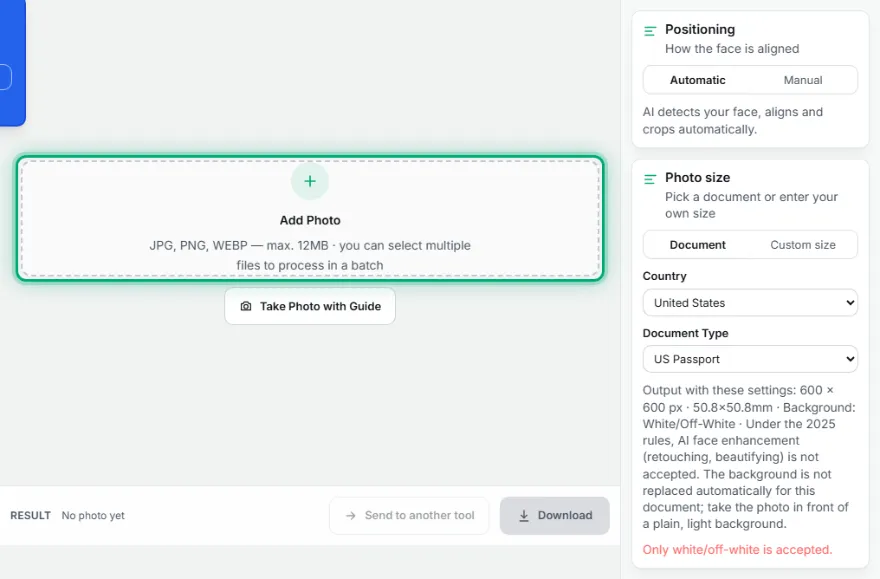
Upload your photo
Pick a sharp, front-facing photo.
- 2
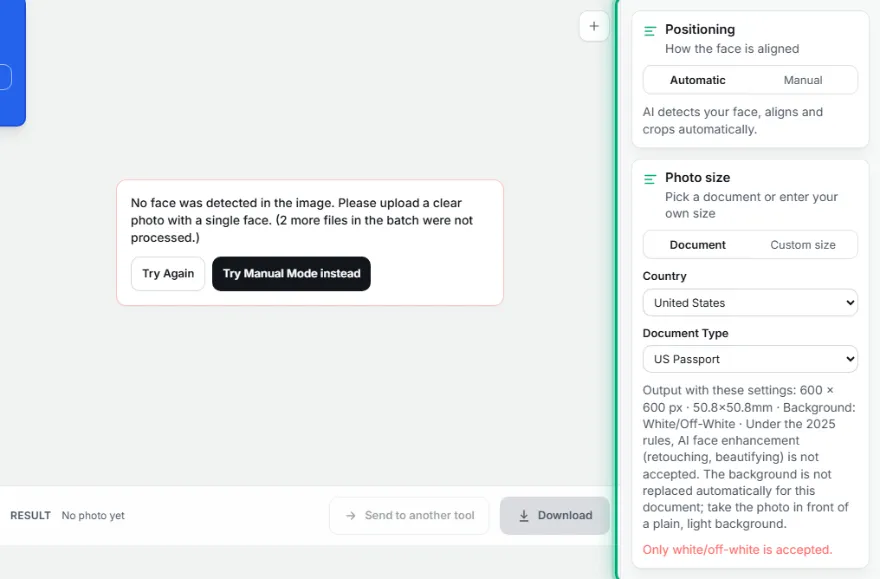
Choose the country and document type
Pick one of 21 countries and a document type like passport/ID/visa — or enter your own measurements.
- 3
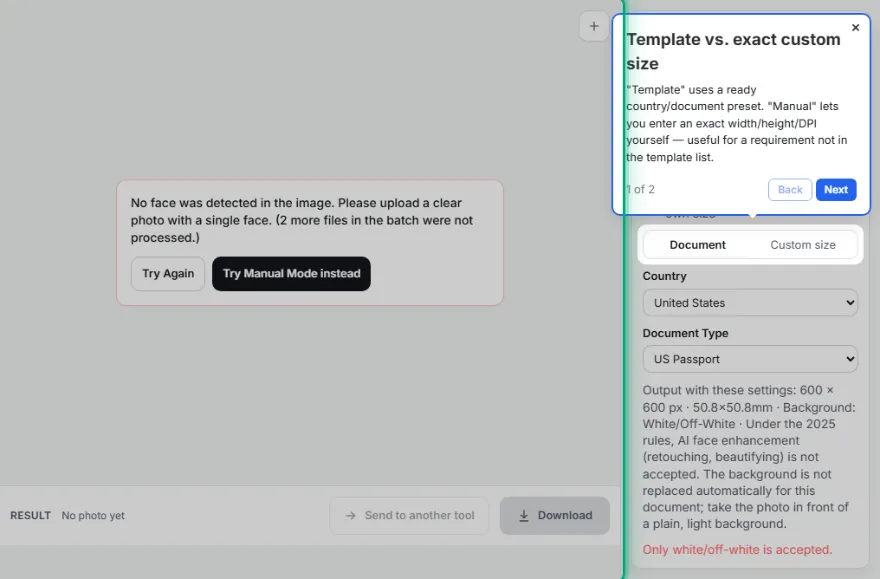
Check the automatic alignment
Face alignment, head ratio, and background are set automatically; fine-tune if needed.
- 4
Download
Download your print-ready photo at the official size.
Frequently Asked Questions
What size is a South Africa ID photo?
35×45 mm (413×531 pixels at 300 DPI). The head, measured from chin to the top of the hair, should be 29.0–34.0 mm tall.
What background does a South Africa ID photo need?
Light Grey/Cream. The tool replaces the background automatically with this color.
Is my photo uploaded anywhere?
No. Face detection, cropping and background replacement all run in your browser; the photo is never uploaded.
Other documents
- US Passport · 50.8×50.8 mm
- US Green Card · 50.8×50.8 mm
- US Visa · 50.8×50.8 mm
- US DV Lottery · 50.8×50.8 mm
- Canada Passport · 50×70 mm
- UK Passport · 35×45 mm
- Australia Passport · 35×45 mm
- Schengen Visa · 35×45 mm
- German Passport & ID · 35×45 mm
- Dutch Passport & ID · 35×45 mm
- French Passport · 35×45 mm
- French ID Card · 35×45 mm
- Spain DNI & Passport · 26×32 mm
- Italy Passport · 35×45 mm
- Turkish Passport · 50×60 mm
- Turkish ID Card · 50×60 mm
- Turkish Driving Licence · 50×60 mm
- Indian Passport · 35×45 mm
- India OCI Card · 51×51 mm
- Japan Passport · 35×45 mm
- South Korea Passport · 35×45 mm
- China Passport · 33×48 mm
- China Visa · 33×48 mm
- Brazil Passport · 50×70 mm
- Mexico Passport · 35×45 mm
- Russia Passport · 35×45 mm
- Singapore Passport · 35×45 mm
- ICAO Standard ID · 35×45 mm