Positioning
How the face is aligned
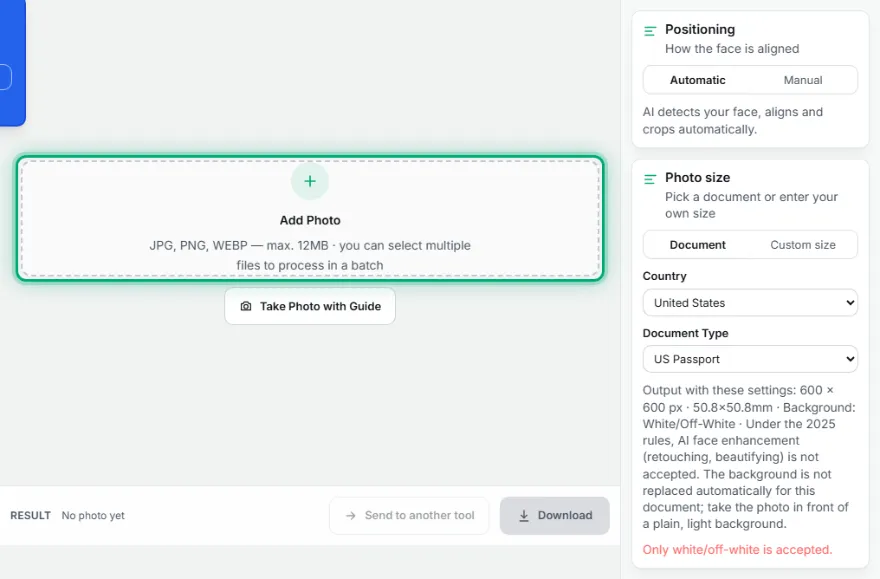
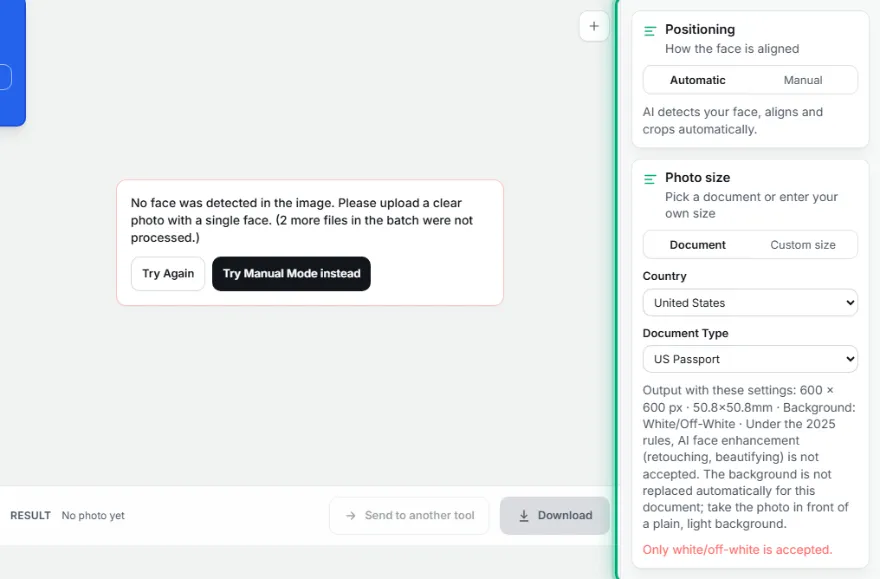
AI detects your face, aligns and crops automatically.
Photo size
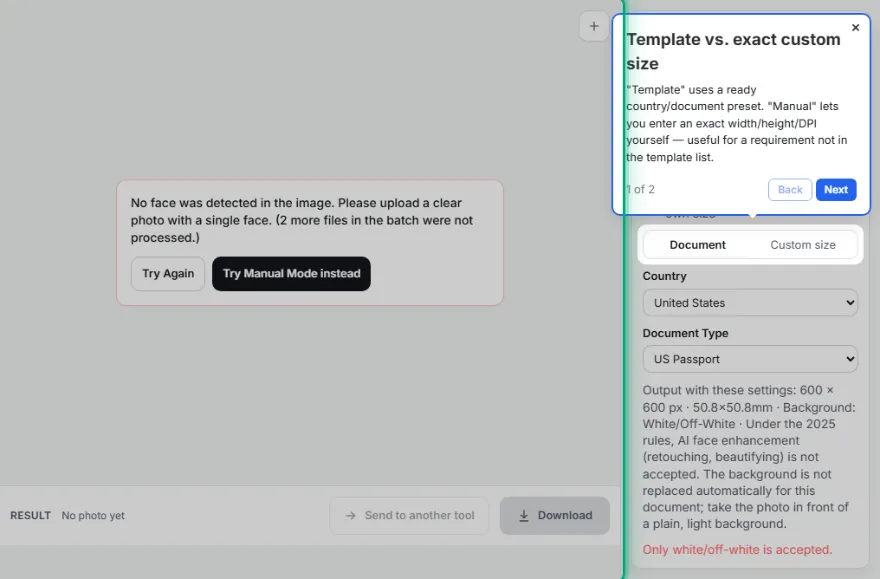
Pick a document or enter your own size
Country
Document Type
Output with these settings: 413 × 531 px · 35.0×45.0mm · Background: White · A sharp, non-blurry color photo at 600 DPI or higher is requested.
MOFA recommends white (a plain, shadow-free background is required; white isn't officially mandatory but is the de facto standard).
Official Japan Passport photo: 35×45 mm, head height 31.9–36.0 mm, background White. Upload a photo or take one with the guided camera — alignment, cropping and background replacement happen automatically, and your photo never leaves your device.
Japan Passport photo requirements
| Photo size | 35×45 mm |
| Head height (chin to crown) | 31.9–36.0 mm |
| Background | White — MOFA recommends white (a plain, shadow-free background is required; white isn't officially mandatory but is the de facto standard). |
| Print resolution | 300 DPI |
| Digital size | 413×531 px |
| Official source | www.mofa.go.jp |
How It Works
- 1
Upload your photo
Pick a sharp, front-facing photo.
- 2
Choose the country and document type
Pick one of 21 countries and a document type like passport/ID/visa — or enter your own measurements.
- 3
Check the automatic alignment
Face alignment, head ratio, and background are set automatically; fine-tune if needed.
- 4
Download
Download your print-ready photo at the official size.
Frequently Asked Questions
What size is a Japan Passport photo?
35×45 mm (413×531 pixels at 300 DPI). The head, measured from chin to the top of the hair, should be 31.9–36.0 mm tall.
What background does a Japan Passport photo need?
White. The tool replaces the background automatically with this color.
Is my photo uploaded anywhere?
No. Face detection, cropping and background replacement all run in your browser; the photo is never uploaded.
Other documents
- US Passport · 50.8×50.8 mm
- US Green Card · 50.8×50.8 mm
- US Visa · 50.8×50.8 mm
- US DV Lottery · 50.8×50.8 mm
- Canada Passport · 50×70 mm
- UK Passport · 35×45 mm
- Australia Passport · 35×45 mm
- Schengen Visa · 35×45 mm
- German Passport & ID · 35×45 mm
- Dutch Passport & ID · 35×45 mm
- French Passport · 35×45 mm
- French ID Card · 35×45 mm
- Spain DNI & Passport · 26×32 mm
- Italy Passport · 35×45 mm
- Turkish Passport · 50×60 mm
- Turkish ID Card · 50×60 mm
- Turkish Driving Licence · 50×60 mm
- Indian Passport · 35×45 mm
- India OCI Card · 51×51 mm
- South Korea Passport · 35×45 mm
- China Passport · 33×48 mm
- China Visa · 33×48 mm
- Brazil Passport · 50×70 mm
- Mexico Passport · 35×45 mm
- Russia Passport · 35×45 mm
- South Africa ID · 35×45 mm
- Singapore Passport · 35×45 mm
- ICAO Standard ID · 35×45 mm