Settings
Choose the output format
Output format
If the codec is compatible the video is copied without re-encoding (fast, lossless); otherwise it's converted.
The text is drawn into every frame, so the video is re-encoded and processing takes a little longer. What you see in the preview is what the file contains.
How It Works
- 1
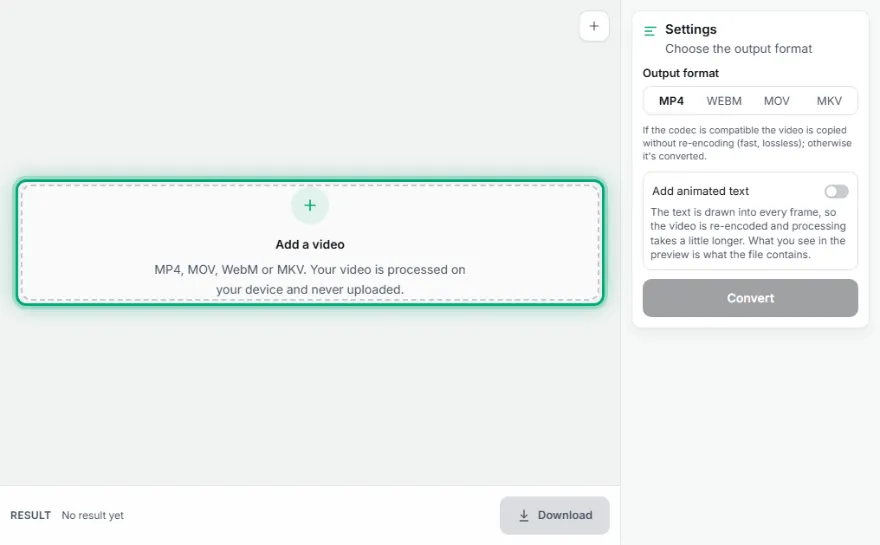
Add the video
Choose the video to convert.
- 2
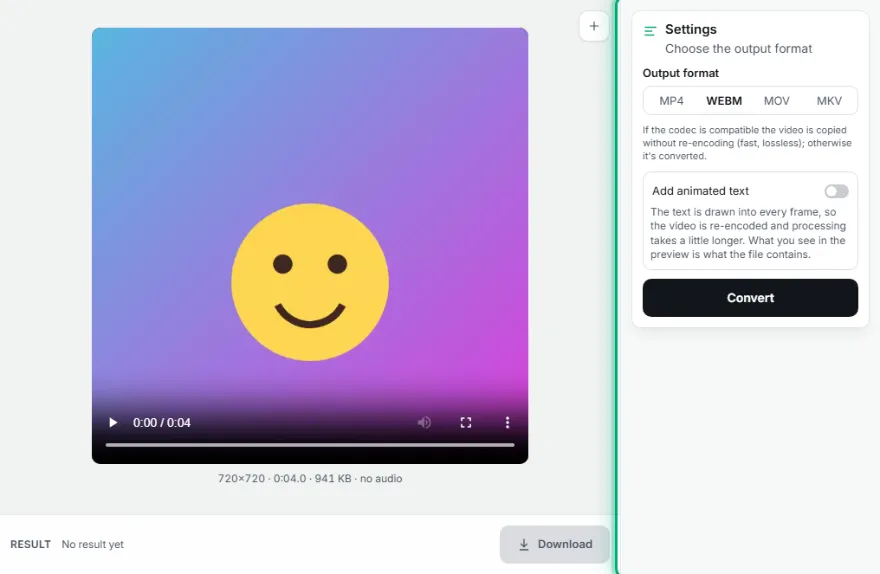
Choose the format
Pick MP4, WebM, MOV or MKV.
- 3

Convert and download
Preview the result and download it.
Features
- ✓MP4, WebM, MOV, MKV
- ✓Fast, lossless conversion without re-encoding when codecs match
- ✓Automatic re-encoding when needed
- ✓Audio kept
- ✓Your video is processed on your device, never uploaded
Frequently Asked Questions
How do I convert MOV to MP4?
Add your MOV file and choose MP4. iPhone videos are usually moved into MP4 in seconds without re-encoding.
Does converting lower quality?
If the codec fits the target format, the picture is copied as is with no loss. Formats that need a different codec, like WebM, are re-encoded.
Is AVI supported?
No; the browser can read MP4, MOV, WebM and MKV.
Which browsers does it work in?
It needs the browser's video processing support: it works in up-to-date Chrome, Edge, Firefox and Safari. If it's unsupported, the tool says so.
Is my video uploaded to a server?
No. All processing happens in your browser on your own device; the video is never sent anywhere.