Settings
Silent video in one step
The picture is copied without re-encoding; only the audio is removed. No quality loss.
How It Works
- 1
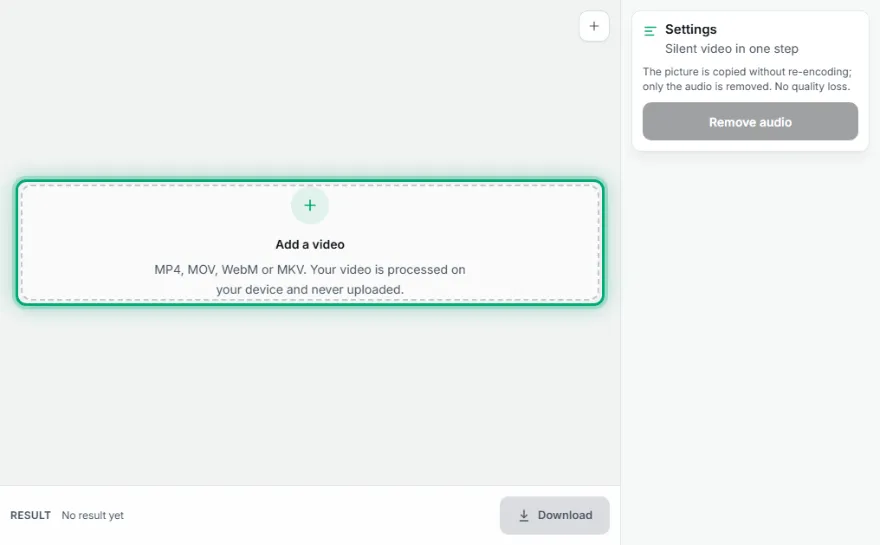
Add the video
Choose the video whose sound you want to remove.
- 2
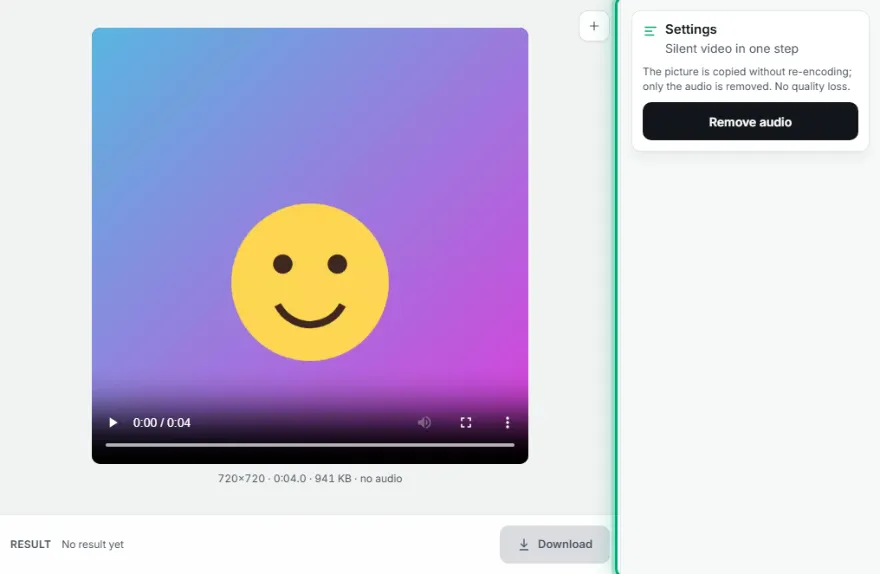
Remove the audio
Press 'Remove audio'; the picture is copied.
- 3

Download
Download the silent video.
Features
- ✓Picture not re-encoded, no loss
- ✓Takes seconds
- ✓Output in the original format
- ✓Your video is processed on your device, never uploaded
Frequently Asked Questions
Does picture quality change?
No, the picture is copied as is.
Can I get the audio as a separate file?
Yes, use Extract Audio from Video.
Can I mute only part of it?
Not yet; the audio is removed from the whole video.
Which browsers does it work in?
It needs the browser's video processing support: it works in up-to-date Chrome, Edge, Firefox and Safari. If it's unsupported, the tool says so.
Is my video uploaded to a server?
No. All processing happens in your browser on your own device; the video is never sent anywhere.