Settings
Choose start and end
The text is drawn into every frame, so the video is re-encoded and processing takes a little longer. What you see in the preview is what the file contains.
How It Works
- 1
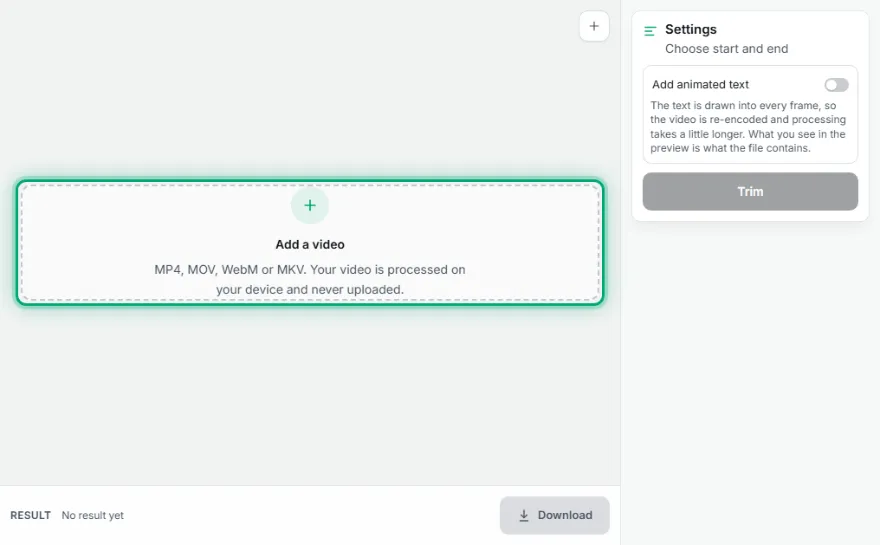
Add the video
Choose the video to trim.
- 2
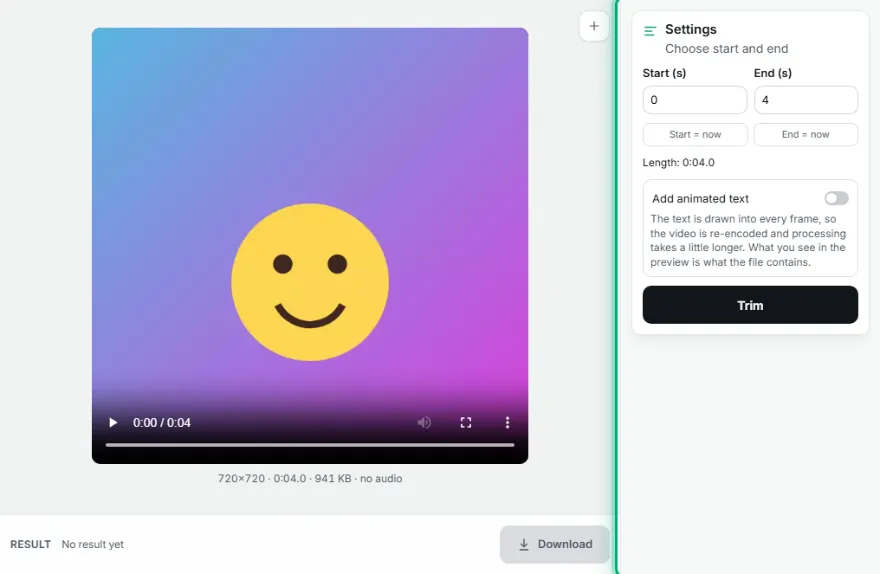
Choose the range
Move the video to the moment you want and press 'Start = now' and 'End = now', or type the seconds.
- 3

Trim and download
Preview the result and download it.
Features
- ✓Start/end from the preview
- ✓0.1-second precision
- ✓Audio kept
- ✓Output in the original format
- ✓Your video is processed on your device, never uploaded
Frequently Asked Questions
Does the trimmed part lose quality?
Where possible the picture is copied without re-encoding, so nothing is lost.
Can I delete a section in the middle?
This tool keeps one range. To remove a middle section, trim the two parts separately; joining isn't available yet.
Does it work with long videos?
Yes; since it uses your device's memory, very large files (over 1 GB) may be slow.
Which browsers does it work in?
It needs the browser's video processing support: it works in up-to-date Chrome, Edge, Firefox and Safari. If it's unsupported, the tool says so.
Is my video uploaded to a server?
No. All processing happens in your browser on your own device; the video is never sent anywhere.