remove.bg is closing on 1 December 2026 — a free alternative that never uploads your photo
remove.bg's standalone website closes on 1 December 2026 at 09:00 CET, and its background removal moves into Canva. Both work the same way: your photo is uploaded to a server. Pixebag removes the background inside your browser instead, so the photo never leaves your device, with no account and no watermark. Below: what changes on 1 December, a short checklist for the weeks before, and how the alternatives compare.
What changes on 1 December
According to remove.bg's FAQ, the website and accounts stop on 1 December 2026 at 09:00 CET. Background removal continues inside Canva, so anyone who used the site for quick cut-outs will be sent there and needs a Canva account. The self-service API stops accepting requests the same day and is pointed to Leonardo.Ai; enterprise API contracts continue as normal.
The Photoshop plug-in will not be available after 1 December, and remove.bg's other integrations and plug-ins are discontinued. For the desktop app, remove.bg points to Canva's bulk background removal. Unused pay-as-you-go credits expire on 1 December; annual subscribers get a pro-rata refund for unused time, and monthly plans simply end. Read remove.bg's own FAQ for the rules that apply to your account.
Source: remove.bg FAQ · Last checked: 8 November 2026
Checklist before 1 December
- Export your credit usage report and invoices from your remove.bg Account page; you cannot download them after 1 December.
- Save any finished images you still need, and use up your pay-as-you-go credits; they expire on 1 December.
- If an app or script calls the service, list those calls now; a browser tool will not replace an API.
- Pick your replacement and test it on your three hardest photos: flyaway hair, glass or a transparent item, and a product with a shadow.
- Save your usual settings (background colour, size, file type) so the switch takes minutes, not an afternoon.
Pixebag background remover: how it compares
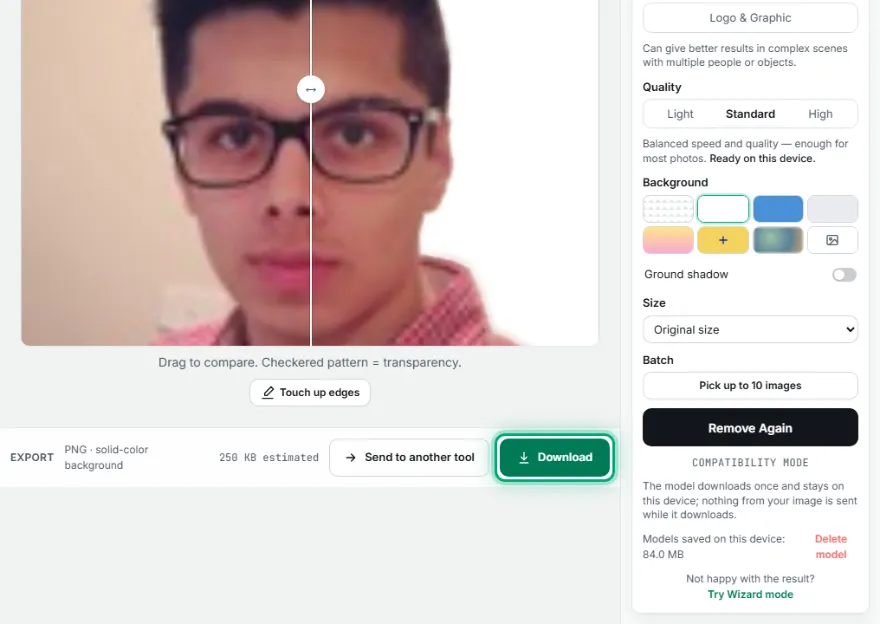
The Pixebag background remover works in your browser. There is no sign-up, no watermark, and your photo is processed on your own device — it is not uploaded anywhere. Drop in a picture, choose the scene type (people and hair, vehicle, object, or let it decide), and download a transparent PNG at your photo's own size (up to about 16 megapixels, not a small preview), or swap in a white, coloured, blurred or your own background.
When the automatic cut misses a spot, the erase and restore brush fixes it. If you have many photos, the Bulk Background Remover cleans a whole folder at once.
remove.bg, Canva and Pixebag side by side
| remove.bg (until 1 Dec) | Canva | Pixebag | |
|---|---|---|---|
| Account | Free preview, account for downloads | Canva account needed | None |
| Where your photo goes | Uploaded to a server | Uploaded to a server | Stays on your device |
| Watermark | None on paid downloads | None | None |
| Many photos at once | Paid credits | Inside Canva | A whole folder (up to 500) |
| Programmatic access (API) | Moving to Leonardo.Ai | Not the purpose | Not offered |
Based on remove.bg's FAQ as read in November 2026; check each service for current terms.
Frequently asked questions
When exactly does remove.bg close?
remove.bg's FAQ gives 1 December 2026, 09:00 CET. After that the website and accounts are no longer available. Read the FAQ for the rules that apply to your account.
Is the Pixebag background remover really free?
Yes: no account and no watermark.
Do my photos get uploaded?
No. The cut-out runs inside your browser tab, so the photo itself is not sent to Pixebag or anyone else. The page does load ads and visit measurement, and the cut-out engine downloads once on your first visit. For sensitive files, use the isolated mode (/isolated).
I use the remove.bg API. Can I switch?
Not with Pixebag — it is a browser tool and has no API. If your workflow calls the service from code, follow remove.bg's pointer to Leonardo.Ai or look for another API provider.
Will results look the same as remove.bg?
Not on every photo, and we tested it. In our blind comparison of 20 photos in November 2026, remove.bg's cut-out was preferred in most pairs. The gap was largest on busy backgrounds and group photos, on fine hair and fur edges, and on glass, where neither tool shows partial see-through. Pixebag did best on products on a white background. Try your hardest image first, and use the erase and restore brush for any spot the automatic cut misses.
What should I do with my existing remove.bg credits?
Use them before 1 December. According to remove.bg's FAQ, unused pay-as-you-go credits expire on that day.